
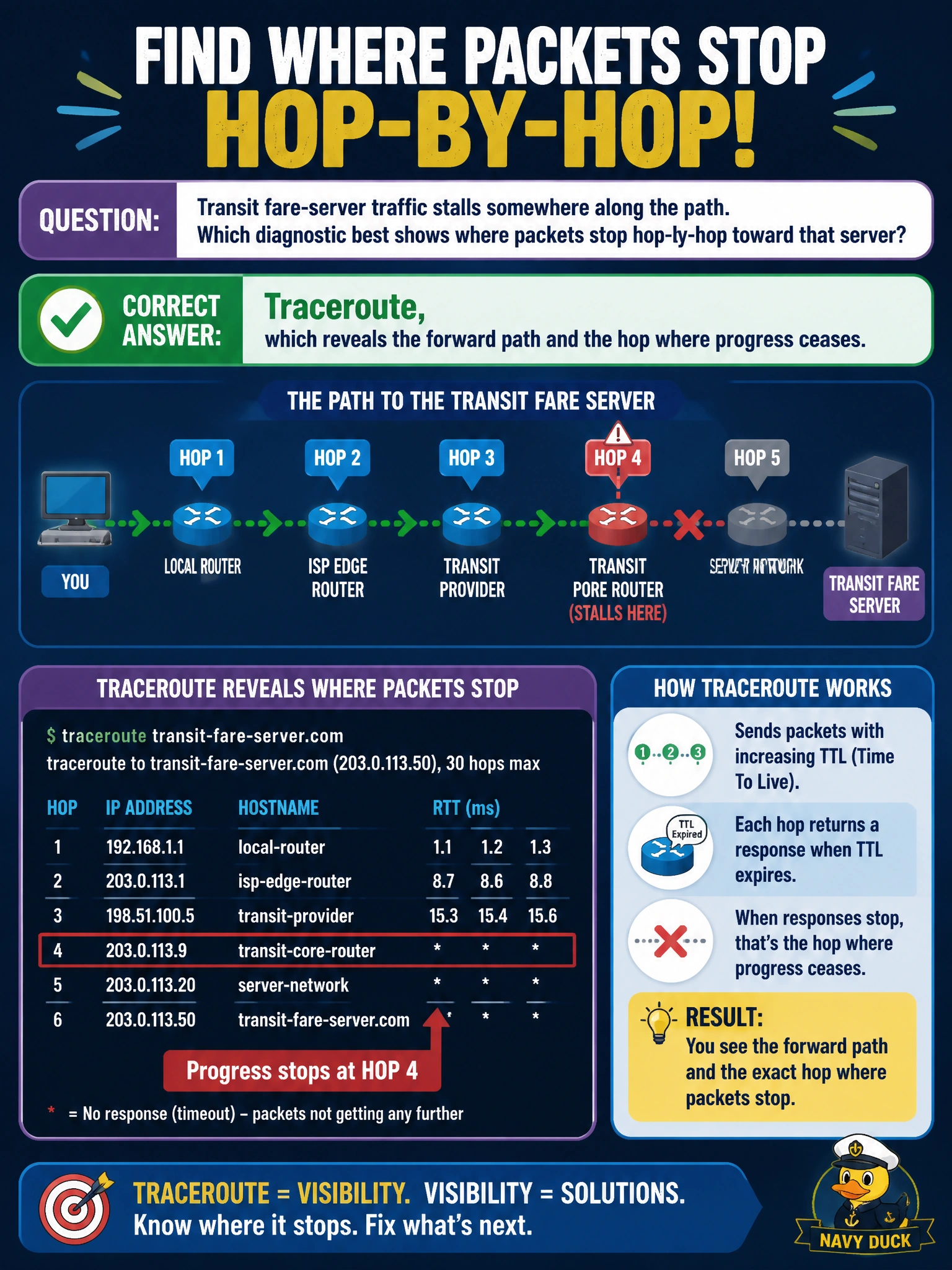
Transit fare-server traffic stalls somewhere along the path. Which diagnostic best shows where packets stop hop-by-hop toward that server?
Select an answer to reveal the explanation.
Short Explanation
Traceroute gives you a hop-by-hop breadcrumb trail toward the fare server, showing where progress stops. You can use that path visibility to narrow down where the traffic stalls.
Full Explanation
Traceroute is the best fit for fare-server traffic that stalls somewhere along its route because it reveals the forward path hop by hop and identifies where progress ceases. By sending probes with increasing TTL values, traceroute can show which routed hops respond and where replies stop, helping narrow the issue to a link, ACL, or routing boundary. IGMP snooping counters on the fare-gate switch show multicast forwarding at Layer 2, not the termination point for routed traffic to the fare server. HSRP standby state on the OCC distribution pair identifies gateway redundancy status but does not map the packet path or show where packets stop. Static NAT translation counters on the Internet edge show translation activity there, not hop-by-hop progress across a transit path that may stall elsewhere. Exam caveat: traceroute’s last responding hop is not always the exact fault location because ICMP filtering or an asymmetric return path can affect replies. Practical check: run traceroute from the relevant client source toward the fare server, then inspect routing and ACL state near the last responsive hop and retest.