
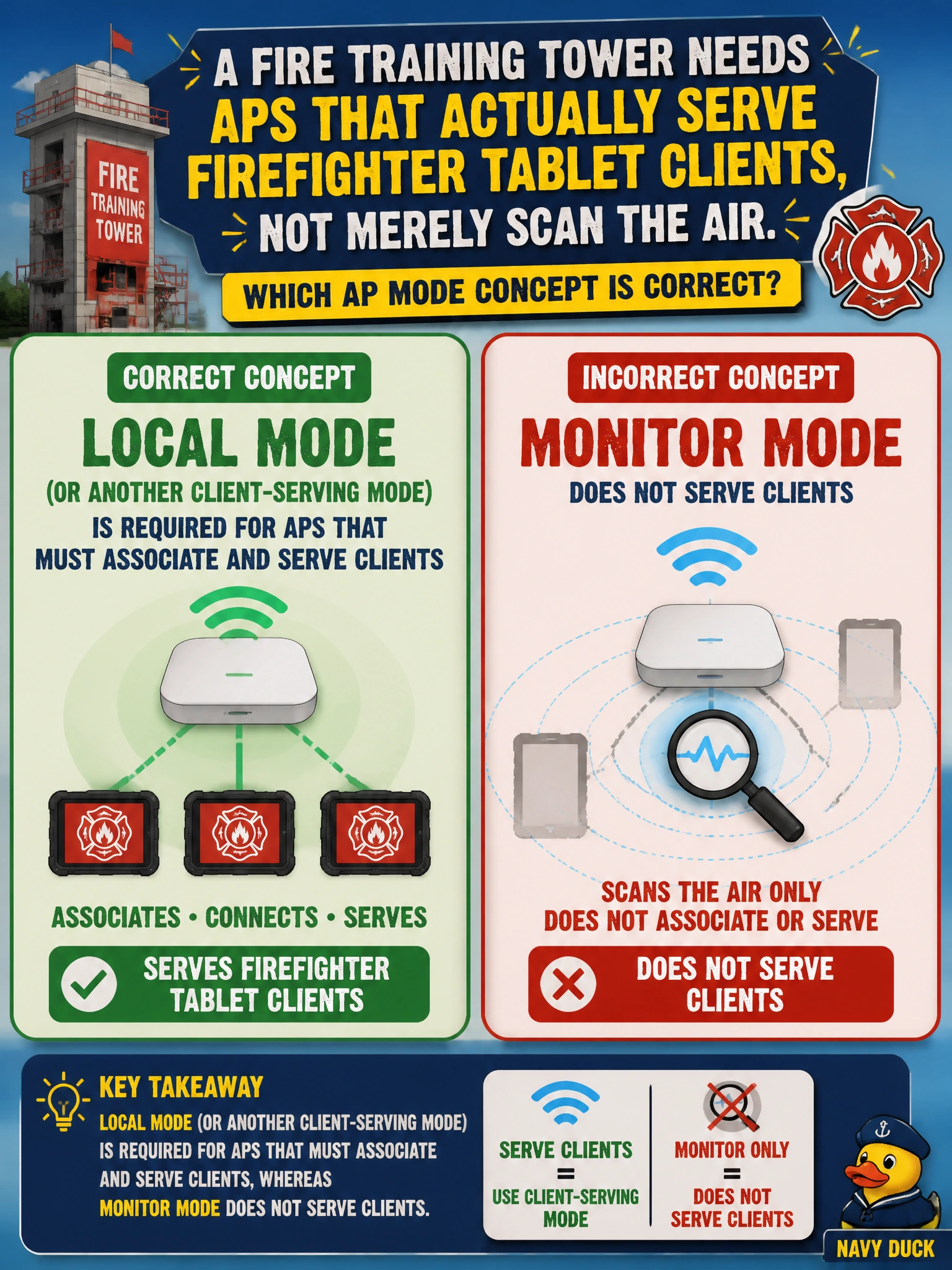
A fire training tower needs APs that actually serve firefighter tablet clients, not merely scan the air. Which AP mode concept is correct?
Select an answer to reveal the explanation.
Short Explanation
If you need your tablets to join, choose local mode or another client-serving mode; monitor mode listens but does not serve clients. Sniffer and SE-Connect are specialty tools, not everyday tablet access.
Full Explanation
A fire training tower that needs APs to serve firefighter tablet clients requires local mode or another client-serving mode that can associate clients. Monitor mode deliberately does not serve clients; it listens for security and spectrum visibility, so it cannot provide tablet access. Preferring monitor mode because it “associates clients at full MCS rates” fails because monitor mode does not associate clients at all. Treating sniffer mode as the standard client access mode fails because sniffer mode is for packet capture, not tablet access. Replacing local mode with SE-Connect fails because SE-Connect is intended for dedicated spectrum analysis, not ongoing client service during training. Exam caveat: local mode is not the only possible client-serving mode; the key distinction is whether the AP serves clients or performs a specialty listening or analysis role. Choose a client-serving mode that also fits the tower’s WAN and controller design. Operational check: configure the tower APs in local mode or another appropriate client-serving mode, join them to the WLC, associate test tablets, and confirm the data path under load. Keep a separate monitor AP only if you also need security sensing.