
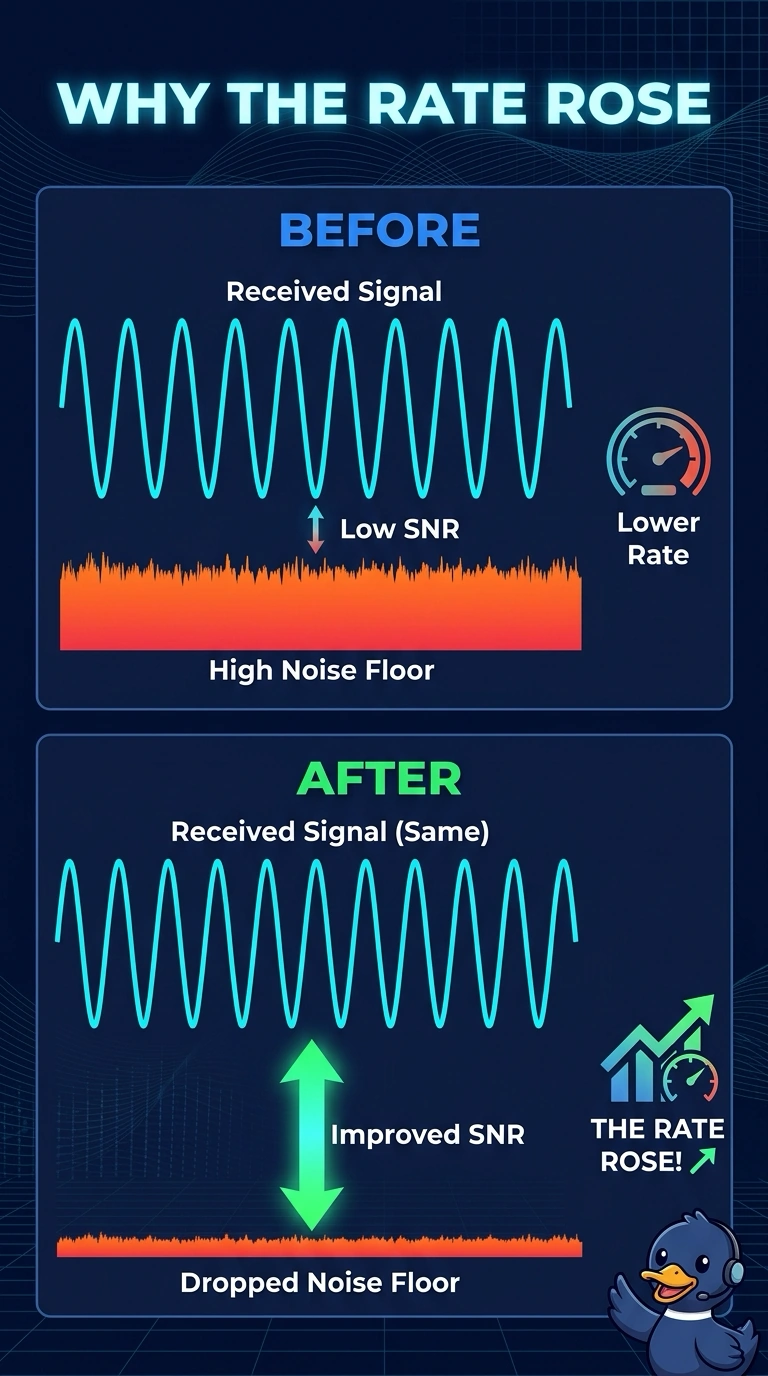
A clinic laptop holds a low rate beside a lab appliance. The appliance is removed, the received signal stays the same, the noise floor drops, and the rate rises. Why did the rate rise?
Select an answer to reveal the explanation.
Short Explanation
The laptop did not start hearing a louder access point. The room got quieter, so the gap between signal and noise got bigger. Your rate followed that gap, and the signal number never moved.
Full Explanation
SNR is signal minus noise. The received signal stayed the same and the noise floor dropped when the appliance left, so SNR improved and the laptop could hold a higher rate. A lower noise floor is not a stronger RSSI. The stem says the received signal did not change. A quieter room does not change the country code or the regulatory domain. The appliance was raising the noise floor, not serving addresses, and DHCP does not set the PHY rate. Removing a noisy appliance drops the noise floor. RSSI stays the same and the rate rises because SNR improved. Check one live client after the change and leave the rest of the floor alone until that client matches the result you expected. Exam caveat: if a later reading shows the signal changed too, you no longer have a clean noise-only result. Hold the laptop still and compare signal and noise together. Read the live counters after you retest. Operational check: read signal, noise, and rate before and after the appliance is removed and confirm only the noise and the rate moved.