
An engineer builds a 6 GHz profile that avoids a noisy channel. Access points stay on that channel. Their RF tag does not include the new profile. What is missing?
Select an answer to reveal the explanation.
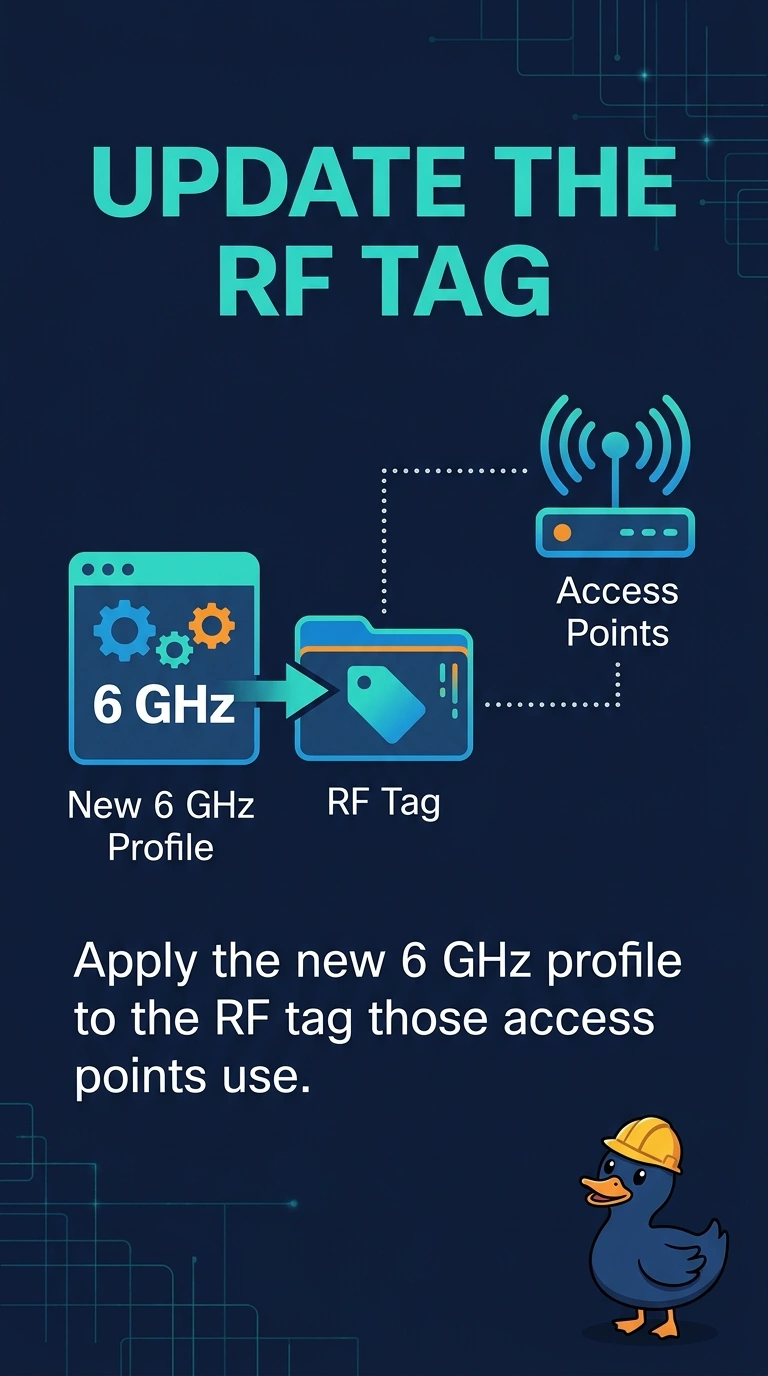
Short Explanation
The profile exists, and the tag on the access points does not contain it. Your 6 GHz radios never received the new channel list. A guest tunnel will not deliver a radio profile.
Full Explanation
An RF tag is how a 6 GHz profile reaches an access point. This tag does not include the new profile, so the radios stay on the noisy channel the profile was written to avoid. A guest anchor does not apply radio profiles when a DMZ comes up. A hidden SSID does not push an RF profile. Client exclusion does not edit RF tags or remove a channel. The 6 GHz profile that avoids a noisy channel is not in the RF tag the access points use, so their 6 GHz radios never receive it. Check one live client after the change and leave the rest of the floor alone until that client matches the result you expected. Confirm the symptom on the next attempt before changing anything else. Confirm the symptom on the next attempt before changing anything else. Exam caveat: a tag change can cause a rejoin. Confirm the tag on the access point after it returns, and confirm the 6 GHz radio, not only the 5 GHz radio, picked up the profile. Operational check: add the profile to the tag, then confirm the noisy channel is no longer assigned on 6 GHz.