
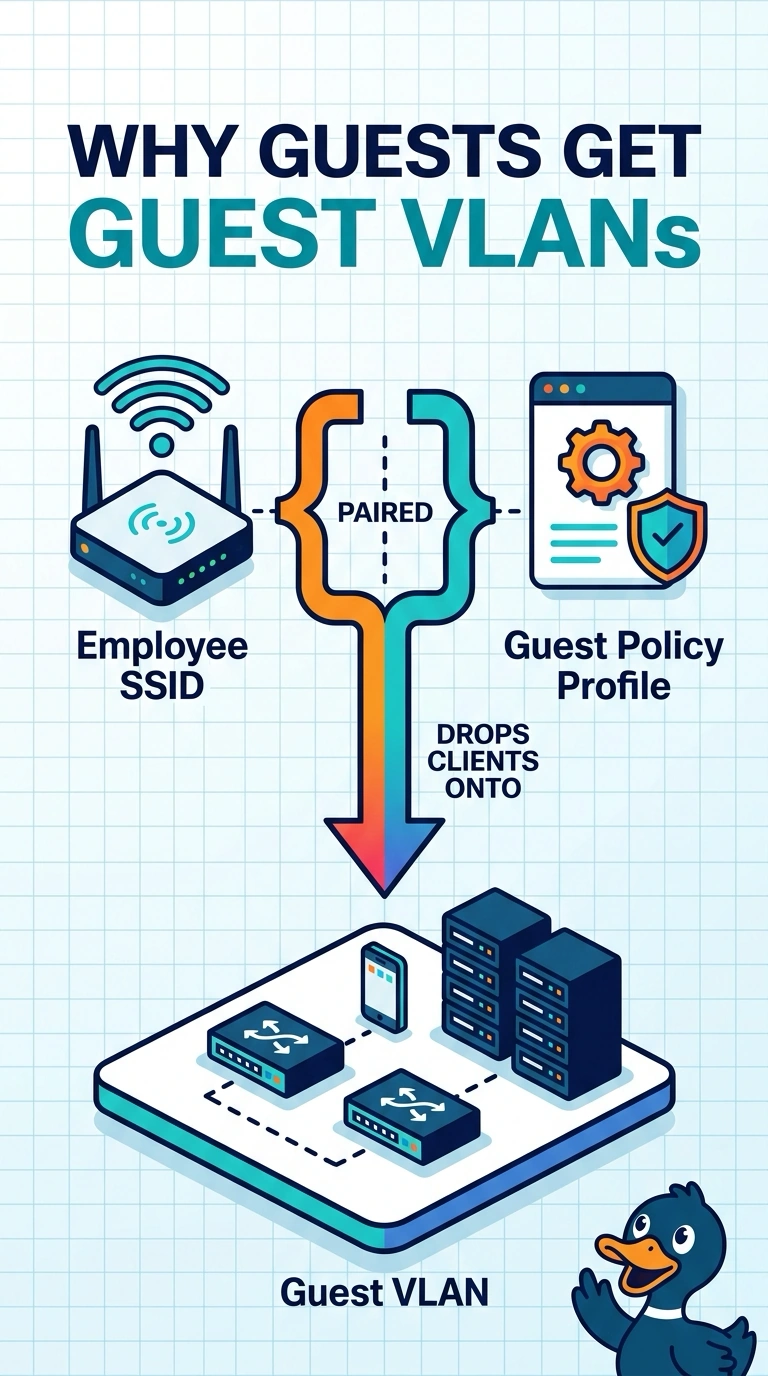
Employees join the employee SSID and receive guest-VLAN addresses. The employee WLAN is paired, on the policy tag, with the guest policy profile. What caused the guest addresses?
Select an answer to reveal the explanation.
Short Explanation
The name says employee and the profile behind it is the guest one. Your clients joined the right SSID and were dropped on the guest VLAN. Pair that WLAN with the employee profile.
Full Explanation
The policy profile is what the client is dropped into, including the VLAN. This employee WLAN is paired with the guest policy profile, so the addresses come from the guest VLAN. The guest profile did not refuse them. It accepted them onto the guest network, which is why they got addresses. An RF tag does not pick a VLAN from the letters in an SSID. The beacon interval does not swap policy profiles. The employee WLAN is paired with the guest policy profile, so employees land on the guest VLAN. Check one live client after the change and leave the rest of the floor alone until that client matches the result you expected. Confirm the symptom on the next attempt before changing anything else. Exam caveat: a second policy tag that still pairs this WLAN with the guest profile will keep the problem on any access point using that tag. Check the tag the access point actually has. Operational check: pair the employee WLAN with the employee policy profile, renew a client, and confirm the address is in the employee VLAN.