
Bank guests see the guest SSID and receive addresses from the employee VLAN. The WLAN profile is enabled and is present on the access points. The policy tag maps that WLAN to the employee policy profile. What is wrong?
Select an answer to reveal the explanation.
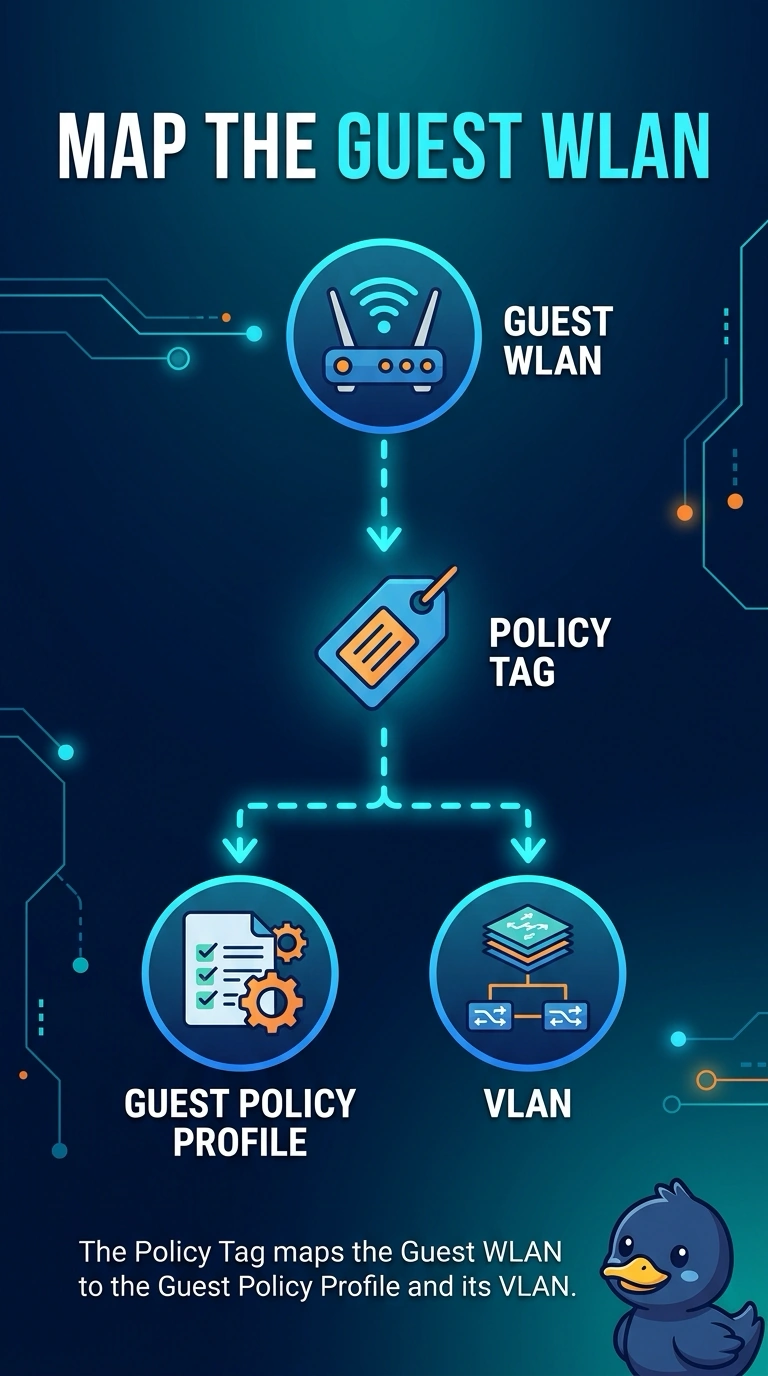
Short Explanation
The SSID is the sign on the door, and the policy profile is the room behind it. Your guests can see the guest sign and still walk into the employee VLAN because the tag points at the employee profile. Turning the power down does not change that room.
Full Explanation
On a Catalyst 9800 the policy tag binds a WLAN profile to a policy profile, and the policy profile carries the VLAN and related network policy. This guest WLAN is on the access points, which is why the SSID is visible, and it is bound to the employee policy profile, which is why guests get employee addresses. The fix is to map that WLAN to the guest policy profile whose VLAN is the guest network. Deleting the SSID would remove the service guests are supposed to see. Visibility of the SSID does not force the employee VLAN. The mapping does. Monitor mode stops client service. It is not required for a policy profile to take effect, and it would prevent guests from connecting at all. An RF tag sets radio behavior such as channel and power. Power at zero would make the cell useless and would not select a VLAN. The VLAN comes from the policy profile, not from the RF tag. Exam caveat: if the guest policy profile names a VLAN that does not exist on the controller uplink, guests will map correctly and still fail DHCP. Fix the mapping first, then confirm the VLAN path. Operational check: after the tag change, reconnect a test guest and confirm the client session shows the guest VLAN and a guest-scope address.