
A root access point is joined and its 2.4 GHz radio is up. Mesh access points never appear. The mesh backhaul is 5 GHz, and that radio on the root is shut down. What is missing?
Select an answer to reveal the explanation.
Short Explanation
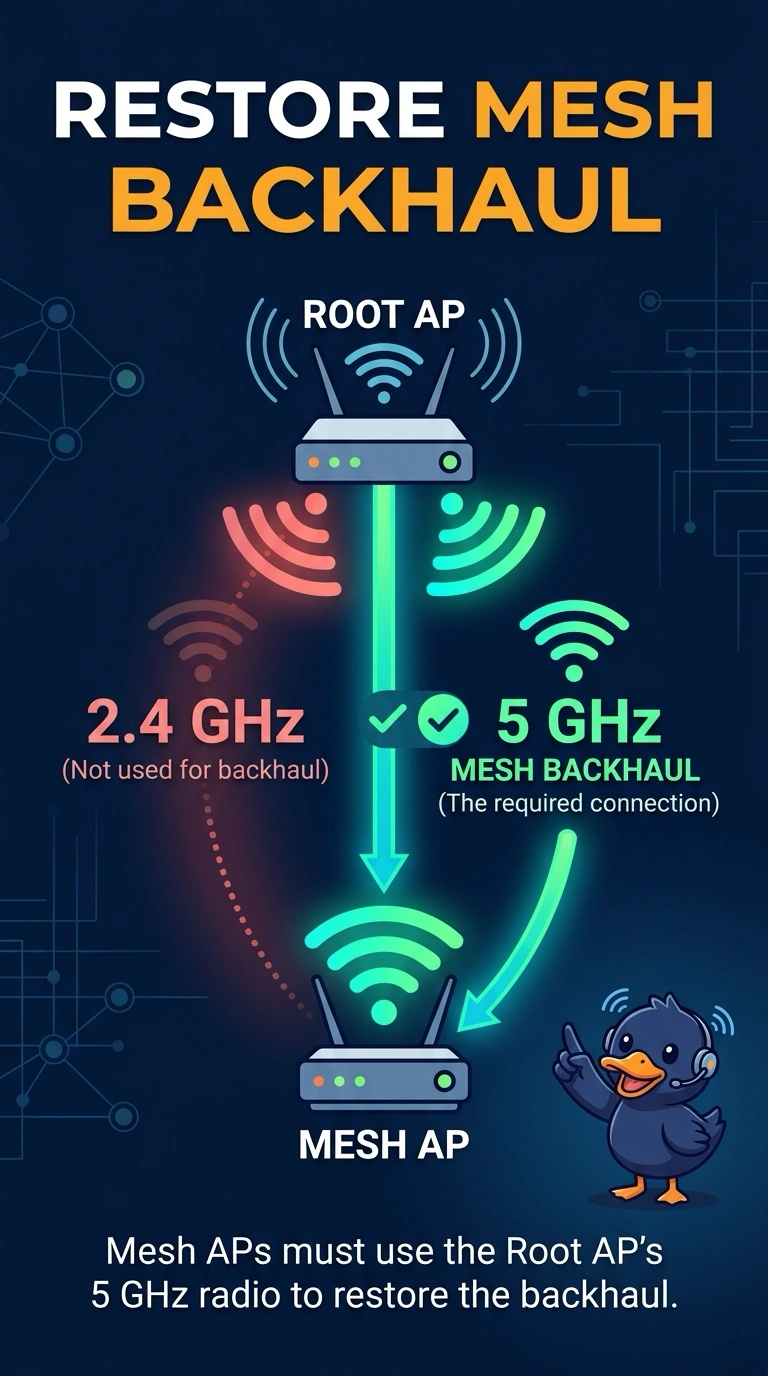
You’re close: the root is joined, but the mesh access points need its 5 GHz backhaul to be available. Turn on that radio; a guest passphrase cannot activate a shut radio.
Full Explanation
Mesh access points connect through the backhaul radio. In this setup, the backhaul is 5 GHz, and the root’s 5 GHz radio is shut down, so the mesh access points have no backhaul to use even though the root is joined and its 2.4 GHz radio is up. The missing piece is the root’s 5 GHz radio: enabling it makes the specified backhaul available. A guest passphrase controls access for guests; it does not turn on a radio or open the mesh backhaul. Monitor mode does not substitute for the radio that carries the backhaul, so it cannot provide the missing 5 GHz connection. A hidden SSID affects whether a network name is advertised; it does not move the backhaul from 5 GHz to 2.4 GHz. Exam caveat: enabling the 5 GHz radio may not be sufficient if it is set to a channel the mesh access points cannot use. As a practical check, enable the root’s 5 GHz radio and confirm that a mesh access point joins through the backhaul.