
A store manager can open the cloud dashboard and see the WLAN, and every attempt to edit the SSID is refused. A network administrator edits the same SSID successfully. What is the manager missing?
Select an answer to reveal the explanation.
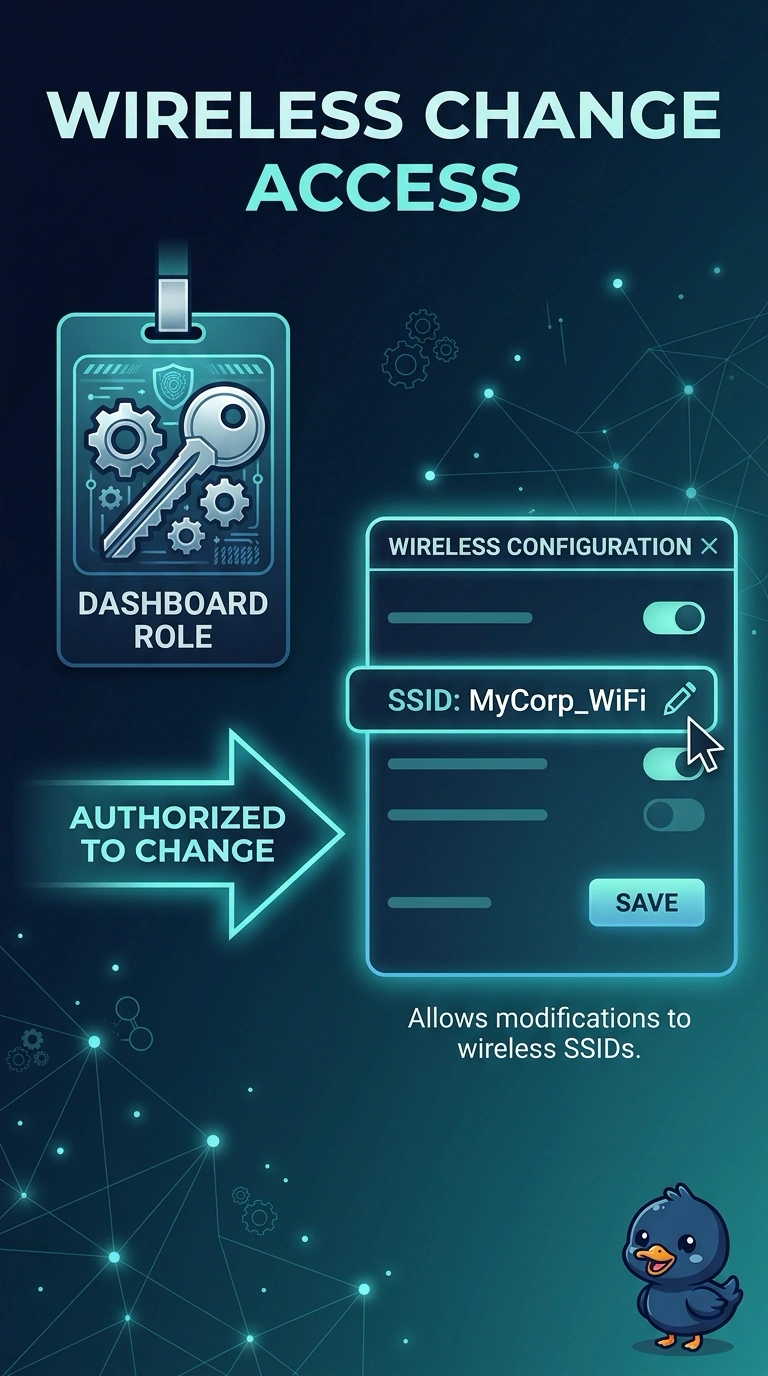
Short Explanation
The manager can look and cannot touch, and your administrator can do both. That is the account, not the radio. Give the manager a role that is allowed to change the WLAN, and a beacon will not promote anyone.
Full Explanation
Dashboard access is per account. A view that can see the WLAN and cannot edit it is a role restriction, which is why the network administrator succeeds on the same SSID. The manager needs a role that is allowed to change the wireless configuration. An RF tag is a controller object for radio profiles. It does not grant dashboard rights. Sniffer mode is an access-point capture mode. It does not change an account. The beacon interval does not promote a view-only user to an administrator. The dashboard account can view the network and cannot edit the SSID. The fix is a role that is allowed to change the configuration, not a radio change. Check one live client after the change and leave the rest of the floor alone until that client matches the result you expected. Exam caveat: a role that can edit one network and not another will look like a product bug if you test in the wrong store. Confirm the refusal is on the store the manager is supposed to own. Operational check: grant a test account the edit role, change a lab SSID, and confirm the view-only account is still refused.