
A university access point sits on an SD-Access edge, but a client capture shows user traffic still tunneled to the wireless controller. The design called for fabric data. What is missing?
Select an answer to reveal the explanation.
Short Explanation
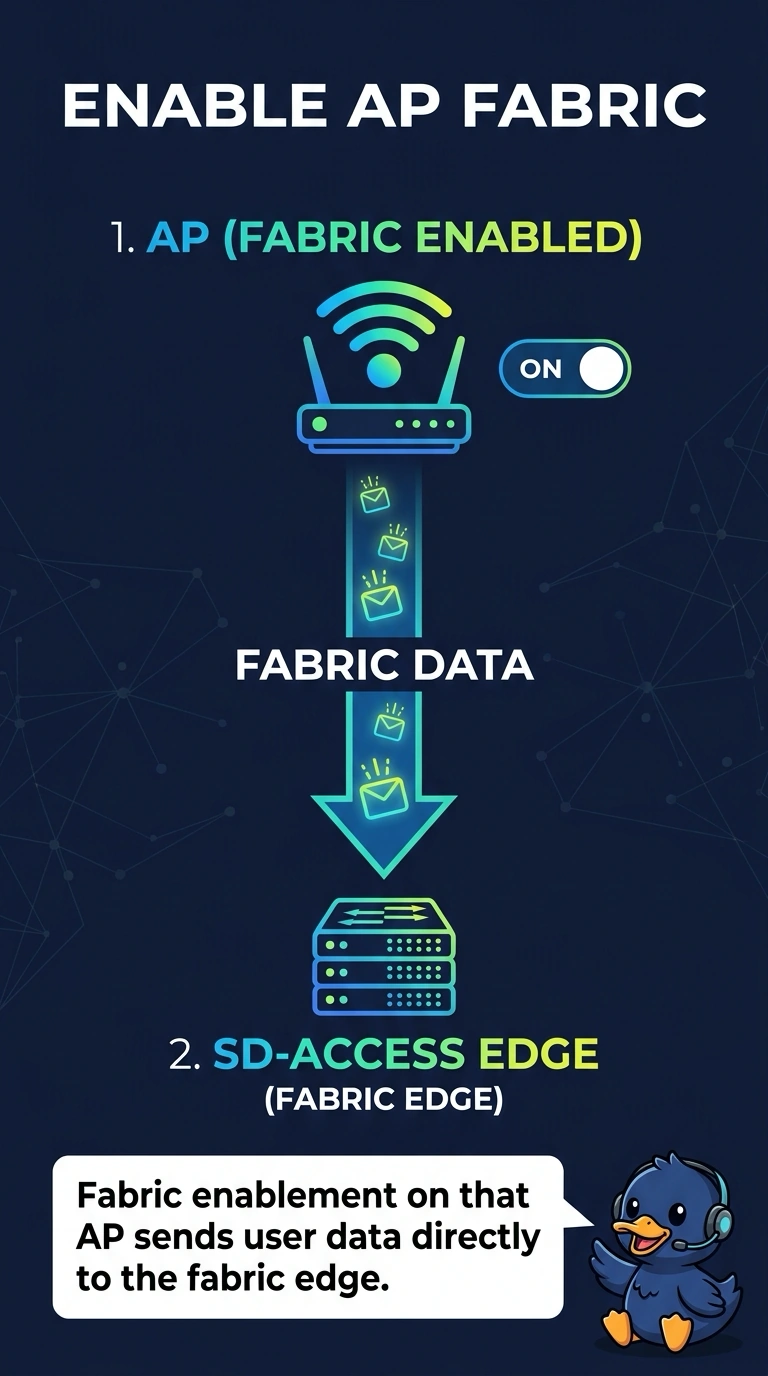
Sitting on a fabric switch does not make the access point a fabric access point. Your capture still shows user traffic riding back to the controller, so fabric enablement is the missing piece. A longer beacon does not change that road.
Full Explanation
Fabric-enabled wireless keeps CAPWAP for access-point control and places user data on the fabric toward the fabric edge. If a capture still shows user traffic tunneled to the controller, that access point is behaving as a centrally switched access point, not as a fabric-enabled one. It needs to be fabric-enabled so the data path matches the design. Monitor mode only scans. It does not move user traffic onto the fabric, and it would stop client service. A guest anchor tunnels guest sessions between controllers. It is not the employee data plane of an SD-Access fabric, and it would add a controller tunnel rather than remove one. The beacon interval is an advertisement timer. It has no role in choosing CAPWAP versus the fabric encapsulation. Exam caveat: an access point can be on a fabric switch and still be over-the-top, with classic CAPWAP data. The switch port location is not proof of fabric wireless. Operational check: confirm the access point is fabric-enabled and that a new client capture shows user data at the fabric edge rather than CAPWAP data to the controller.