
An upgrade that was supposed to run overnight ran at mid-morning. The clock on the scheduler is correct UTC, and the window was entered as local time with no timezone. What was wrong with the window?
Select an answer to reveal the explanation.
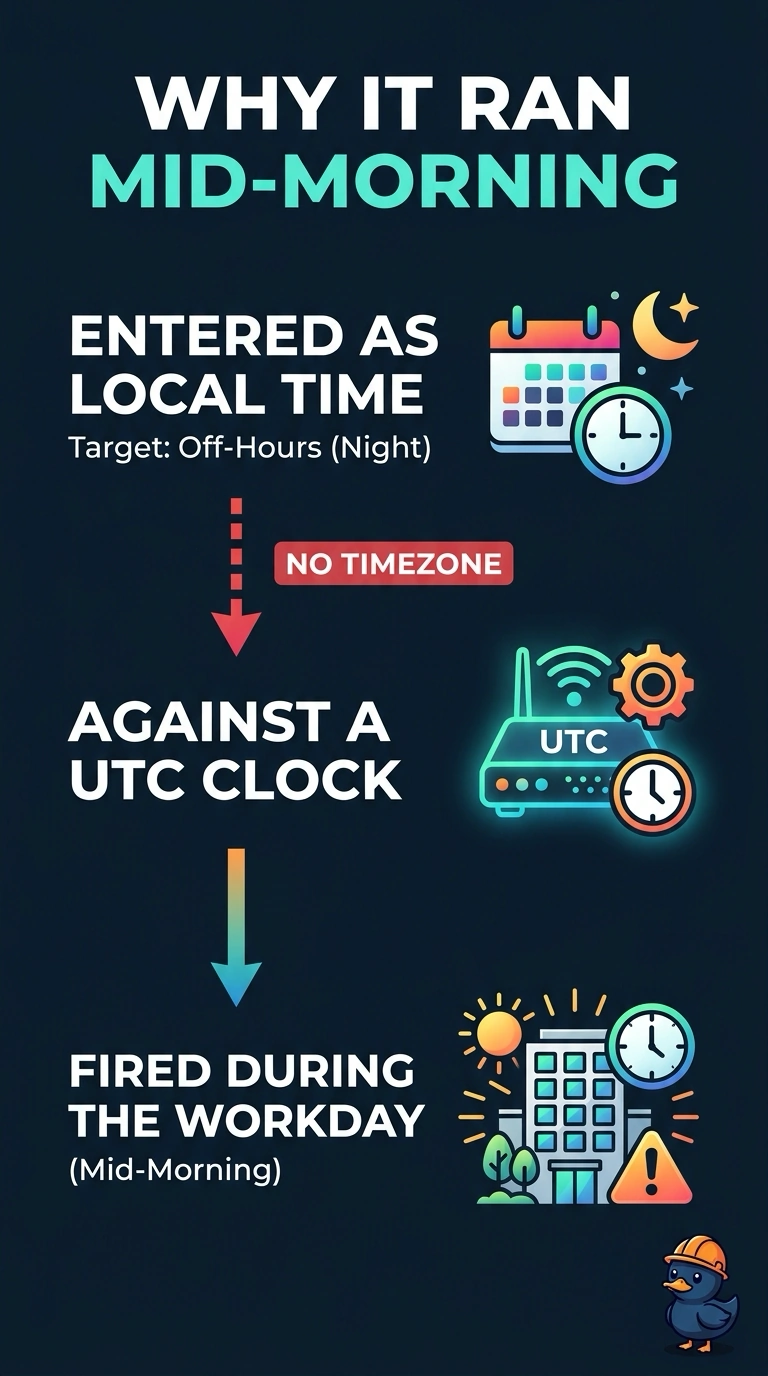
Short Explanation
The scheduler believed the number you typed was UTC, and you meant local time. The window was hours off, so the upgrade ran at mid-morning. A beacon does not delay a maintenance job.
Full Explanation
A scheduler that stores UTC will fire a local-time number at the wrong hour. This clock is correct UTC and the window was entered as local time with no timezone, so an overnight intent ran at mid-morning. The country code does not set the maintenance hour. The beacon interval does not delay a scheduler. Client exclusion does not hold upgrades for the workday. The maintenance window was set in the wrong timezone, so the upgrade ran during the workday instead of overnight. Check one live client after the change and leave the rest of the floor alone until that client matches the result you expected. Confirm the symptom on the next attempt before changing anything else. Confirm the symptom on the next attempt before changing anything else. Exam caveat: fix the timezone and also confirm the next fire time on the scheduler before you leave it armed. A corrected label with the old hour still stored will surprise you again. Operational check: read the next-run time in local terms and confirm it falls in the overnight window you wanted.