
Admin syslog from a controller is arriving at the SIEM. An engineer searches it for one client's RSSI and finds nothing. Where does that RSSI live?
Select an answer to reveal the explanation.
Short Explanation
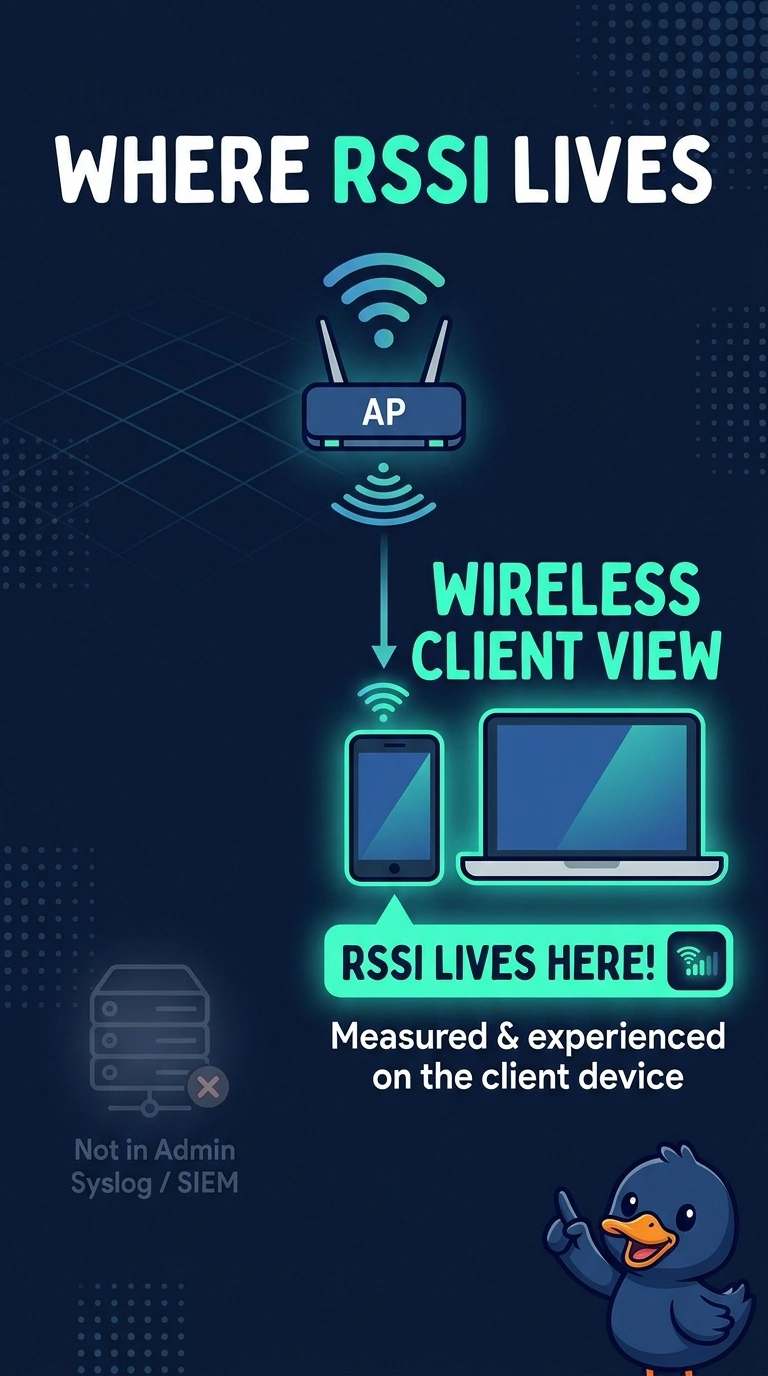
You’re receiving admin syslog, but a client’s signal strength is wireless operational data, not an admin event. Check the wireless client view for RSSI; a DHCP lease does not store it.
Full Explanation
Admin syslog carries system events selected for forwarding, so a search of the SIEM’s admin messages will not reveal a client’s RSSI. RSSI is wireless operational data available on the wireless client view, where you can inspect the client’s signal. The admin syslog did not record RSSI and hide the client; that stream is not where this client measurement lives. The guest portal does not graph RSSI at login, and a DHCP lease stores an address and lease timer, not signal strength. Exam caveat: some accounting attributes can include signal information, but only when accounting is configured to send them; that is a different stream from the admin syslog in this question. For a practical check, open one live client on the controller or in assurance and read its RSSI there. Confirm the symptom on the next attempt before changing anything else, and keep the SIEM search focused on the admin events it actually receives.