
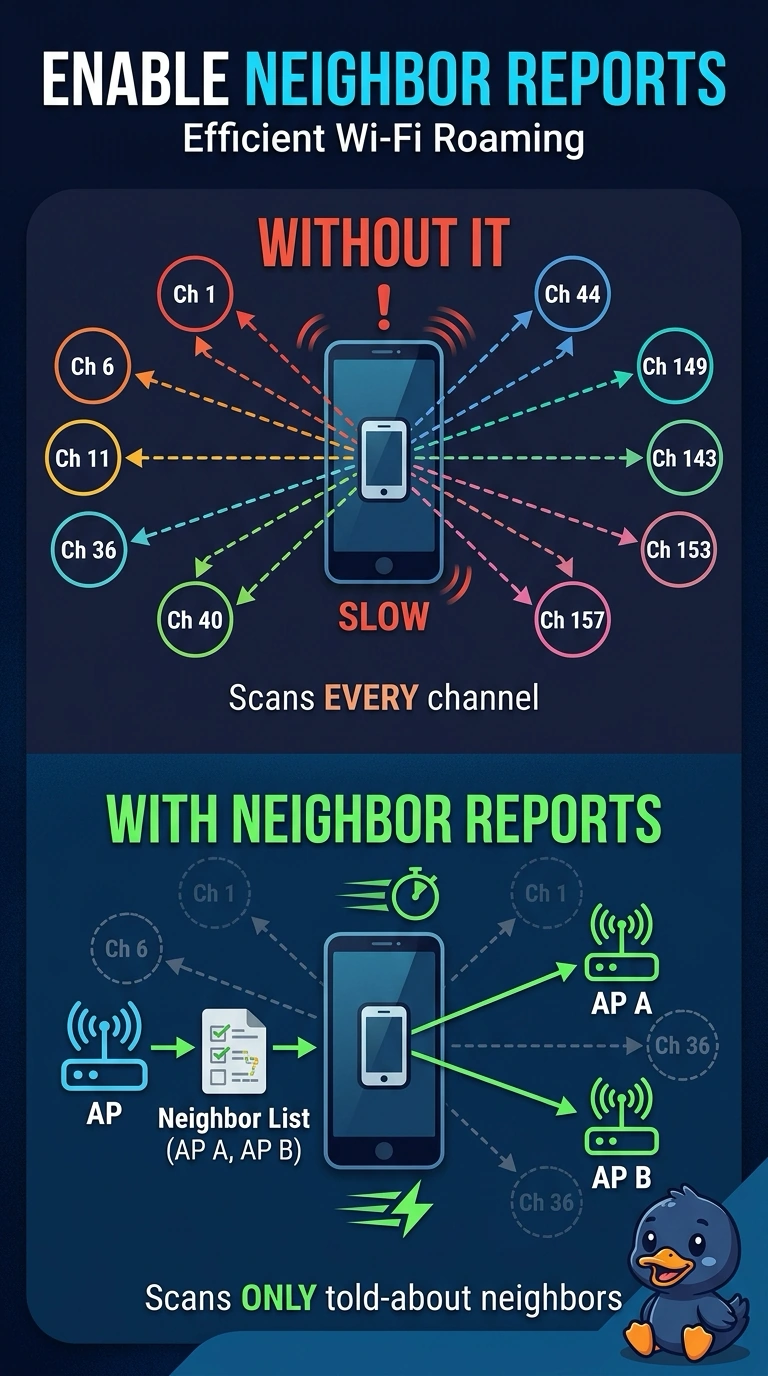
Handsets that support neighbor reports drop calls while they roam. Neighbor reports are disabled, so each handset scans every channel before it moves. What should be enabled?
Select an answer to reveal the explanation.
Short Explanation
The handset is touring every channel because nobody handed it a short list. Enable neighbor reports so your roam is a look at the neighbors, not a tour of the band. A shorter lease does not pick a channel.
Full Explanation
802.11k neighbor reports tell a capable client which nearby basic service sets are worth scanning. These handsets support that, the reports are disabled, and each roam becomes a full scan that drops the call. Enable the reports. A hidden SSID does not carry a neighbor list. A DHCP lease does not limit a scan to one channel. A handset does not have a monitor mode that roams without scanning. Monitor mode is an access-point role. Neighbor reports are off, so the handset scans every channel during a roam and the call drops in the gap. The handset supports 802.11k. Check one live client after the change and leave the rest of the floor alone until that client matches the result you expected. Confirm the symptom on the next attempt before changing anything else. Exam caveat: the report helps a client that uses it. A handset with neighbor reports turned off in its own settings will still scan everything. Operational check: enable the reports, roam a handset, and confirm the call survives and the scan is no longer every channel.