
Laptops are set to trust a RADIUS name. The certificate contains that name and not the server's IP address. The WLAN is configured with the IP address, and the laptops reject the server. Why?
Select an answer to reveal the explanation.
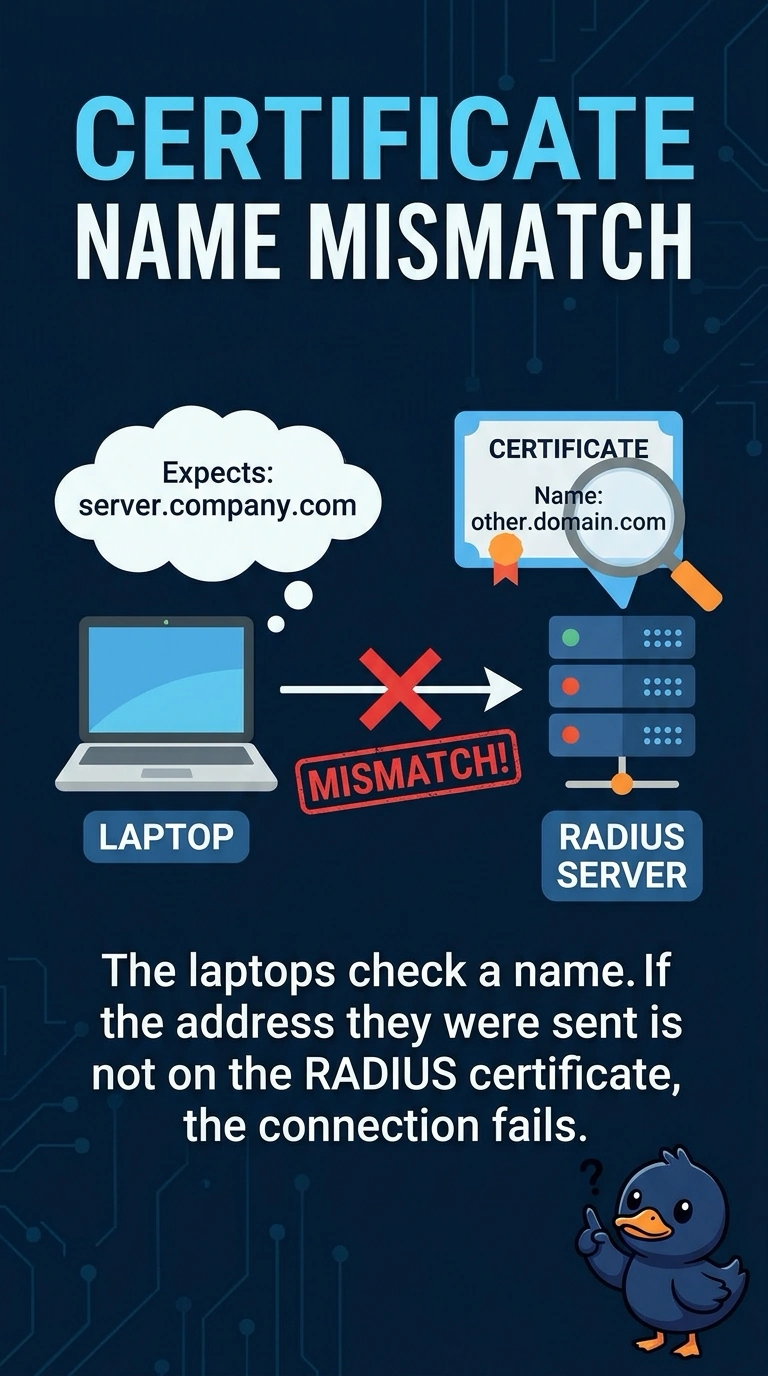
Short Explanation
The laptops were told to expect a name, and you sent them to a bare address that is not on the certificate. They are right to refuse it. Put a name on the WLAN that the certificate actually contains.
Full Explanation
A supplicant that validates the server name accepts the certificate only when a name it expects is on that certificate. These laptops expect the RADIUS name. The certificate has that name and not the IP address, and the WLAN is sending them to the IP address, so the check fails. The certificate is not expired because an IP was typed into the WLAN. A hidden SSID does not edit a certificate. The beacon does not carry the RADIUS name, and omitting it does not skip the check. Clients are configured to check a server name, and the certificate has that name. The WLAN is sending them to the server by IP address, which is not in the certificate. Check one live client after the change and leave the rest of the floor alone until that client matches the result you expected. Exam caveat: if you add the IP address as a subject alternative name, the check can succeed against the address. Until the certificate says the address, use the name. Operational check: point the WLAN at the name on the certificate and confirm a laptop accepts the server.