
Handsets that support fast transition still do a full EAP exchange when they roam across a campus. The WLAN has fast transition enabled, and the two access points advertise different mobility domain names. What breaks the fast roam?
Select an answer to reveal the explanation.
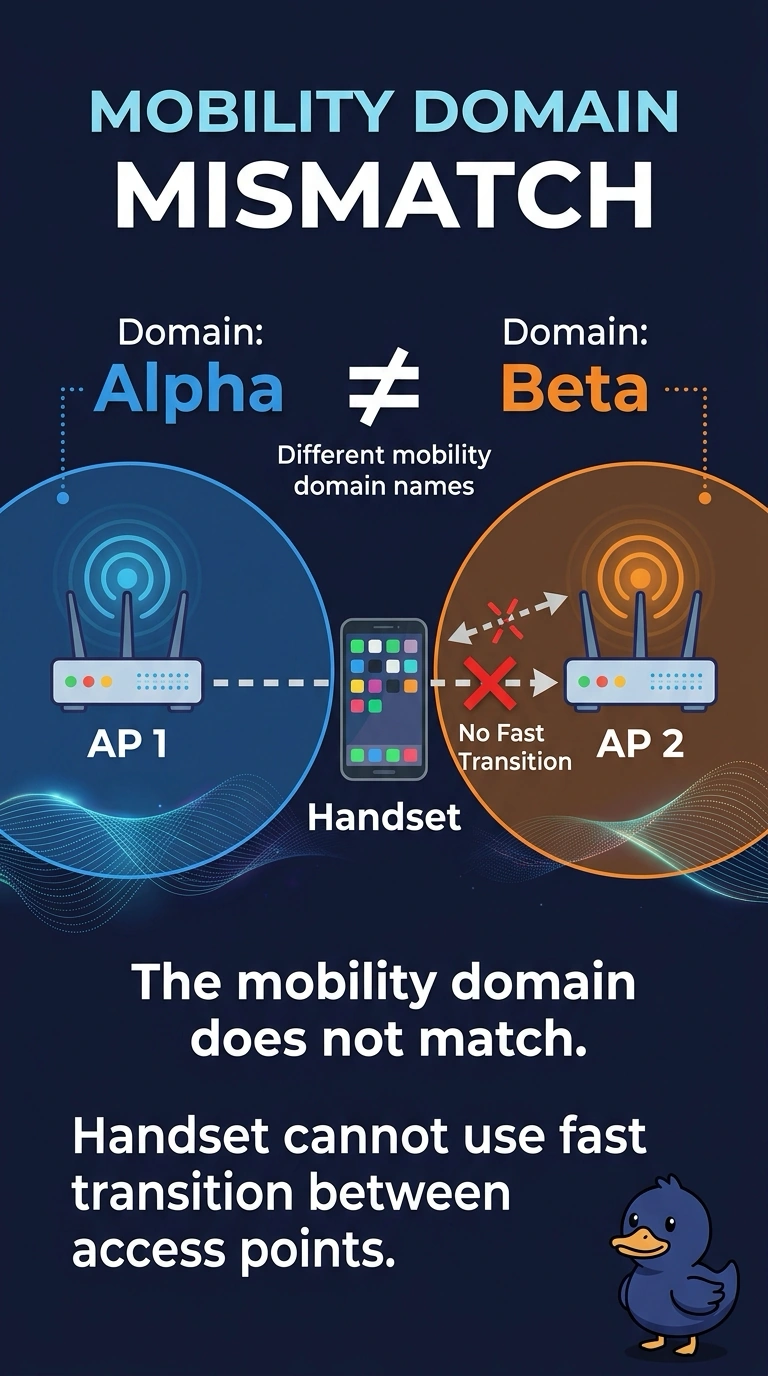
Short Explanation
Fast transition is enabled, but the access points are advertising different mobility domains—like different neighborhoods. Your handset can’t use the fast-roam shortcut between them, so make the mobility domain match.
Full Explanation
802.11r fast transition is scoped to a mobility domain. When two access points advertise different domain names, your fast-transition-capable handset will not use fast transition between them and will fall back to a full EAP exchange. Enabling the feature on the WLAN does not remove the need for matching domains. A hidden SSID is not required for the domain names to match, and hiding the SSID does not change the domain. A unique VLAN per access point does not make fast transition ignore the domain name; it can add a Layer 3 problem, but it does not fix the mismatch. Open authentication does not preserve fast transition while dropping only the domain check: it removes the security handshake that fast transition is designed to shorten. Exam caveat: the client must support the same fast-transition mode the WLAN offers, whether over the air or over the distribution system; even with matching domains, an unsupported mode can lead to a full EAP exchange. Practical check: make the domain names match, roam a test handset, and confirm that the second access point does not produce a full EAP success.