
A corporate laptop has its EAP-TLS certificate in the machine certificate store. The Windows supplicant for the office WLAN is set to use a certificate from the user store, and authentication fails before a password prompt. What is mis-set?
Select an answer to reveal the explanation.
Short Explanation
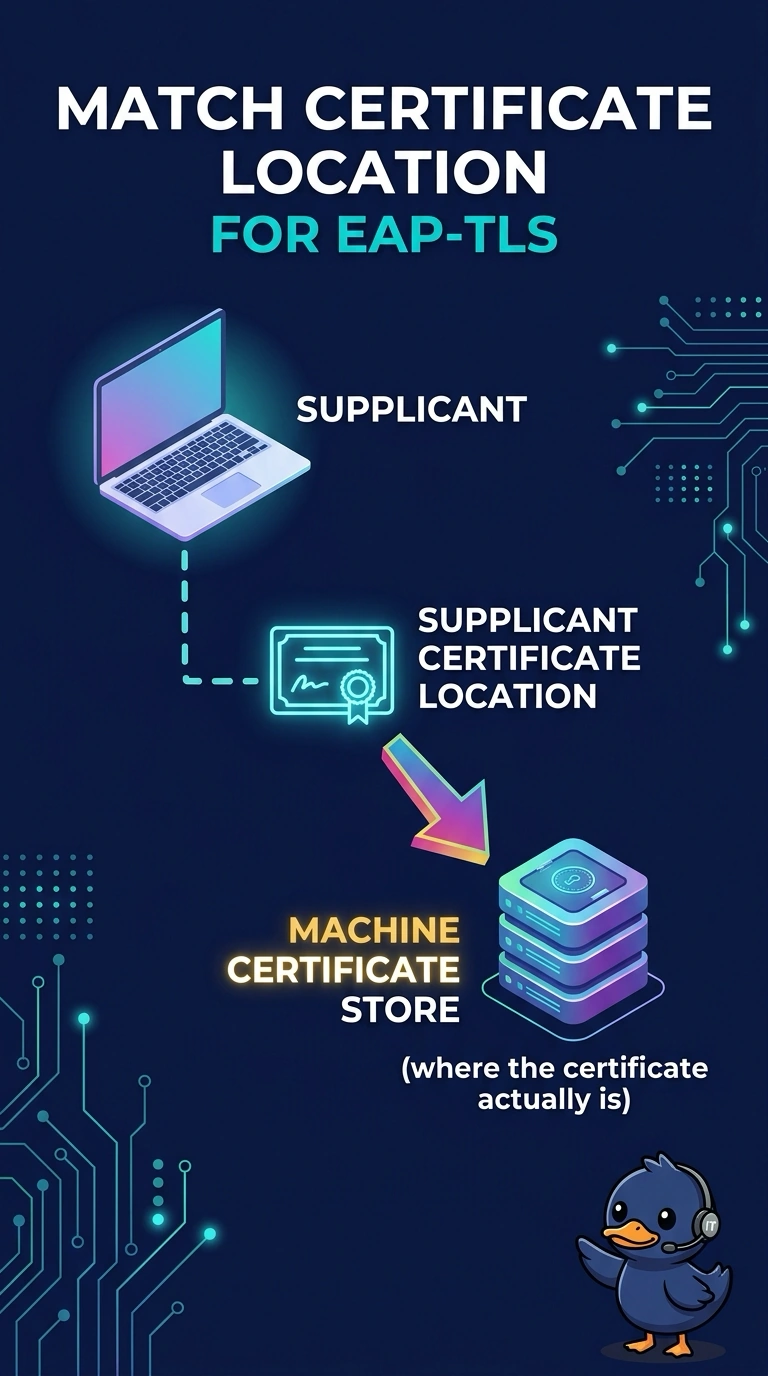
The certificate is on the laptop, and Windows is looking in the wrong drawer. Your supplicant is pointed at the user store, and the certificate is in the machine store. A channel change will not move it.
Full Explanation
EAP-TLS can use a certificate from the user store or the machine store, and the supplicant has to look in the store that actually holds it. This laptop's certificate is in the machine store and the WLAN profile looks in the user store, so authentication fails before any password prompt because no certificate is found. Point the supplicant at the machine store, or place a certificate where it is already looking. Channel width is a radio setting. It does not choose a Windows certificate store. The beacon interval does not move certificates between stores. Certificate placement is an operating-system and profile concern. Antenna gain does not hide certificates. The supplicant fails the same way at any signal level if it is looking in an empty store. Exam caveat: a machine-store certificate also has to be one the RADIUS server trusts, and the profile has to be allowed to use the computer's credentials. The right store with an untrusted certificate still fails, later in the handshake. Operational check: on the failing laptop, open the WLAN profile and confirm the certificate selection matches the store that contains the certificate, then retry.