
Hotel guests associate to the guest WLAN and never see the captive portal, and they never get an address. The pre-authentication ACL on that WLAN blocks DHCP and DNS. What must that ACL allow before the portal can run?
Select an answer to reveal the explanation.
Short Explanation
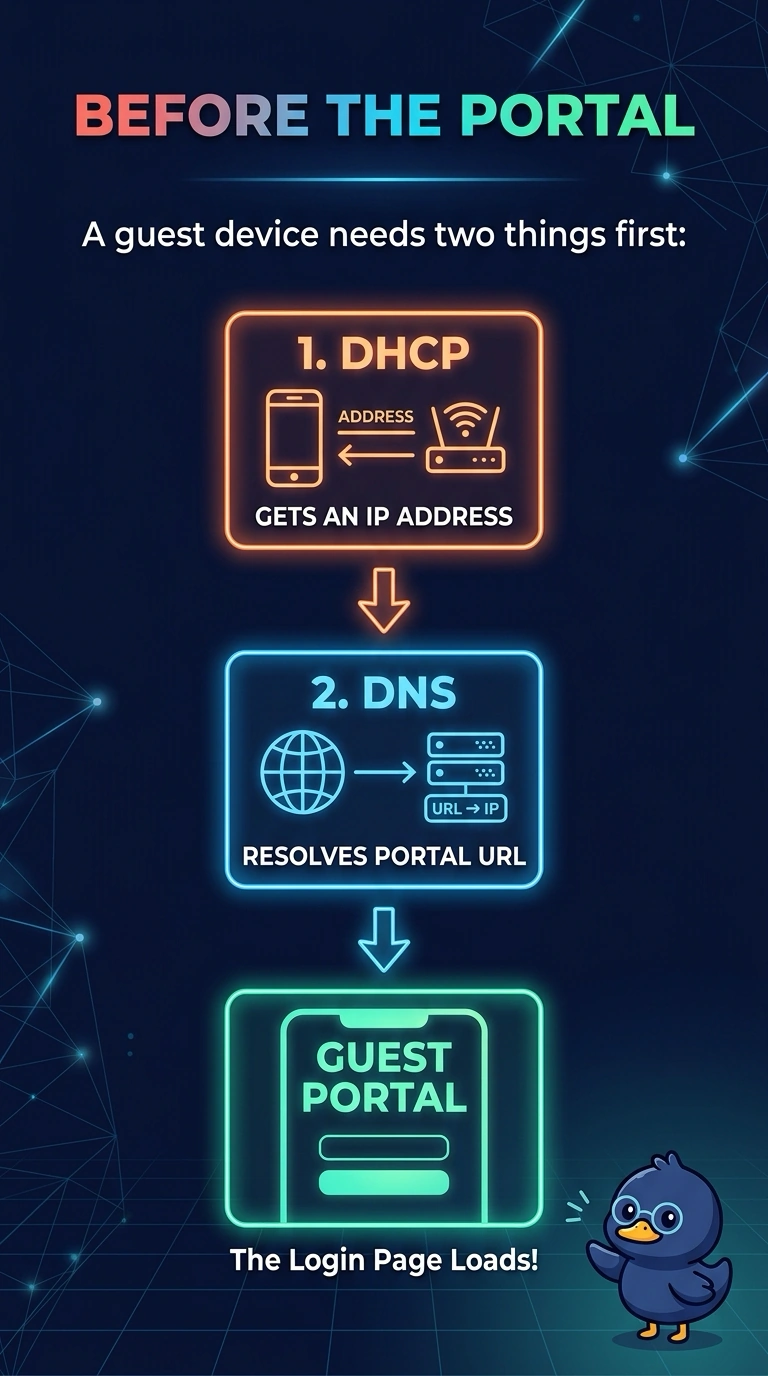
The portal is a web page, and your guest cannot knock on it without an address and a name lookup. The pre-auth ACL has to let DHCP and DNS through before anyone clicks agree. Opening the whole internet and still blocking those two does not draw the page.
Full Explanation
A captive portal runs after the client has an IP address and can resolve the portal name, or after the redirect path can intercept a DNS or web attempt. Until then the client is unauthenticated, and only what the pre-authentication ACL permits will pass. This ACL blocks DHCP and DNS, so the guest never gets an address and never resolves the portal. Those two have to be allowed for the portal design to start. Allowing only employee subnets would steer guests at internal resources they should not reach, and it still would not provide DHCP or DNS if those servers are not in that permit. Allowing every internet port while DHCP and DNS stay blocked does not fix address assignment or name resolution. The portal host may be reachable in theory and still never be contacted. ICMP to the gateway proves a ping, not a web redirect. A captive portal is not completed by ICMP, and a guest with no address cannot use that ping anyway. Exam caveat: the redirect ACL and the pre-auth ACL are easy to swap. The permit has to match the design you actually deployed, central web auth or a local web auth, including the portal address. Operational check: on a test guest, confirm DHCP offers are no longer dropped and that a DNS query for the portal name succeeds before you expect the page to appear.