
A dashboard API token returns an empty store list for a retailer that has dozens of stores in the dashboard. The token was created in a different organization. Why is the list empty?
Select an answer to reveal the explanation.
Short Explanation
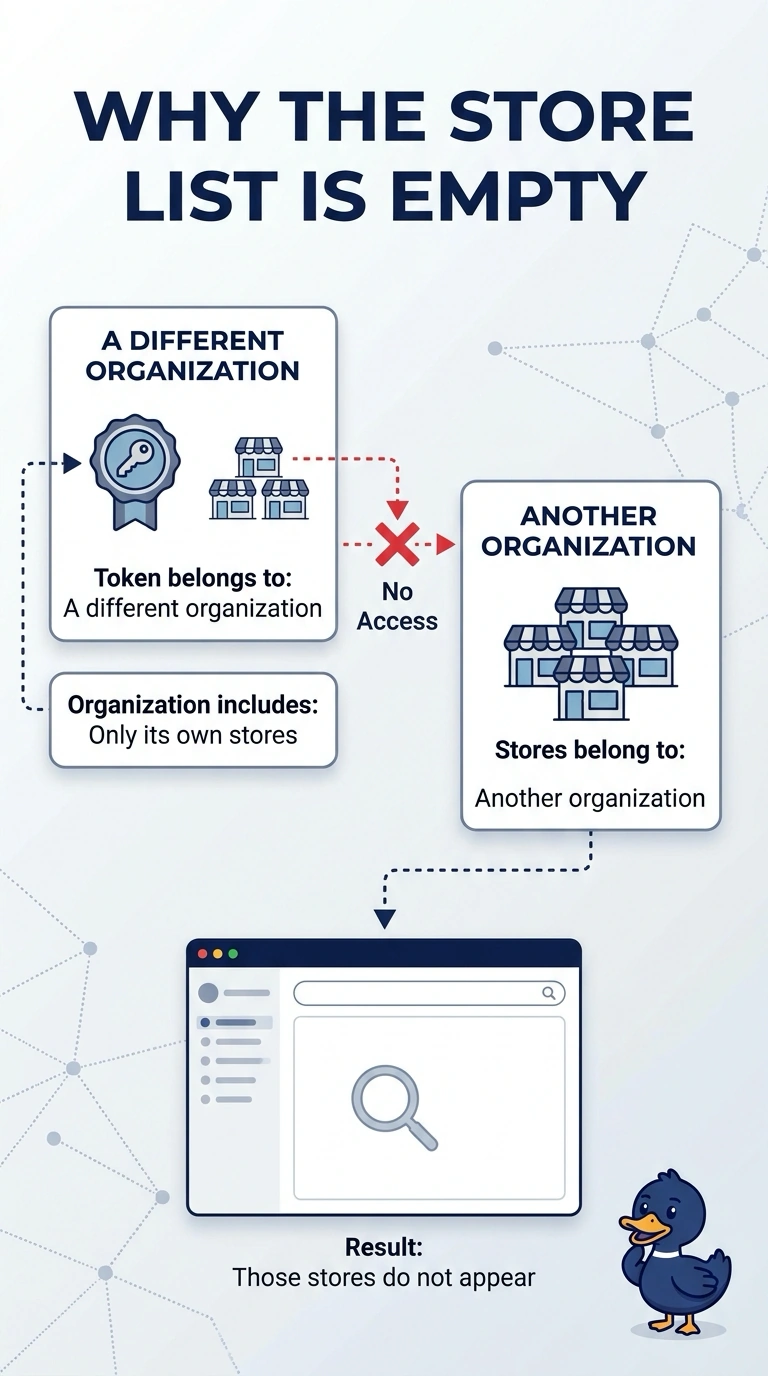
Your token was created in a different organization, so it cannot see the retailer’s stores. The stores can still be in the dashboard; create a token in the organization that owns them.
Full Explanation
A dashboard API token acts within the organization where it was created. Because this token belongs to a different organization, the retailer’s store list comes back empty even though the dashboard shows dozens of stores. The empty result does not mean the stores were deleted, and a token cannot see every organization. An RF profile does not hide stores from an API token, and deleting a guest SSID is not required for a store list to appear. The cause is the organization mismatch: the stores belong to an organization the token cannot access. Exam caveat: even a token created in the right organization can be scoped to one network and therefore miss stores in other networks, so check both the organization and the token’s scope when a list looks short. For a practical check, create a token in the retailer’s organization and confirm that its store list matches the dashboard. After the change, check one live client and read the live counters after retesting; leave the rest of the floor alone until that client matches the expected result.