
A theater factory-resets a room device, and the device stays unregistered until someone enters an activation code. What did the reset do to the cloud registration?
Select an answer to reveal the explanation.
Short Explanation
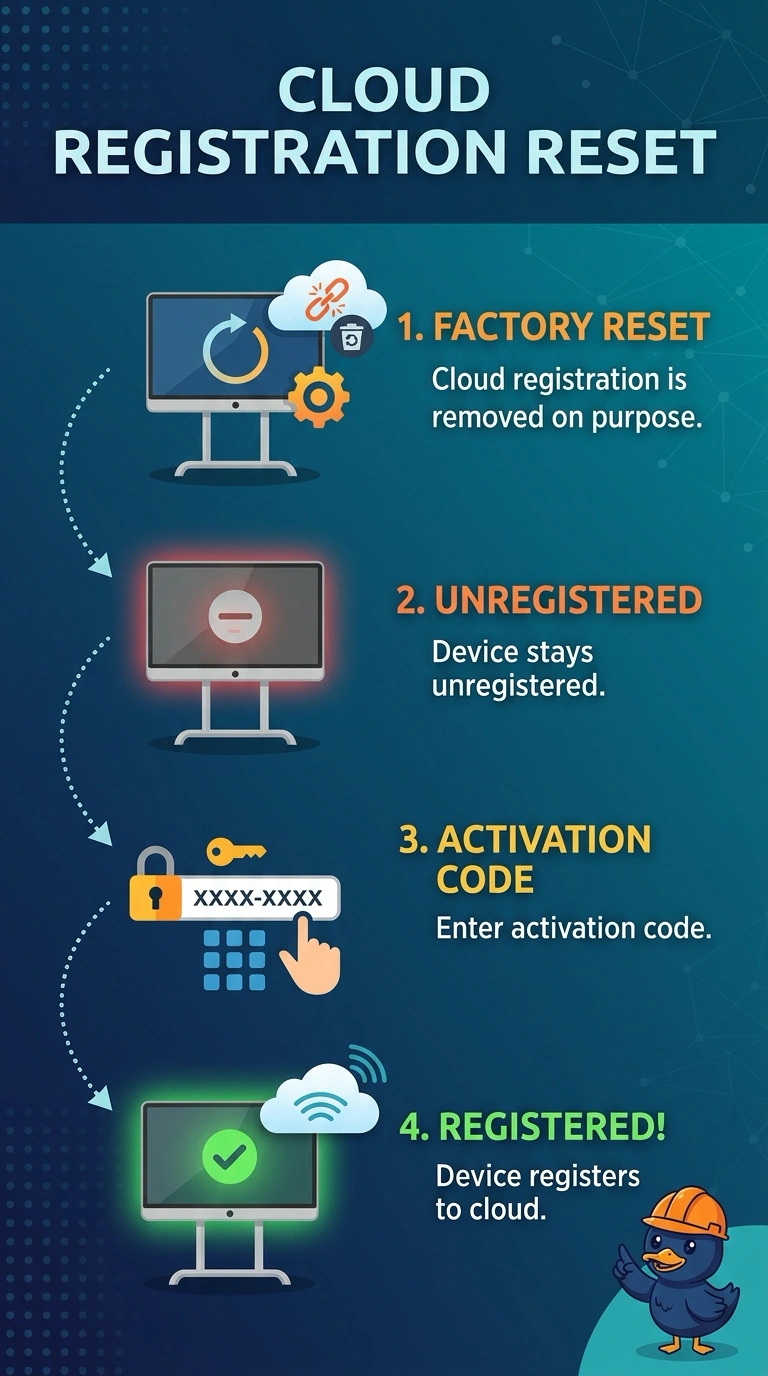
Wiping the whiteboard also erased the room assignment that was written on it. You enter an activation code after a factory reset, because the reset removes the cloud registration on purpose. The trap is rebooting and expecting the old claim to come back by itself.
Full Explanation
A factory reset clears the device, including the cloud registration, so the device comes up unregistered until it is activated again. The reset removed the cloud registration on purpose, and the device stays unregistered until an activation code is entered for this organization. It did not leave the cloud registration in place. The reset removes the device’s local registration and requires a new activation code. Deleting the device from the organization is a separate Control Hub action. And a reboot does not bring the same device back online by itself. It did not place the device into a route group, and a trunk does not accept a room-device registration in place of activation. It did not revoke the organization sign-on certificate. That certificate is an organization authentication matter, and resetting one device does not replace it. On exam day, activation is how a cleared device is claimed for the organization, and a reboot is not a substitute for the activation code. After the change, enter the activation code and confirm the device shows registered in Control Hub. Until that code is accepted, the device has no cloud registration to resume, which is why a reboot leaves it unregistered.