
A newspaper bulk-activated phones with an activation code from the lab tenant, so the phones joined the lab organization. How should those phones be claimed by production?
Select an answer to reveal the explanation.
Short Explanation
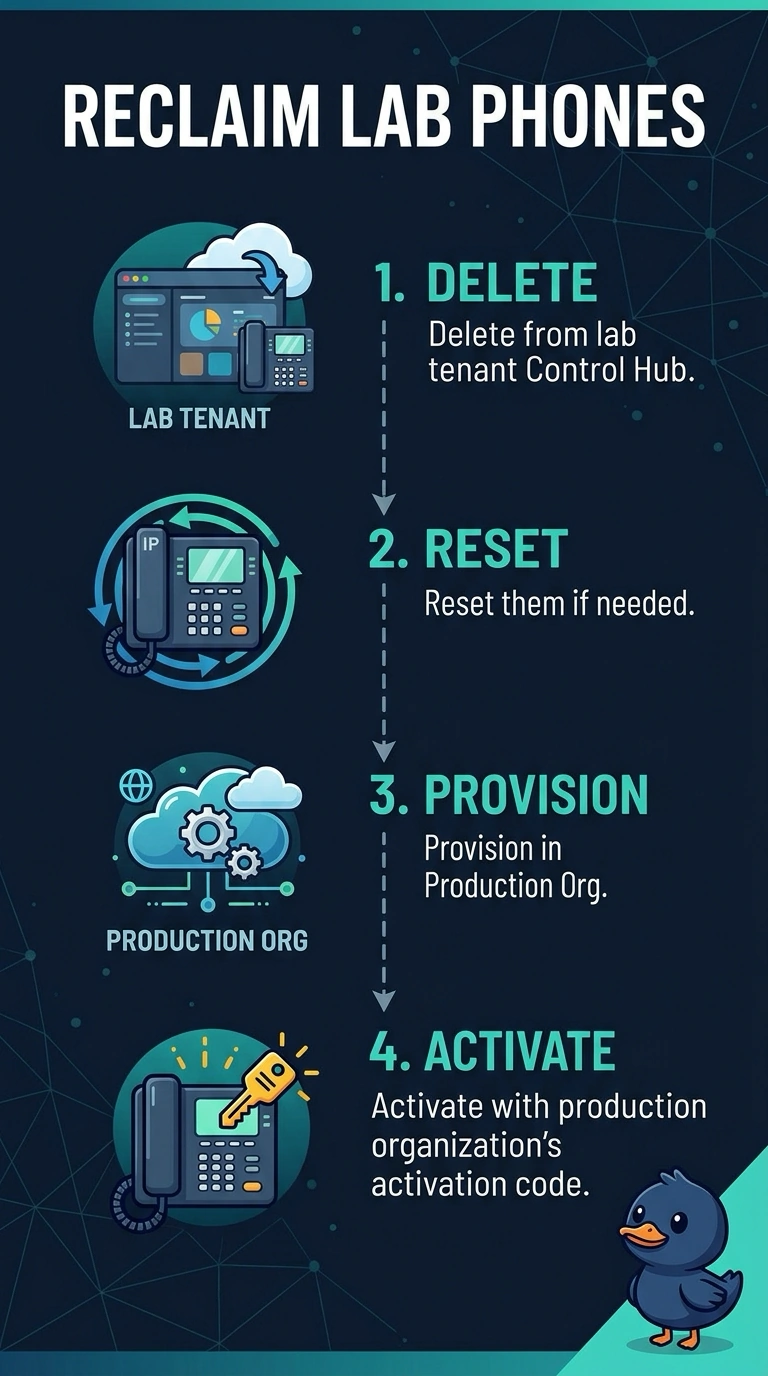
The keys were cut for the practice office, so the phones walked into the lab tenant. Bulk activation follows the organization code you use, so delete the phones from lab Control Hub, reset them if needed, then provision and activate them in production with new codes. The trap is running Directory Connector and expecting it to move the devices between organizations.
Full Explanation
Bulk activation claims devices into the organization whose activation code was used. These phones used the lab code, so they joined the lab tenant. Delete the phones from lab Control Hub, reset them if needed, then provision and activate them in production with new codes. Directory Connector synchronizes users and does not move phones from the lab tenant into the production organization. Adding the lab activation code to a route group does not order a failover of device ownership, and a route group does not send production calling into the lab organization. Enabling hot desking lets a user sign in on a shared device and does not change the organization that claimed the phones during bulk activation. On exam day, the activation code selects the organization, and directory sync, route groups, and hot desking do not reassign that claim. After the change, confirm the phones are listed in the production organization and are no longer devices in the lab tenant. Directory sync can still run for users in production, and that sync does not pull these phones across.