
A utility company unpacked a new room device, and it never appears in Control Hub. The local gateway trunk is already online, and nobody has entered an activation code from this organization. What should they do next?
Select an answer to reveal the explanation.
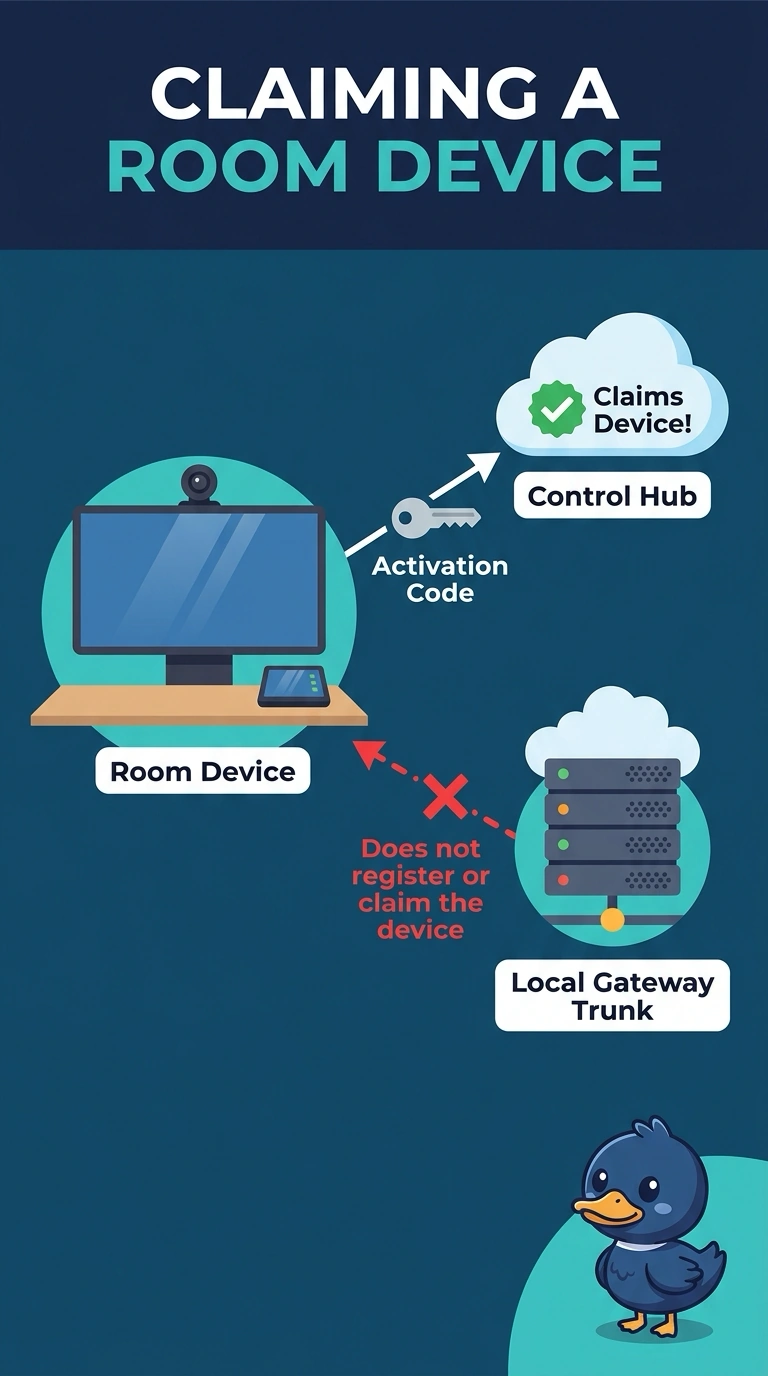
Short Explanation
You can bring the new room device into Control Hub by activating it with this organization’s activation code. The online local gateway trunk handles calls, but it does not claim the room device.
Full Explanation
A room device appears in Control Hub after it is activated for the organization. Since nobody has entered this organization’s activation code and the device is not visible, activate the room device with that code so Control Hub can claim it. The online local gateway trunk indicates that the call trunk is healthy, but trunk registration does not register or claim a room device. Registering the room device as another local gateway trunk confuses two separate registration processes; a trunk is not how the organization claims a room system. Adding a translation pattern aimed at the room would change how digits are routed on calls. An extension that has not been rewritten does not make hardware invisible in Control Hub, so this is not a dial-plan problem. Rebuilding single sign-on would address user authentication through the identity provider, not room-device claiming; the identity provider does not need to sign the device’s activation for it to appear. Exam caveat: an online trunk and an activated room device represent separate states, so trunk health alone does not confirm that the device has been claimed. Practical check: enter this organization’s activation code on the device, then confirm that the room system appears in Control Hub and reaches a registered state.