
A lab room device fails cloud registration, and the error points at certificate validity. The device clock is hours away from real time, and assigning a new extension does not change the result. What should be corrected?
Select an answer to reveal the explanation.
Short Explanation
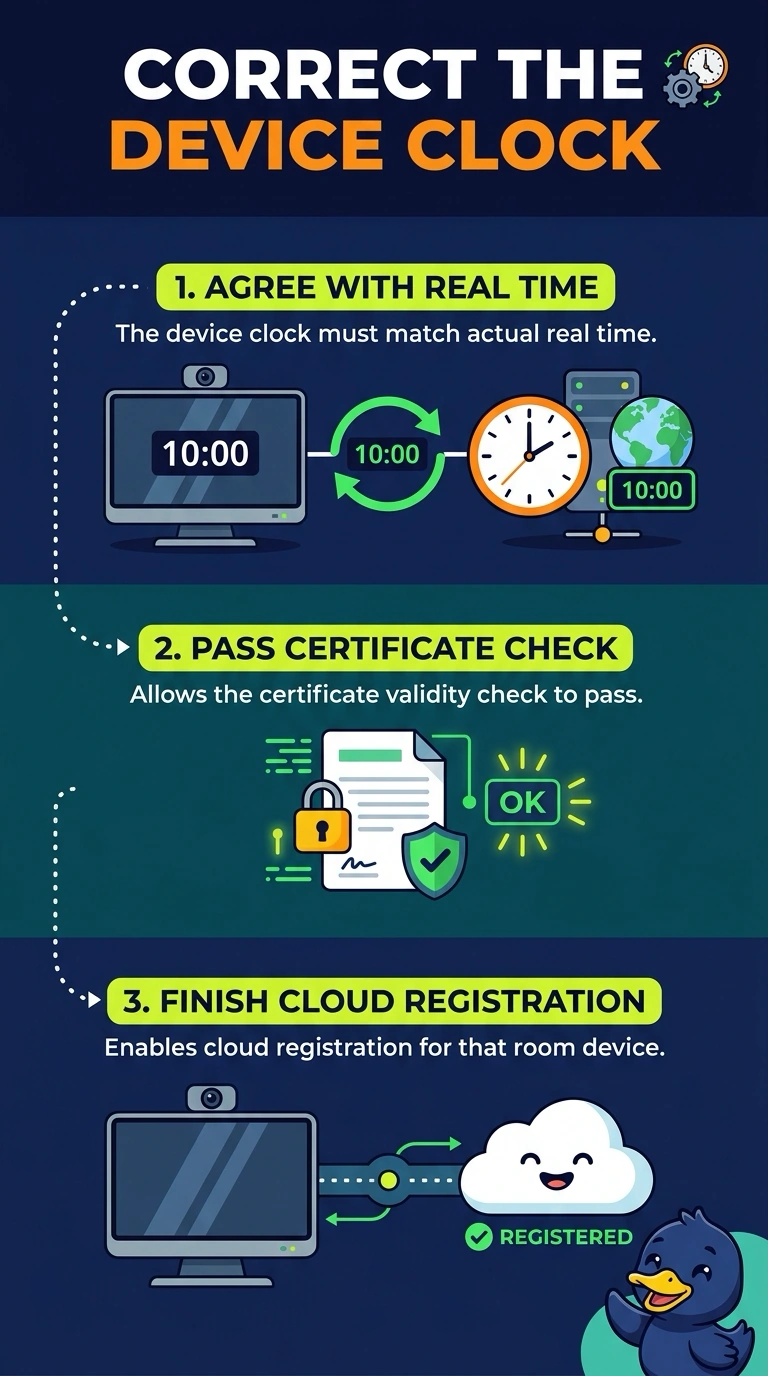
Think of a certificate as a ticket with a date: when your device clock is hours off, a valid ticket can look expired or not yet valid. Correct the device clock so the validity check can pass and cloud registration can finish. A new extension does not change the clock.
Full Explanation
Certificate validity is checked against time. This room device clock is hours away from real time, and registration fails on certificate validity, so you should correct the device clock until it agrees with real time. Assigning a new extension already failed to change the result, which fits a time problem rather than a numbering problem. The activation code stored for a different organization could claim the device into the wrong organization or reject activation, but certificate validity is not assumed to fail only for that reason; the error here fits the clock problem. The directory number on the room device is an extension. Certificate validity does not follow the extension, so changing it does not clear a validity error caused by a bad clock. The auto attendant schedule for the lab selects greetings by time of day; a closed schedule does not make a room device reject the certificate presented during cloud registration. Exam caveat: time skew can look like a bad certificate even when the certificate itself is correct. Practical check: set the device clock to real time, retry registration, and confirm the certificate validity error clears without changing the extension.