
An airline room device stays offline because the firewall allows some signaling but blocks the cloud hosts the device uses to register. What should be opened?
Select an answer to reveal the explanation.
Short Explanation
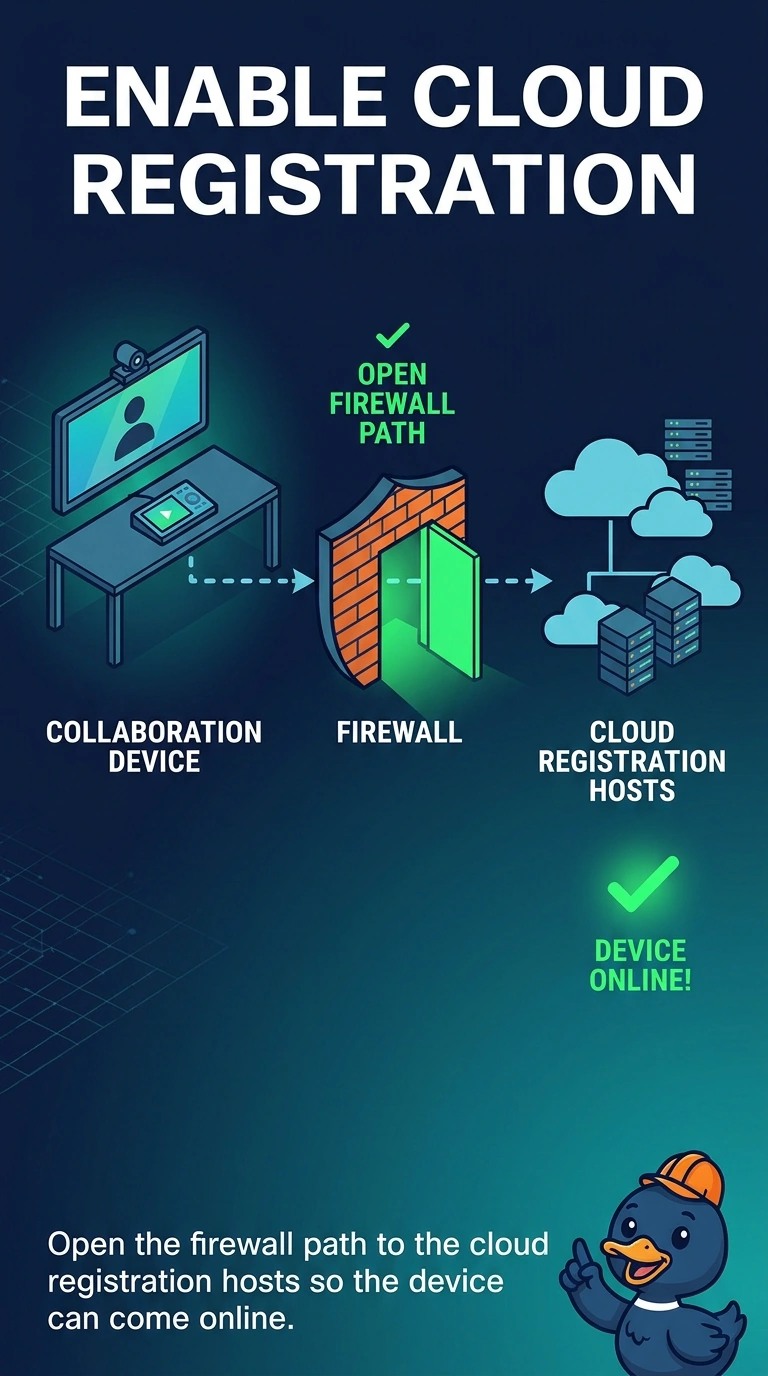
The lobby door is open, but the registration desk behind it is locked, so you do not get a badge. The device stays offline because the firewall blocks the cloud registration hosts it must reach. The trap is adding a route group, which is a calling path, not the path that brings the device online.
Full Explanation
A room device registers to the cloud only when it is claimed for the organization and can reach the cloud. The airline firewall allows some signaling and blocks the cloud registration hosts, so the device stays offline until that path is opened. Adding the device to a route group of local-gateway trunks orders trunks for calls, and a route group does not carry device registration or fail a blocked registration over to the next trunk. Replacing the organization single sign-on certificate matters when sign-on is broken, and a blocked host is not proof that the identity provider rejected the device. Resyncing Directory Connector repairs directory users while the connector owns the directory, and the connector does not write an offline device back to the cloud as a registered endpoint. On exam day, separate registration reachability from trunk route groups, sign-on, and directory sync. After the change, confirm the device can reach the cloud registration hosts and shows online in this organization.