
An airline renamed its Webex meetings site, yet invitations still carry the old site link and people who open that link miss the meeting. What corrects the join path?
Select an answer to reveal the explanation.
Short Explanation
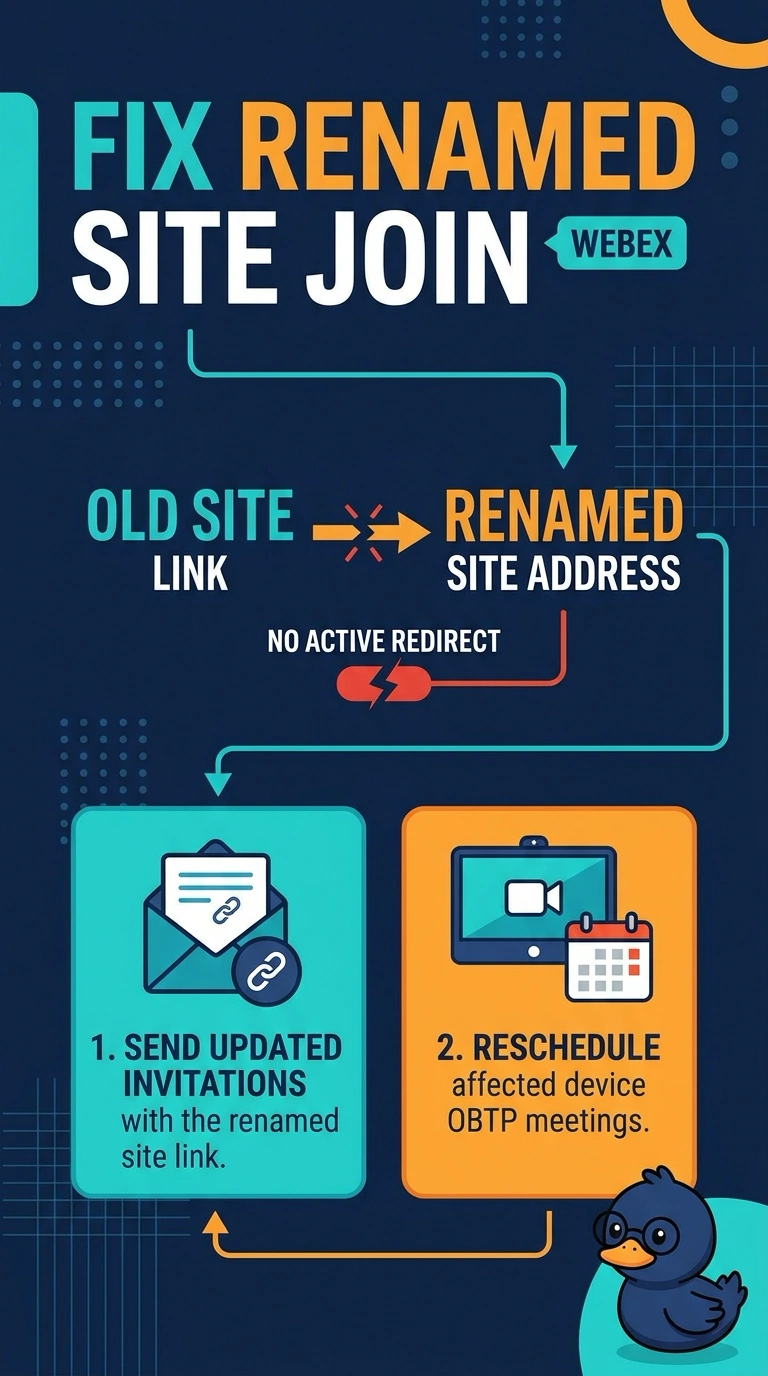
You can think of old invitations as mail still printed with the previous street address. If no redirect is active, send updated invitations with the renamed site link and reschedule affected device OBTP meetings as needed; a directory sync will not rewrite meeting URLs.
Full Explanation
A Webex meetings site keeps its own address, and renaming it does not rewrite links people have already sent. Cisco offers an optional 90-day redirect, but Hybrid Calendar does not rewrite previously scheduled join details. People who open an old site link can miss the meeting because that URL still points to the previous site. If no redirect is active, send updated invitations with links on the renamed site, and reschedule affected device OBTP meetings as needed. A full directory synchronization copies users from the directory source; Directory Connector does not rewrite every stored meeting link, and synchronization is not a meetings-site rename tool. A local gateway trunk’s Contact header, including the FQDN on a certificate-based trunk, lets Control Hub show that trunk online. Rebuilding the trunk so its Contact header hands out a meetings site link confuses trunk status with the meeting URL. A calling location owns numbers, the gateway or trunk, and local calling identity. Moving users to another calling location does not rename their meetings site link, because a calling location and a meetings site are different objects. Exam caveat: adding an additional meetings site does not change which calling location users belong to; keep the two objects distinct. Practical check: open the new site address from a fresh invitation and confirm the join succeeds, then verify the old link is no longer being sent.