
A Control Hub meetings settings template applied to warehouse users disables automated closed captioning. Warehouse crews say meeting captions never appear and they blame the calling trunk. What should be enabled?
Select an answer to reveal the explanation.
Short Explanation
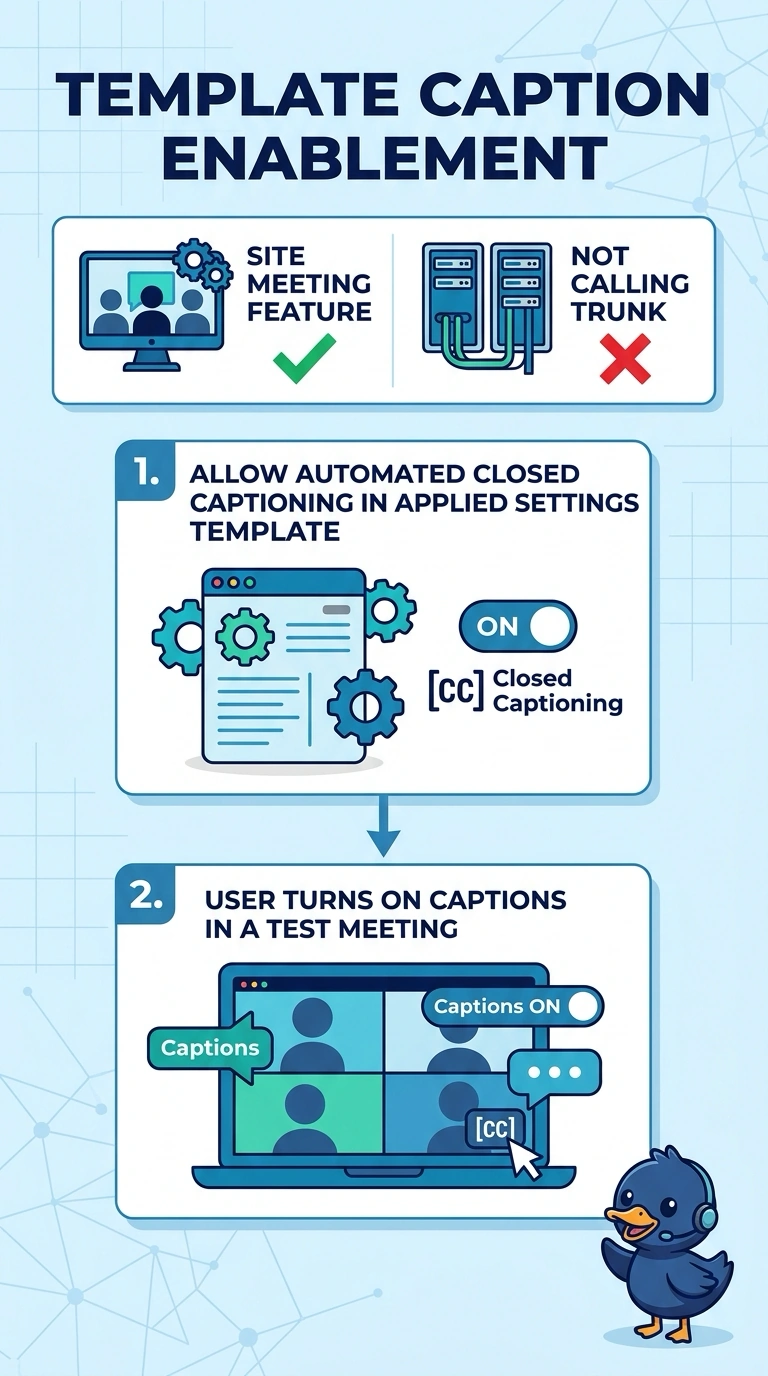
You’ve found the real block in the template, not the trunk. Allow automated closed captioning in the applied settings template, then have a user turn on captions in a test meeting to confirm they appear.
Full Explanation
Automated closed captioning is controlled by the Control Hub meetings settings template applied to the warehouse users, so allow it in that template and have a user turn on captions in a test meeting to verify. When the template disables captioning, captions are unavailable even if the meeting audio and call path are healthy, which can lead crews to blame the calling trunk. Rebuilding the trunk and returning the local gateway to service may restore call reachability, but it does not change the template policy or enable captions. Allowing international calls changes dialing permission for that call category at the location; it does not permit automated captioning. Changing a translation pattern rewrites dialed digits to match a route, not to grant caption access, so preserving supposed caption digits cannot enable a disabled feature. Exam caveat: access to a Captions panel does not substitute for allowing automated captioning itself. Practical check: update the applied template, confirm a warehouse user sees the captions control, join a test meeting, and turn captions on.