
An external presenter can join a university Webex meeting but cannot share, and the meeting policy allows sharing for internal users only. Which control should change?
Select an answer to reveal the explanation.
Short Explanation
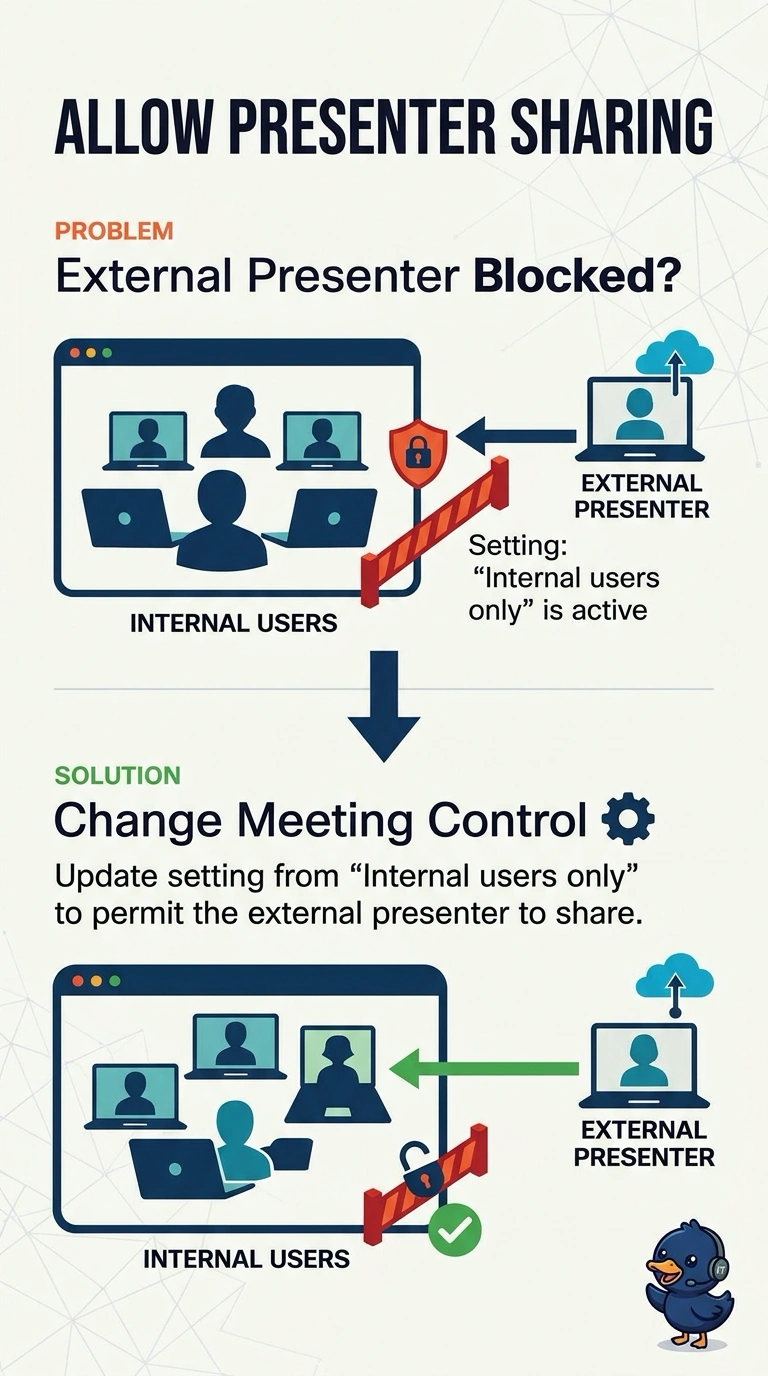
Your guest can join the meeting but still needs permission to pick up the marker. Change the sharing control that limits sharing to internal users; rebuilding the PSTN trunk, assigning a calling location, or syncing the directory won’t grant that permission.
Full Explanation
Who may share is controlled by the meeting policy, much like who may join, whether there is a lobby, or whether recording is allowed. The external presenter is already in the meeting, so the join path works. Change the meeting control that allows sharing for internal users only, so the presenter is permitted to share. Rebuilding the campus PSTN trunk does not affect meeting sharing: presenters do not share content through the local gateway trunk, and trunk problems affect calling reachability rather than an in-meeting sharing restriction. Assigning the presenter a calling location also does not grant sharing rights. A calling location owns numbers and the local trunk; sharing rights do not follow its route group or trunk choice. Running directory synchronization creates and updates users from the identity source, but an external presenter does not have to be a synced directory user before sharing is allowed. The meeting policy, not directory synchronization, limits sharing to internal users. Exam caveat: if the presenter could not join at all, investigate the join path instead; that is a different fault from being blocked from sharing after joining. Practical check: adjust the sharing control, have the presenter join again, and confirm sharing works while internal sharing still behaves as intended.