
A factory conference Board joins a Webex meeting as the room account, so people in the room cannot mute others or lock the meeting. The host joined from a laptop. What restores host controls for that meeting?
Select an answer to reveal the explanation.
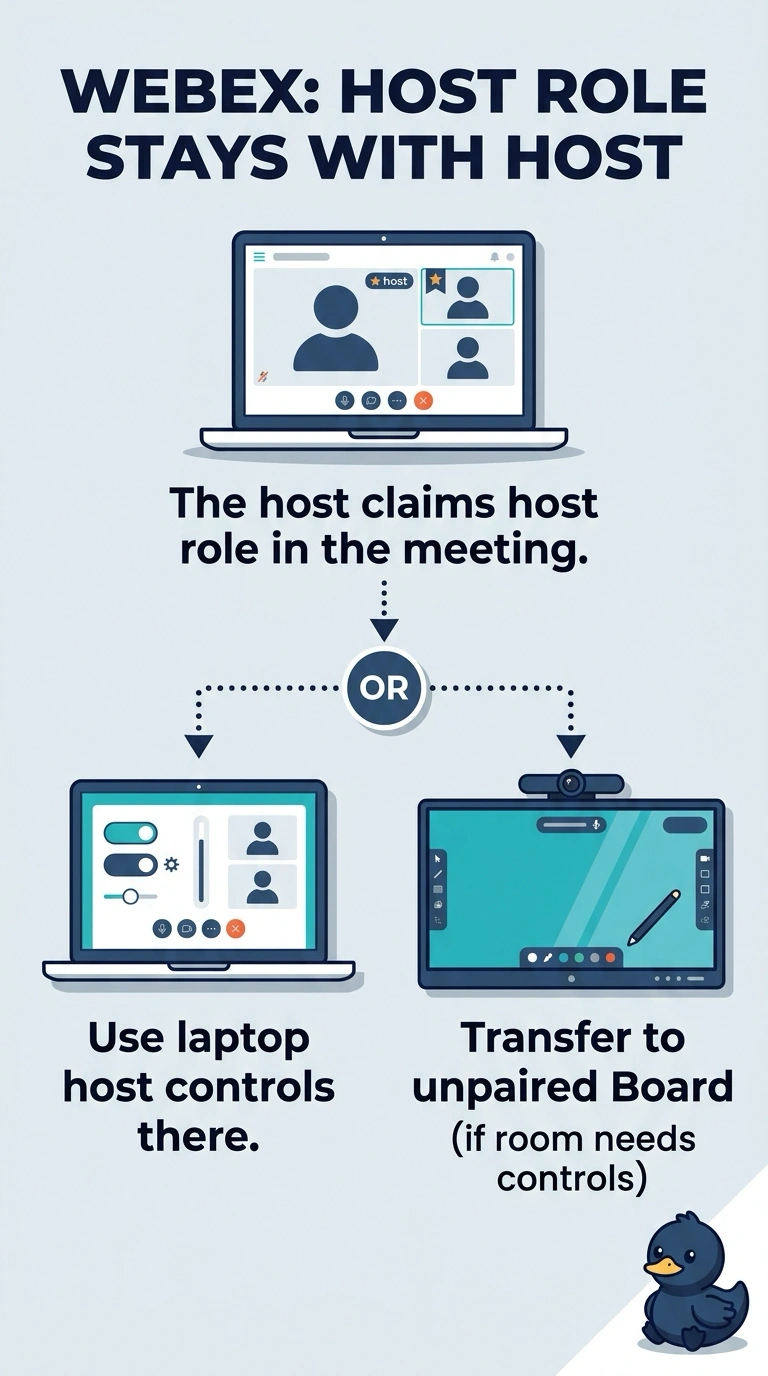
Short Explanation
You keep host controls where the host already is. You have the laptop host use the host controls there or transfer the host role to the unpaired Board if the room needs those controls. Rebuilding the trunk is the trap because the host role does not travel on that trunk.
Full Explanation
The Board joined as the room account, so it does not automatically hold host controls such as mute others or lock the meeting. The host is already present from a laptop, so the correct fix keeps the meeting role with the host. Have the laptop host use the host controls there or transfer the host role to the unpaired Board if the room needs those controls, which restores control without any calling change. Rebuild the local gateway trunk so host controls travel with the certificate-based connection into the factory meeting and you rebuild a SIP trunk that carries call signaling and certificates, not the Webex meeting host role. Set the room permission set to unrestricted so mute and lock are treated as allowed call types for the factory Board and you change outbound calling permissions, which never grant in-meeting mute-others or lock. Turn the Board into an auto attendant so the menu buttons act as the host controls for the meeting in the room and you replace the room device with a call-routing menu, which cannot hold a meeting host role. Exam caveat: meeting host controls follow the meeting host role, and trunk or permission edits do not make the room the host. Verify host controls on the device that now has the host role.