
A hotel Board can place and receive Webex calls, but it cannot join a cloud meeting. The PSTN trunk is up and internal extensions work. Where should the team look?
Select an answer to reveal the explanation.
Short Explanation
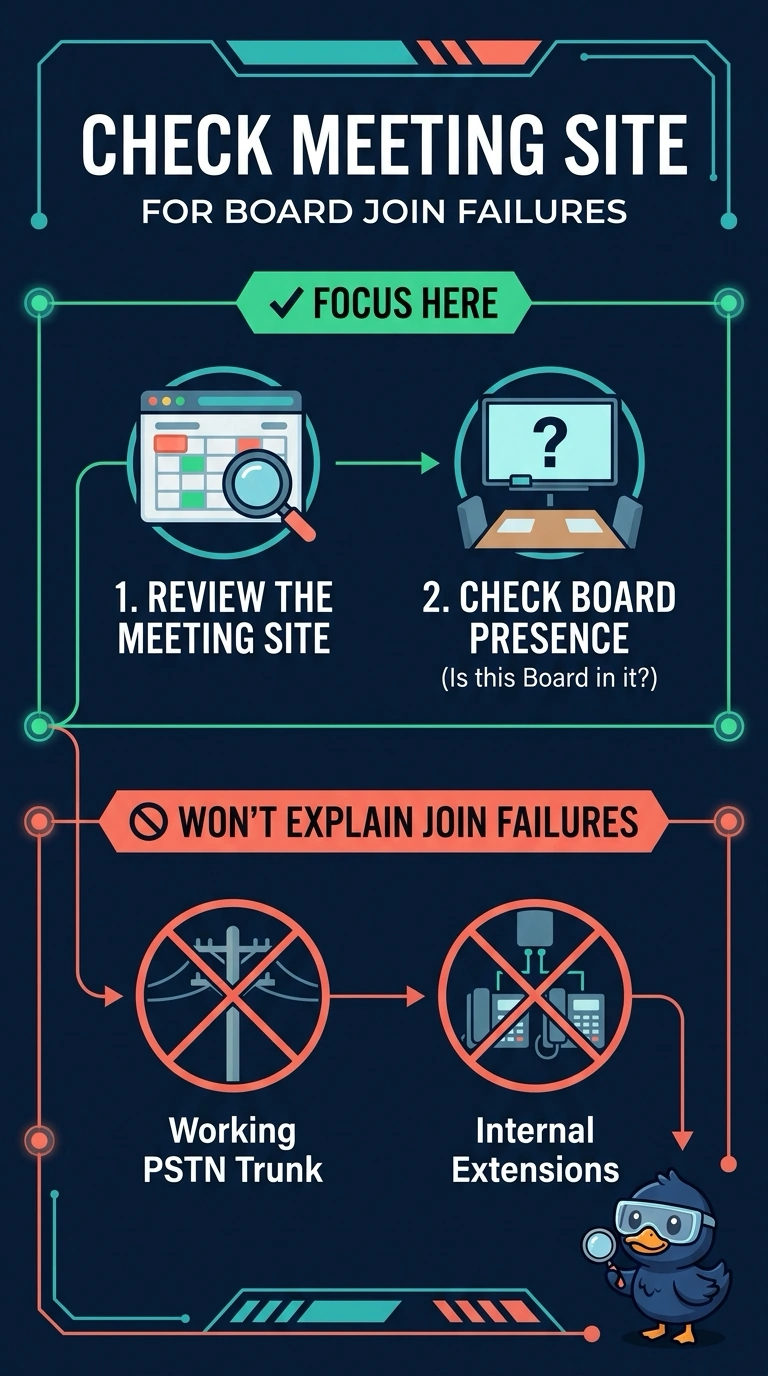
You can have a working phone and still have a separate problem joining a cloud meeting. Check the meeting site and whether this Board is in that meeting; a healthy PSTN trunk does not explain the join failure. You avoid chasing the trunk when calls already work.
Full Explanation
A cloud meeting join failure points to the meeting site or the device’s presence in that meeting, not to the PSTN trunk. The hotel Board can already place and receive Webex calls, and internal extensions work, so the trunk and dial plan are handling calls. Check the meeting site and whether this Board is in that meeting: a working PSTN trunk does not explain why it cannot join. Investigating the local gateway trunk assumes the Board joins the cloud meeting by placing a PSTN call across the hotel trunk, but that is not how the cloud meeting join is established, and the trunk is already up. Checking international call permission treats the meeting address as an international call, which does not fit the reported failure. Adding a translation pattern to rewrite the meeting address into a hotel extension changes dialing, but the problem is meeting participation, not an inability to dial that extension. Exam caveat: successful PSTN and internal calls establish that those calling paths work; they do not confirm that the Board is included in the meeting. Practical check: have the Board join a known meeting on the hotel meetings site, confirm it appears in that meeting, and verify that a test call still uses the existing trunk.