
Hospital staff can record meetings on one Webex meetings site, but not on the site that hosts their department meetings. The meeting itself starts normally. What should be enabled?
Select an answer to reveal the explanation.
Short Explanation
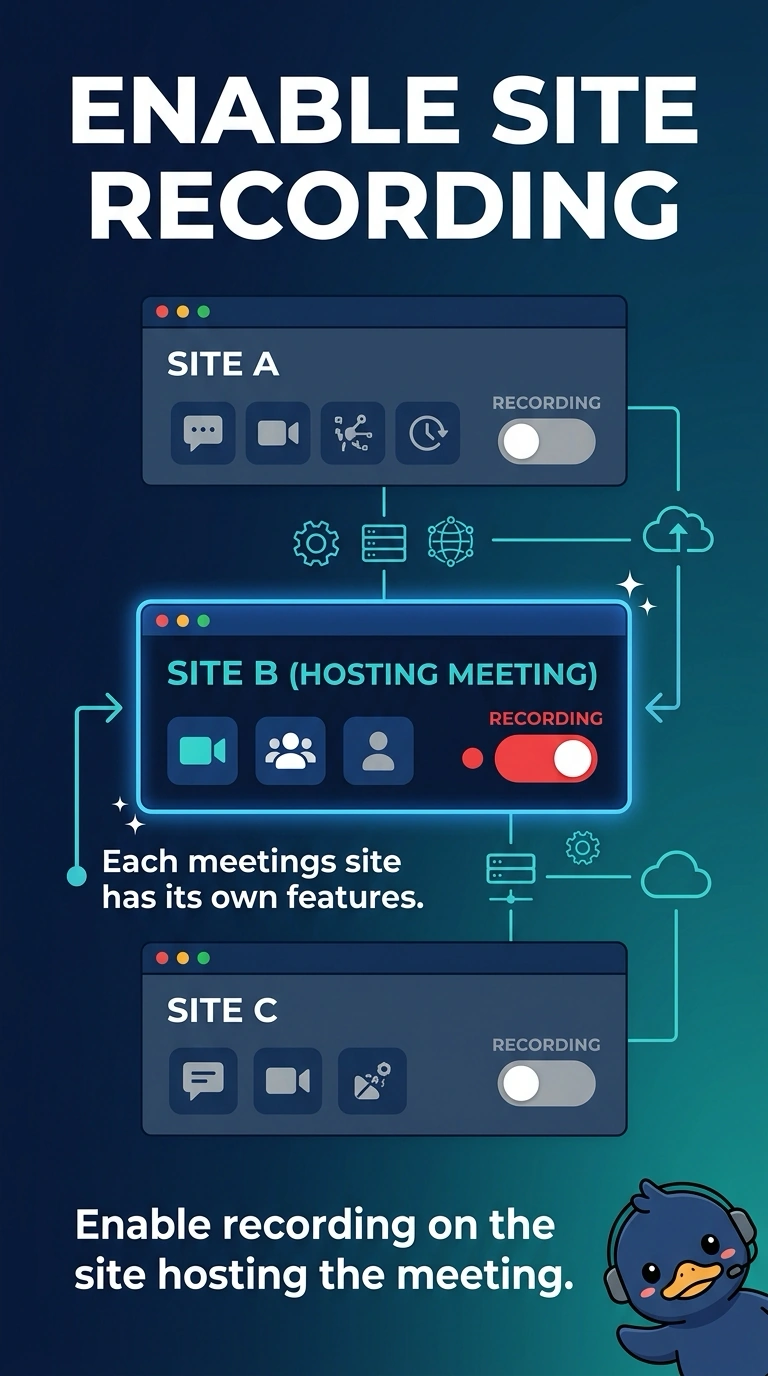
The camera can be switched on in one theater and left off in the theater where the meeting actually sits. You enable recording on the meetings site that hosts the department meeting, because each meetings site has its own features. Recording the local gateway trunk is the trap, because a cloud meeting is not captured on the PSTN path.
Full Explanation
A meetings site has its own features. Recording on one hospital site does not turn recording on for another site, and a meeting that starts can still have recording unavailable on the site that hosts it. Recording on the meetings site that hosts the department meeting, because each meetings site has its own features, is what makes capture available for those meetings. An auto attendant holiday greeting, because the closed menu is what starts a cloud recording of the hospital meeting, and you use a calling schedule and greeting as a meeting recording control. Hybrid calendar for the department mailbox, because calendar sync is what stores the meeting recording on the device, and you confuse calendar join information with the recording feature on the meetings site. Recording on the local gateway trunk, because a cloud meeting is captured on the PSTN path for that hospital site, and you look at the calling trunk for a meeting-site feature. Exam caveat: a recording setting is a meeting control, and a healthy calling trunk does not enable it on a meetings site. Operational check: enable recording on the department meetings site, start a test meeting there, and confirm the record control is available while the other site is unchanged.