
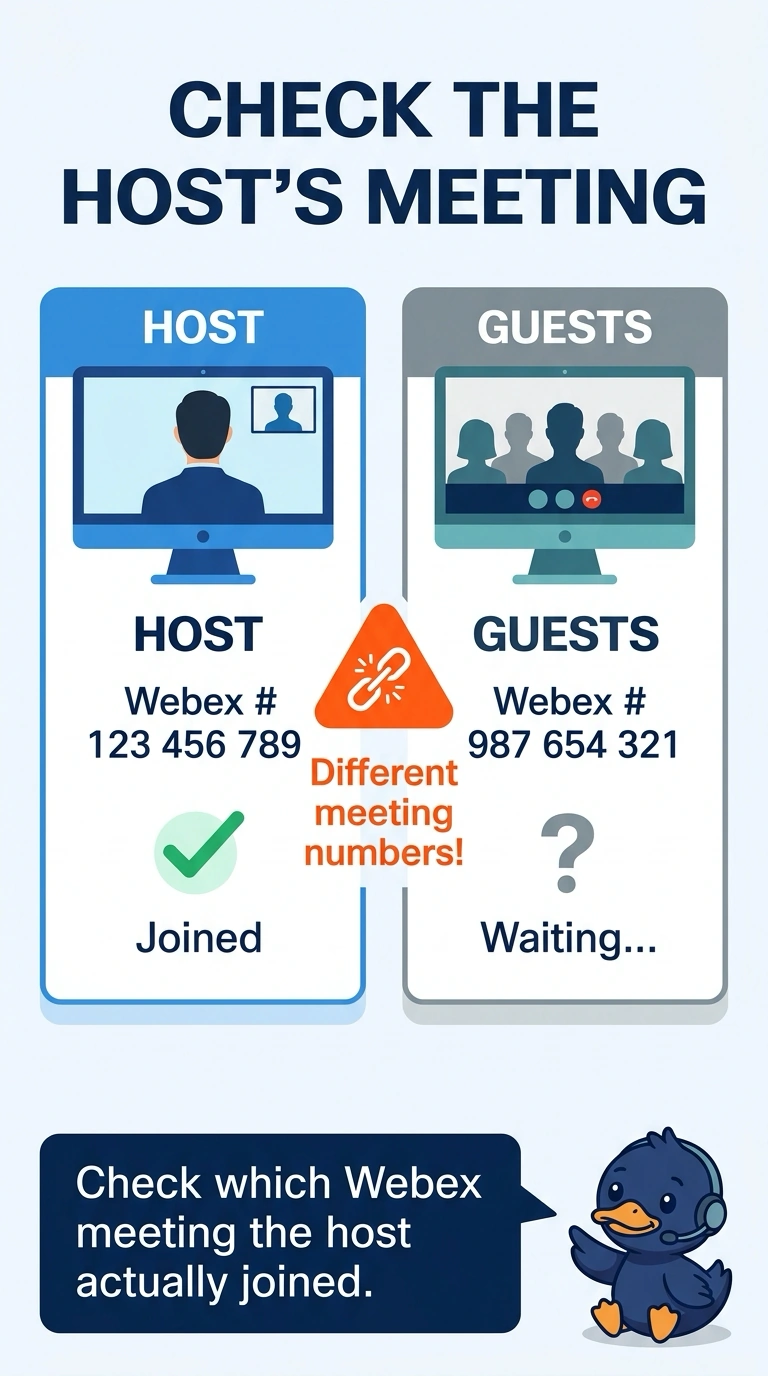
Lab guests wait in a Webex meeting lobby, but the host never sees them. The host joined a different meeting number from the guests. What should be checked?
Select an answer to reveal the explanation.
Short Explanation
You can start by checking which meeting the host joined, since the guests are waiting in a different meeting number. The endpoint PIN, survivability gateway, and dial plan or translation patterns do not explain this mismatch: the lobby is tied to the meeting, not to those settings.
Full Explanation
A meeting lobby is a meeting control, not a routing feature. Guests can wait in one meeting while the host joins a different meeting number, so the host will not see their lobby. Check which meeting the host joined and compare it with the meeting the guests used; that mismatch explains the situation. An endpoint PIN on the lab Board does not choose who waits in the lobby or determine which meeting the host joined. A survivability gateway is unrelated: guests waiting in a meeting lobby are not, for that reason, phones that failed over to local backup calling. Dial plans and translation patterns rewrite or route digits; they do not create a lobby or resolve a mismatch between meeting identities. Exam caveat: distinguish a meeting-number mismatch from a PIN, gateway, or digit-routing issue; those settings do not explain why the host cannot see guests waiting in another meeting. Practical check: compare the meeting number on the host’s client with the number the guests used, then have the host join that same meeting and confirm the lobby list appears.