
A factory route group keeps selecting a trunk that is down and does not attempt the healthy trunk that is also listed in the group. Outbound calls fail even though one trunk can take them. The preferred trunk is shown as Online even during the fault, and the second trunk is Online and can complete the same call. What should change in that route group?
Select an answer to reveal the explanation.
Short Explanation
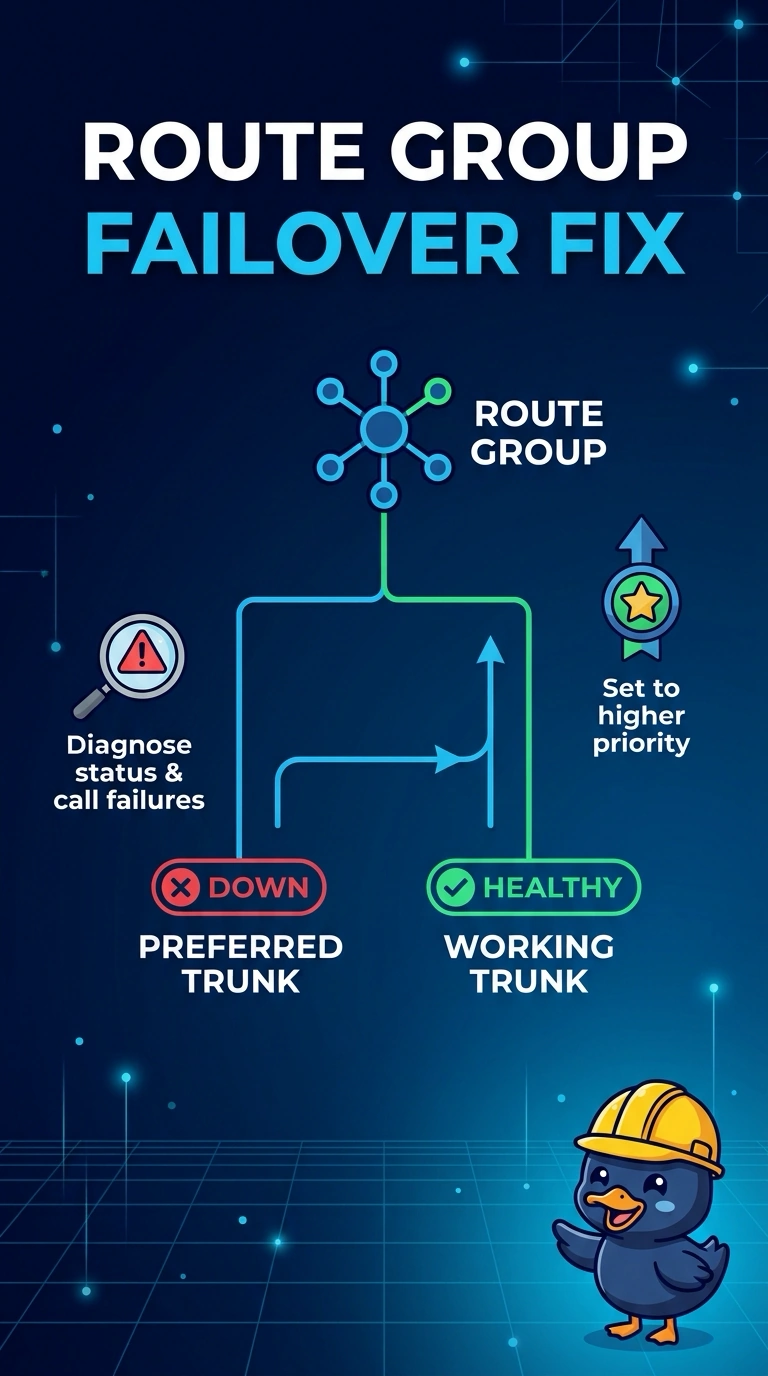
Think of it like you sending everyone through the open side door while you check why the main door looks open but will not move. You set the working trunk to a higher priority while you diagnose the preferred trunk’s status and call failures. A translation, wider permissions, or hybrid calendar will not move the calls for you.
Full Explanation
Set the working trunk to a higher priority while diagnosing the preferred trunk’s status and call failures. A route group uses priority order to select a trunk for outbound calls, so when the preferred trunk stays Online yet fails calls, promoting the proven working trunk restores service immediately while you investigate signaling and carrier acceptance on the preferred trunk. Add a translation that strips an access digit before the factory call is presented to the carrier on the down trunk. A translation rewrites digits before routing, and stripping an access digit does not change priority selection or fix a trunk that completes no calls. Broaden call permissions so every outbound call type is allowed to keep using the trunk that is currently down. Call permissions allow or block a call type, and widening them keeps the same failed selection instead of moving traffic to the working trunk. Reconnect hybrid calendar so the room devices place these calls without consulting the factory route group at all. Hybrid calendar joins meetings and provides scheduling, and it does not choose trunks or reorder a route group. Exam caveat: Priority controls which Online trunk is tried initially, while permissions and translations do not repair trunk health. Operational check: Verify test calls use the working trunk, then review status and failures on the preferred trunk.