
A warehouse call connects to a user and the translation pattern for that number has already matched, but leaving a voicemail fails when the user does not answer. Control Hub shows that voicemail is disabled for the user. What explains the failed deposit?
Select an answer to reveal the explanation.
Short Explanation
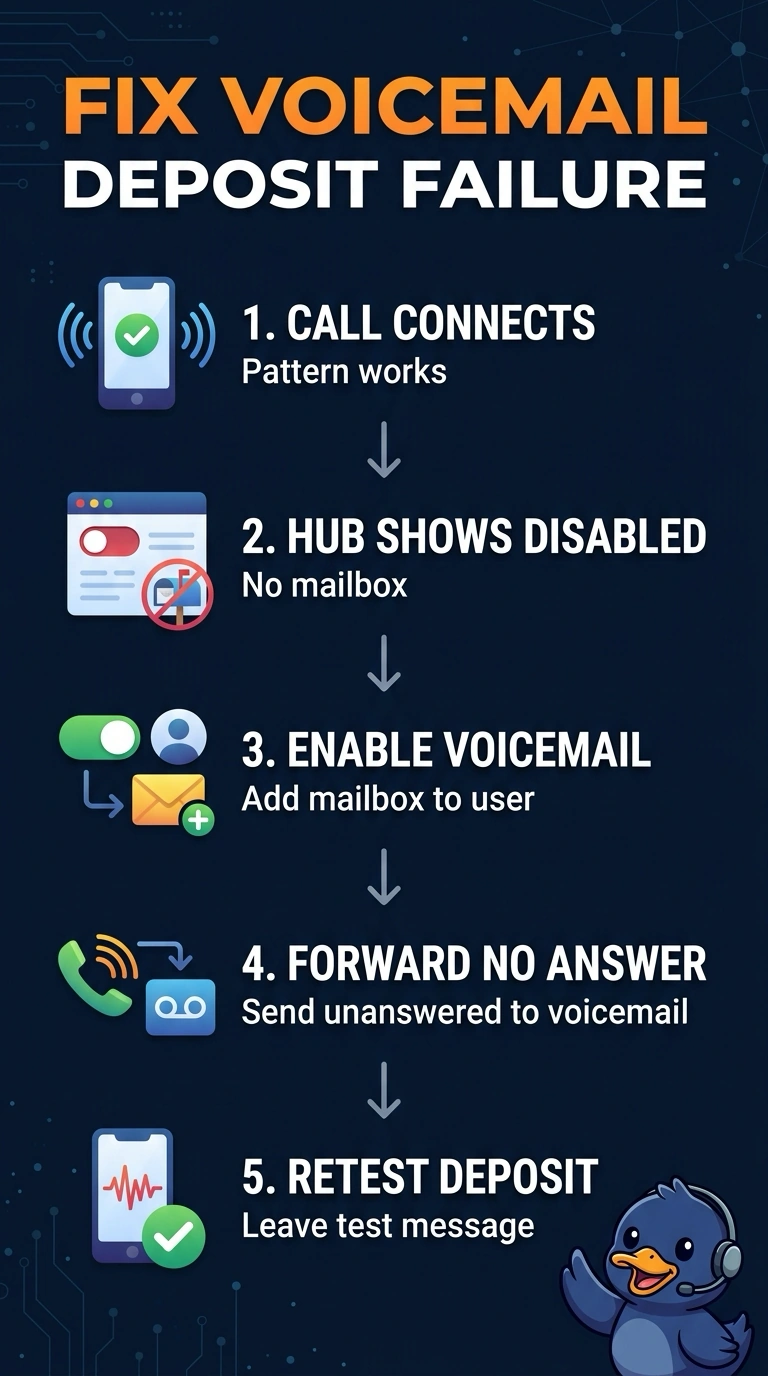
You already know the call connected, so the pattern and trunk did their jobs. You can see in Control Hub that voicemail is disabled for the user, so you enable voicemail for the user and configure unanswered calls to go to voicemail. Don't blame a pattern that already matched, a trunk that already carried the call, or a meeting control.
Full Explanation
The connected call proves registration, dialing, and routing to the warehouse user are working, and the translation pattern for that number has already matched. Control Hub shows that voicemail is disabled for the user, so there is no mailbox and no unanswered-call forwarding to receive the deposit when the user does not answer. The fix is to enable voicemail for the user and configure unanswered calls to go to voicemail, then leave a test message to confirm deposit succeeds. A translation-pattern failure cannot explain this because a pattern that already matched to connect the call has delivered the digits, and rewriting digits does not create a mailbox. A PSTN trunk failure cannot explain this because the trunk already carried the connected call to the user, so the media path is not what blocks the later deposit. A meetings recording control cannot explain this because voicemail deposit is a calling voicemail feature, not a meeting recording, so meeting storage policy does not govern it. Exam caveat: deposit failure after connect points to the destination mailbox and busy/no-answer handling, not to digit manipulation or transport that already worked. Operational check: verify voicemail status in Control Hub, enable and configure unanswered forwarding to voicemail, then retest no-answer deposit.