
Every outbound call from a school shows the location main number as caller ID, and each teacher phone stays registered. Which setting produces that shared identity?
Select an answer to reveal the explanation.
Short Explanation
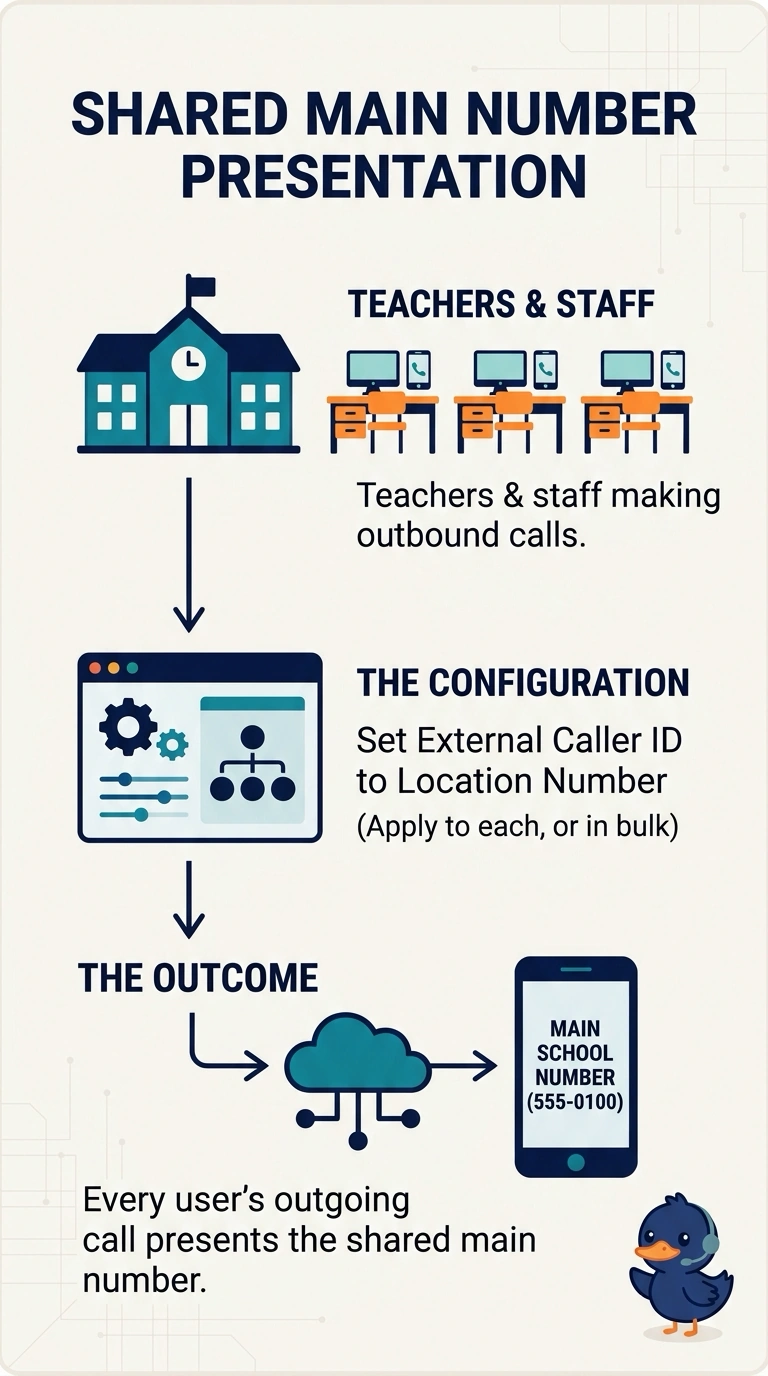
Think of a return-address stamp that marks every letter from the school office, no matter which teacher wrote it. You set External Caller ID Phone Number to Location number for each teacher, so you see the shared identity while phones stay registered.
Full Explanation
External caller ID is chosen per user from allowed numbers including the location main number. Set External Caller ID Phone Number to Location number for each affected teacher, or apply that choice in bulk, and every external outbound call presents the shared main number while phones remain registered. The location main number is a selectable external caller ID for each user. Internal calls retain the user’s identity. Treat the shared caller ID as a failed phone registration, which would take each teacher handset offline instead of changing the presented number, and you chase a fault the stem already rules out because the phones are still registered. Add a translation pattern that rewrites digits only after the outbound call has already left the school location and you change called or calling digits in the dial plan, which does not select the user-level external identity that Webex presents. Change the auto attendant menu that plays when an outside caller dials the school main number and you edit an inbound greeting, not the outbound identity on teacher calls. Exam caveat: external presentation is per-user selection, so shared main-number presentation can be working as designed while every phone remains registered. Operational check: open each teacher calling identity, confirm External Caller ID shows Location number, then place a test call to see that number presented.