
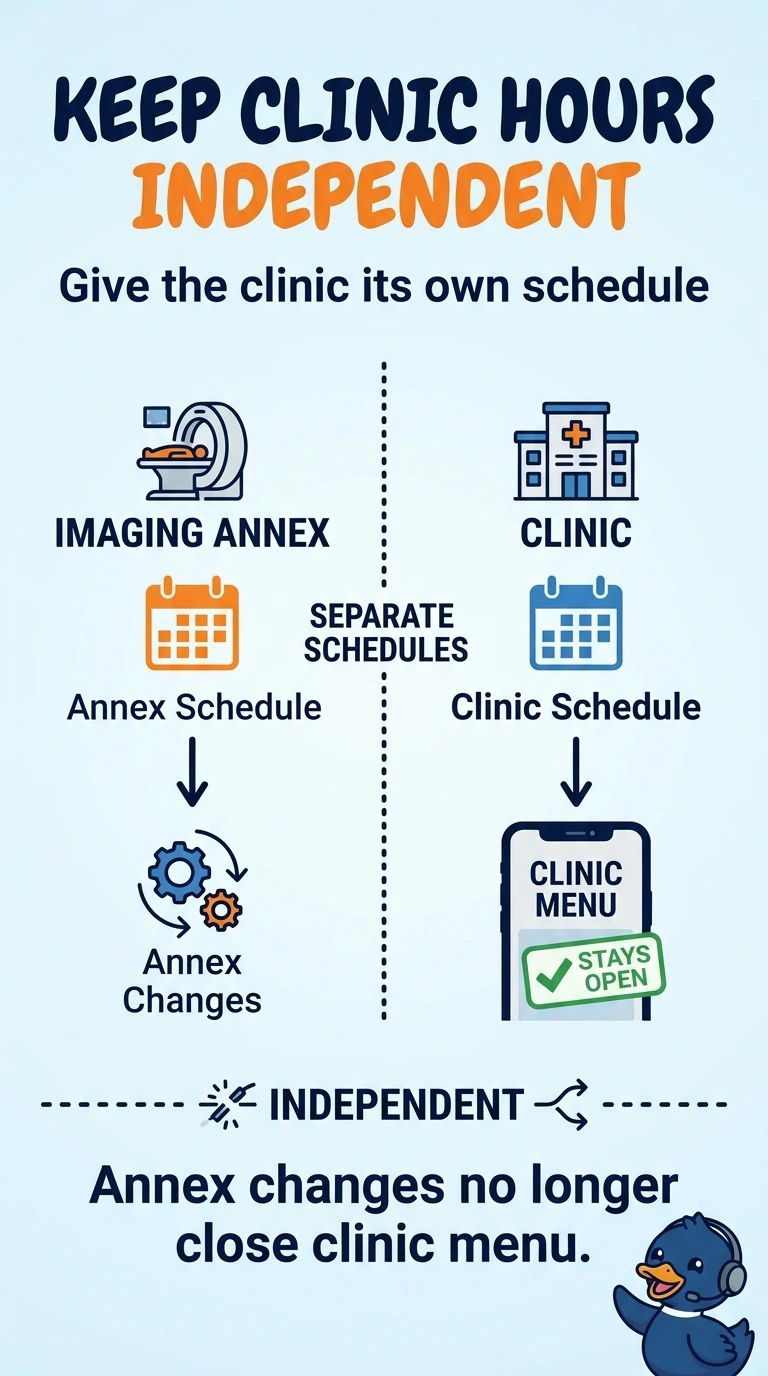
A clinic and its imaging annex share one schedule, so a shorter annex day also closes the clinic menu. Which change keeps the clinic hours independent?
Select an answer to reveal the explanation.
Short Explanation
You can think of a shared schedule as one alarm clock that wakes both rooms at the same time. Give the clinic its own schedule, and a shorter imaging-annex day won’t close the clinic menu too; leaving both sites on one schedule is the trap.
Full Explanation
Create a separate schedule for the clinic in its Webex Calling location and assign it to the clinic’s auto attendant. If the features share an organization-level mode, use separate scheduled operating modes as well. A schedule object selects the active greeting or destination wherever it is used, so a shorter annex day on a shared schedule also closes the clinic menu. Giving the clinic its own schedule separates the locations’ hours. A translation pattern on the clinic main number rewrites digits; it does not give the clinic an independent schedule. Pointing both locations at one route group shares trunks for capacity or failover; it does not separate their schedules. Removing after-hours call permission at the annex blocks a call type there, but leaves the shared schedule in place, so the clinic still follows the annex hours. Exam caveat: a schedule selects open, closed, or holiday treatment; it does not rewrite digits or choose a trunk. Practical check: confirm the clinic and imaging annex reference different schedules, shorten only the annex day, and verify the clinic menu stays open.