
At a law firm, a person signs in for hot desking on a shared Desk device but has no Webex Calling identity, so no line appears. What must be assigned before that sign-in can place a line on the device?
Select an answer to reveal the explanation.
Short Explanation
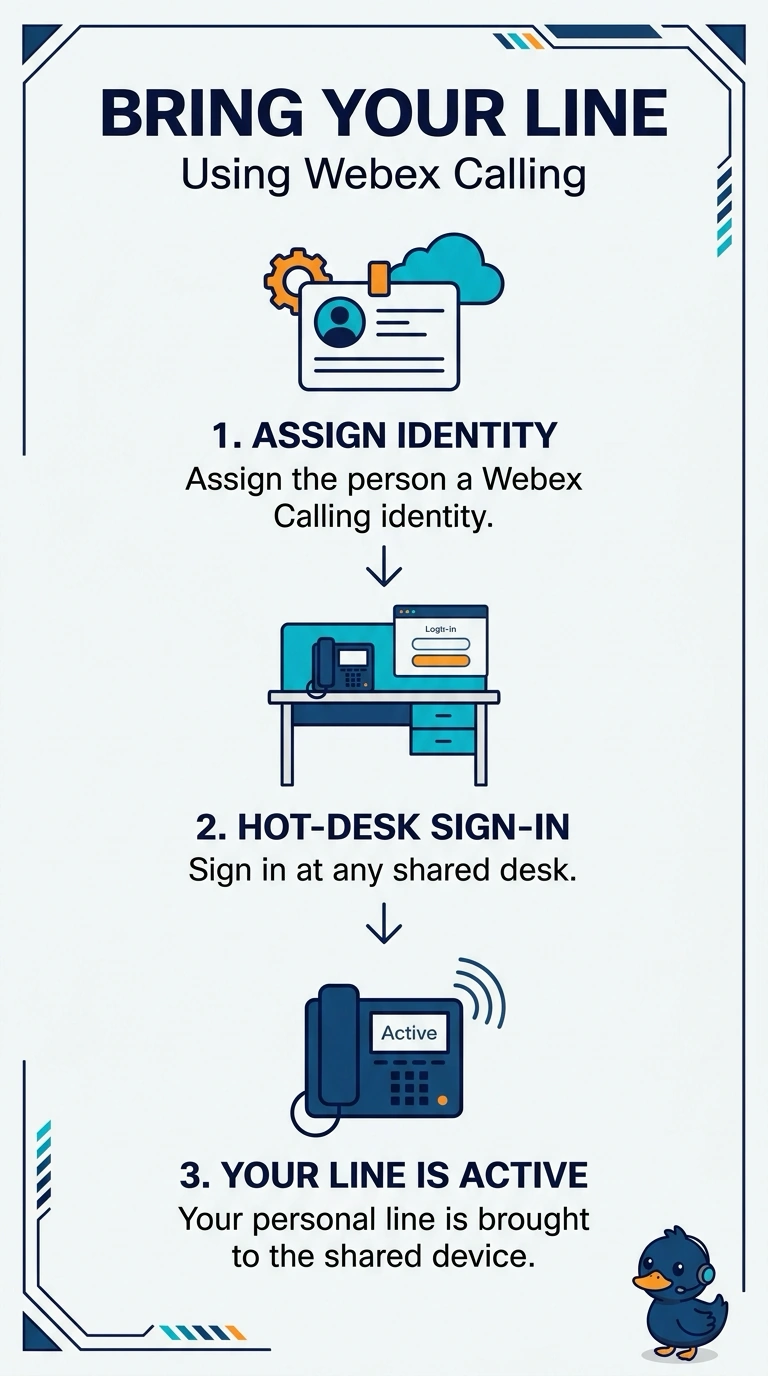
You can sit at the shared desk, but there is no nameplate, so the phone has no line to pull down. Hot-desk sign-in can bring a line only after that person has a Webex Calling identity. The trap is running a room macro and expecting the macro to invent the line.
Full Explanation
Hot desking places a user's line on a shared Board or Desk when that person signs in with a Webex identity that includes calling. This person has no Webex Calling identity, so the sign-in has no line to bring onto the shared device until that calling user is assigned. Publishing an auto attendant on the shared Desk builds a call menu, and that menu does not create a calling line for a person with no calling identity. Admitting the person through a meeting lobby controls meeting entry and does not place a calling line on the shared Desk device. A room macro is JavaScript on the device that uses the device API, and it cannot invent a calling line for anyone who signs in when no Webex Calling identity exists. On exam day, hot desking needs the calling user, and a menu, a lobby, or a macro does not manufacture the line. After the change, assign calling to the person, sign in on the shared Desk, and confirm the line is present. The shared workspace is the right place for that sign-in, and the calling identity is what supplies the line.