
A clinic turned on hot desking for a phone that is personally assigned to one nurse, and other staff cannot sign in and take their own line on that phone. Where should hot desking be placed?
Select an answer to reveal the explanation.
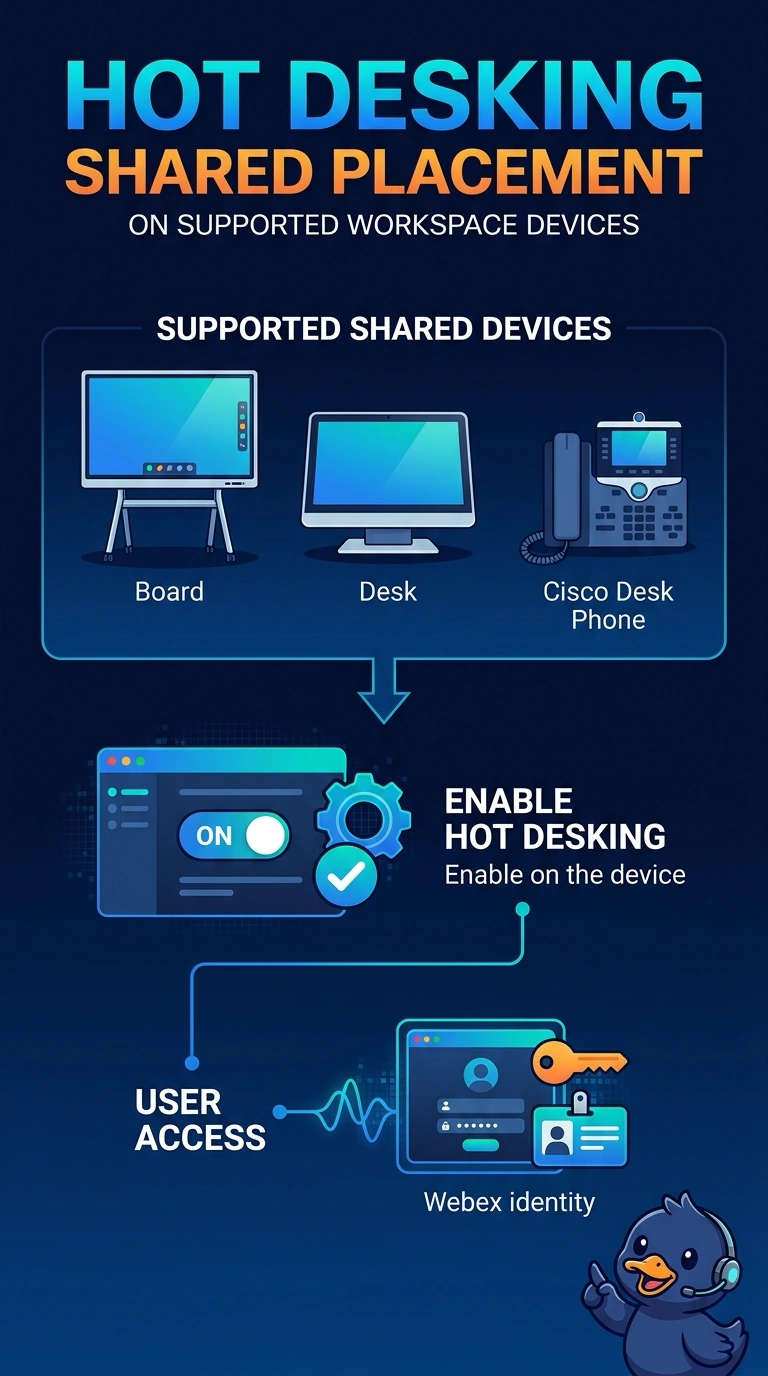
Short Explanation
Hot desking is a shared coatroom, not a locker with one person's name on it. You put the sign-in on a shared Board or Desk workspace, where a user signs in with a Webex identity. The trap is leaving the feature on a phone that is personally assigned to one nurse.
Full Explanation
Hot desking is a sign-in on a shared Board or Desk device with a Webex identity, so another person can bring a line to that shared workspace. The clinic put it on a phone that is personally assigned to one nurse, which is not that shared workspace, so the feature has to move. Leaving hot desking on the personally assigned phone and raising that nurse's call permission still ties the hardware to one person, and a call permission does not create a shared workspace. Turning the phone into an auto attendant builds a menu that answers a call, and an auto attendant is not hot desking. Registering the phone to the Survivability Gateway uses the local fallback registrar during a cloud outage, and that fallback is not a hot-desk sign-in. On exam day, hot desking, an auto attendant, and survivability registration solve three different problems. After the change, sign in on the shared Board or Desk with a second user's Webex identity and confirm that user's line appears on the device. Leave the nurse's personal phone assigned to that nurse.