
A utility dispatcher signs out of a hot desk, yet the next person at that Desk device still receives the first dispatcher's calls. What must a completed sign-out do?
Select an answer to reveal the explanation.
Short Explanation
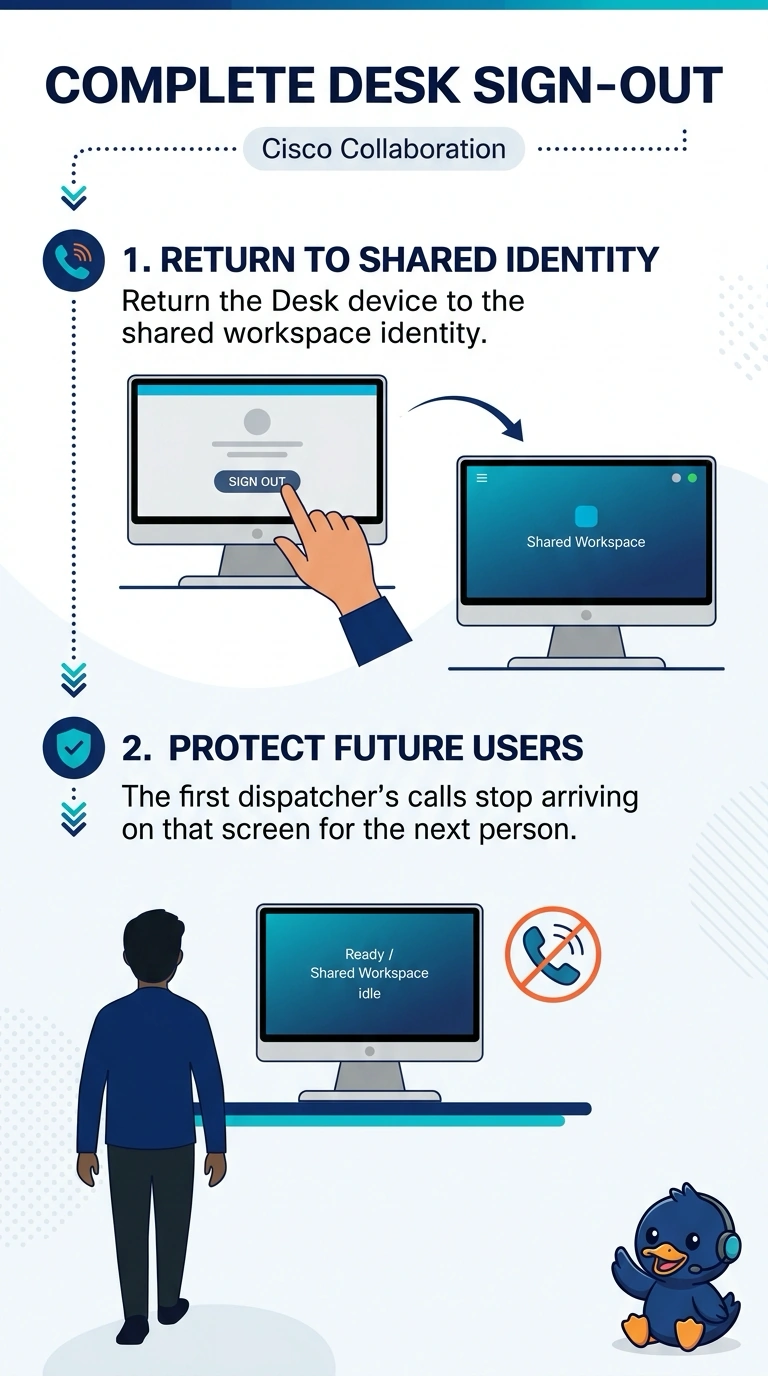
Think of signing out as hanging your name tag back on the hook, not leaving it on the chair. You return the Desk device to the shared workspace identity so the next person does not inherit your calls. If your calls still follow you, the session has not really ended.
Full Explanation
Hot desking puts your Webex identity on a shared Desk device. A completed sign-out removes that identity and returns the device to the shared workspace identity, so the next person does not receive your calls. Starting an auto attendant menu on the Desk device would provide a call menu; it does not change a greeting in place of ending the session, park calls with the last person, or clear that person’s calls. Keeping your Webex identity on the device until a new call permission is saved leaves your personal line assigned. Sign-out must release that line; a call permission only allows or blocks a call type. Registering the Desk device to a local gateway trunk creates a gateway relationship, but does not clear a hot-desk session or release your calls. Exam caveat: hot desking means signing in and out on a shared Board or Desk device; it is not an auto attendant feature for answering a public number. Practical check: sign in as the dispatcher and confirm the extension rings the Desk device, then sign out and confirm the same extension no longer rings that shared device.