
An airline gate uses a shared Desk device with hot desking enabled, and hybrid calendar is off for that workspace. Remote bookings never appear on the desk, while a crew member can still sign in and take calls. What do those calendar bookings need?
Select an answer to reveal the explanation.
Short Explanation
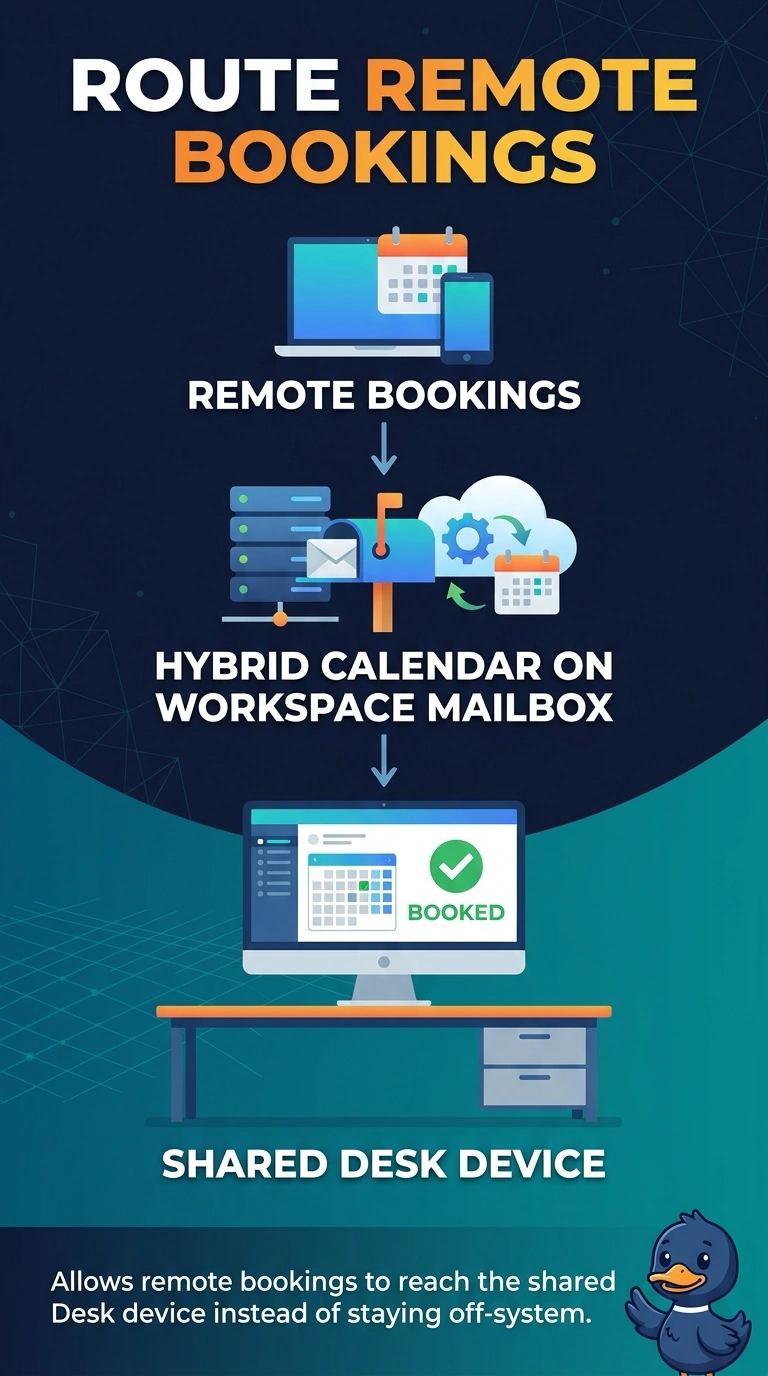
Hot desking is the badge that lets you take calls at a shared desk. The wall calendar still has to be plugged in or remote bookings never show up. That connection is hybrid calendar on the workspace mailbox, and leaving it off keeps those bookings away from the desk.
Full Explanation
Hybrid calendar connects a cloud mailbox so meetings and bookings show on the Webex app and on room or desk devices. Hot desking is already enabled and sign-in for calls works, but hybrid calendar is off, so remote bookings never reach the workspace. Those bookings need hybrid calendar on the workspace mailbox. An auto attendant schedule on the gate number selects a greeting or menu by time of day. A business-hours menu does not push remote bookings onto the shared Desk device. Another hot desking sign-in on the same desk only changes who signs in to take calls. Hot desking does not copy remote bookings onto the device while hybrid calendar stays off. A call queue named for the gate distributes calls to agents. Queue membership does not subscribe the workspace to a remote booking mailbox. Exam caveat: calendar sync is not a calling dial plan, and a working hot-desk sign-in does not prove the mailbox connection is on. Operational check: enable hybrid calendar for that workspace mailbox, create a remote booking, and confirm it shows on the Desk device with a join action.