
A clinic engineer ordered a second router, believing a Local Gateway and a Survivability Gateway cannot run on the same hardware. Which deployment matches the supported model?
Select an answer to reveal the explanation.
Short Explanation
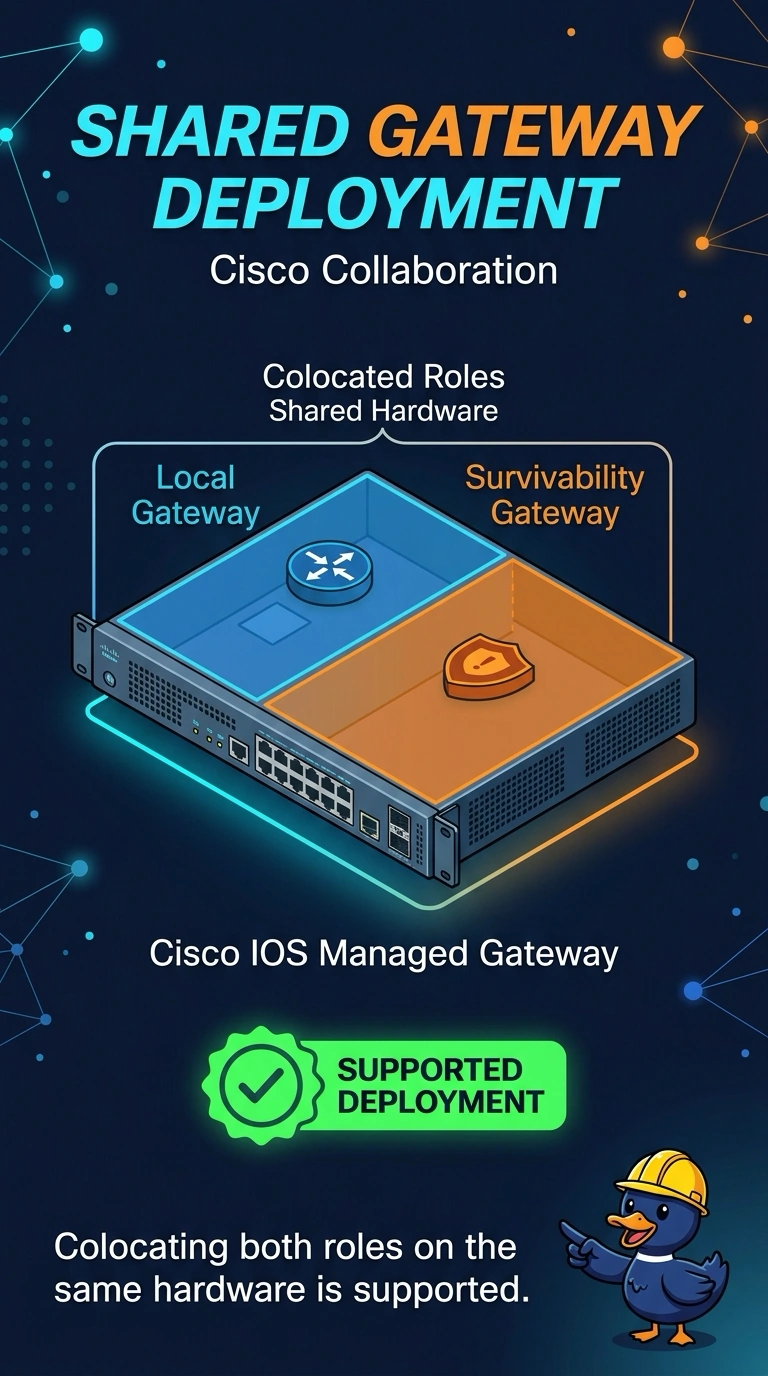
You do not buy a second stove because the soup pot and the kettle can share a burner. A Local Gateway and a Survivability Gateway can be colocated on the same Cisco IOS managed gateway. Ordering another router is the mistake.
Full Explanation
Local Gateway and Survivability Gateway may be colocated on the same Cisco IOS managed gateway. The extra router was ordered for a restriction the supported model does not have. Colocate the Local Gateway and the Survivability Gateway on the same Cisco IOS managed gateway, because that shared hardware is a supported deployment for both roles. Keep the two roles on separate routers, because a Cisco IOS managed gateway can host only one of those roles at a clinic. Separate routers are not required for these two roles, because one managed gateway can host both. Move survivability onto a room-device macro, because the gateway hardware cannot run backup registration at all. A macro is JavaScript on a device using the xAPI, and it does not replace survivability on the gateway. Register the clinic phones to the Local Gateway at all times, because colocation works only when Webex is no longer the normal registrar. Phones normally register to Webex. A Local Gateway trunk registration is not the phone registrar, whether or not the roles share hardware. Exam caveat: Sharing hardware does not remove the other survivability rules: the site still needs that gateway locally, and outside calls during an outage still need a PSTN trunk. Operational check: On the clinic gateway, confirm the local-gateway role and the survivability role are both on that one IOS device, and that phones still register to Webex while the cloud path is up.