
A university must keep a router that is not a Cisco CUBE as its local gateway, but a digest registration on that router will not come up. The device is a Webex-supported third-party SBC with the required software version. Which trunk model fits this device?
Select an answer to reveal the explanation.
Short Explanation
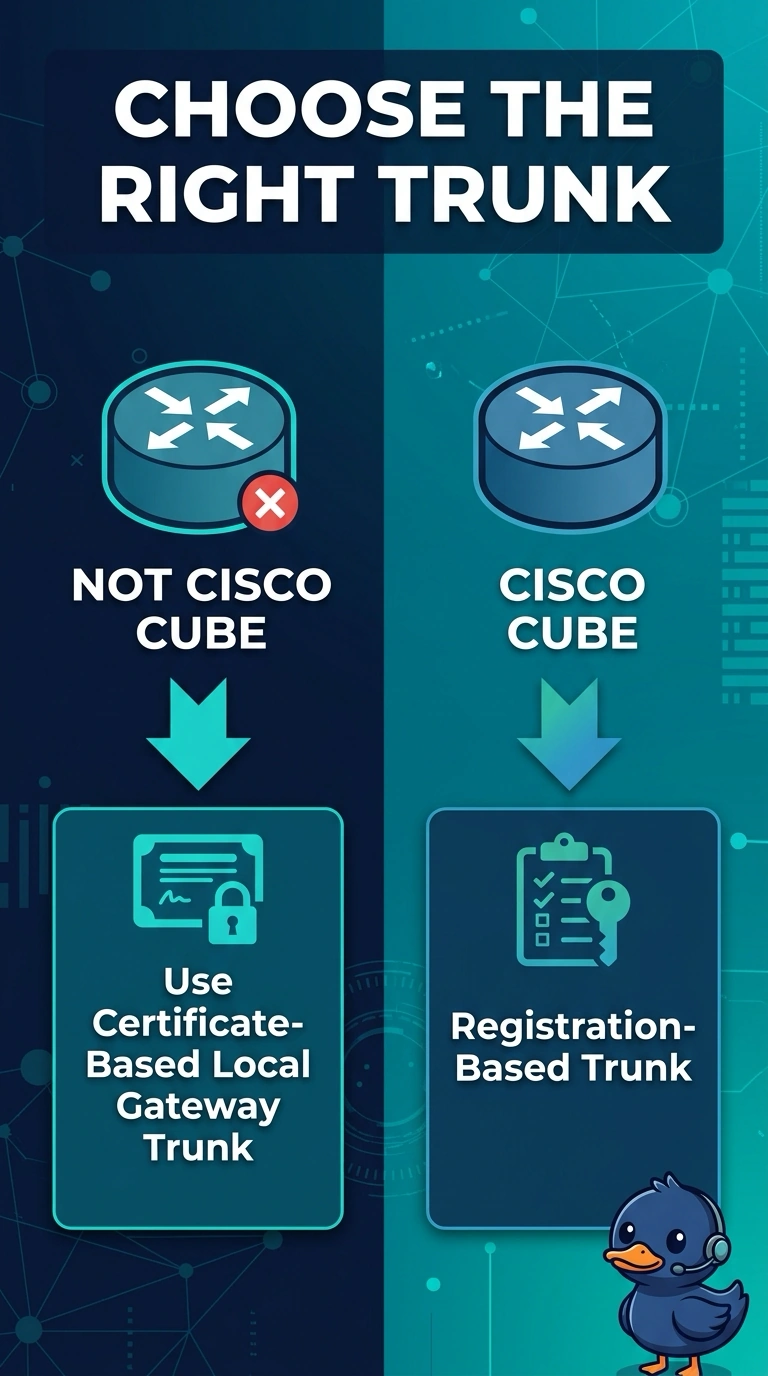
Think of digest registration as a badge reader that accepts only one vendor’s badge. Since your router is not a Cisco CUBE, you need a certificate-based trunk instead. Adding a public DNS name or increasing call capacity won’t make digest registration work on this device.
Full Explanation
Registration-based local gateway trunks register outbound with a digest username and password, and this model is supported only on Cisco CUBE. Because your router is not a Cisco CUBE, the device platform, not its call capacity, is the issue. Use certificate-based trunking on a supported third-party SBC. Keeping digest registration and publishing a public DNS name does not make the router eligible: public DNS is a certificate-based requirement, not a way for any router to register, and a registration-based trunk does not need a public DNS record. Control Hub configuration validation applies when an IOS XE CUBE uses the registration-based model; it will not accept a non-CUBE device on digest registration, and the certificate-based model does not offer automated configuration troubleshooting. Raising capacity on the same registration trunk also cannot fix this platform mismatch. A registration trunk supports one registration; carrying more calls requires another supported trunk in a route group, not a capacity increase on that same trunk. Exam caveat: the certificate-based trunk still requires a public address or static NAT, a verified domain, public DNS, and a CA-signed certificate; wildcard certificates are not supported. Practical check: confirm the device is not a CUBE, build the certificate-based trunk, and verify that Control Hub uses the gateway FQDN to show the trunk online.