
A hotel events manager schedules a client review on a personal Gmail calendar and expects the ballroom panel, which is tied to the company cloud calendar, to show join. The panel does not update. Which calendar should hold that booking?
Select an answer to reveal the explanation.
Short Explanation
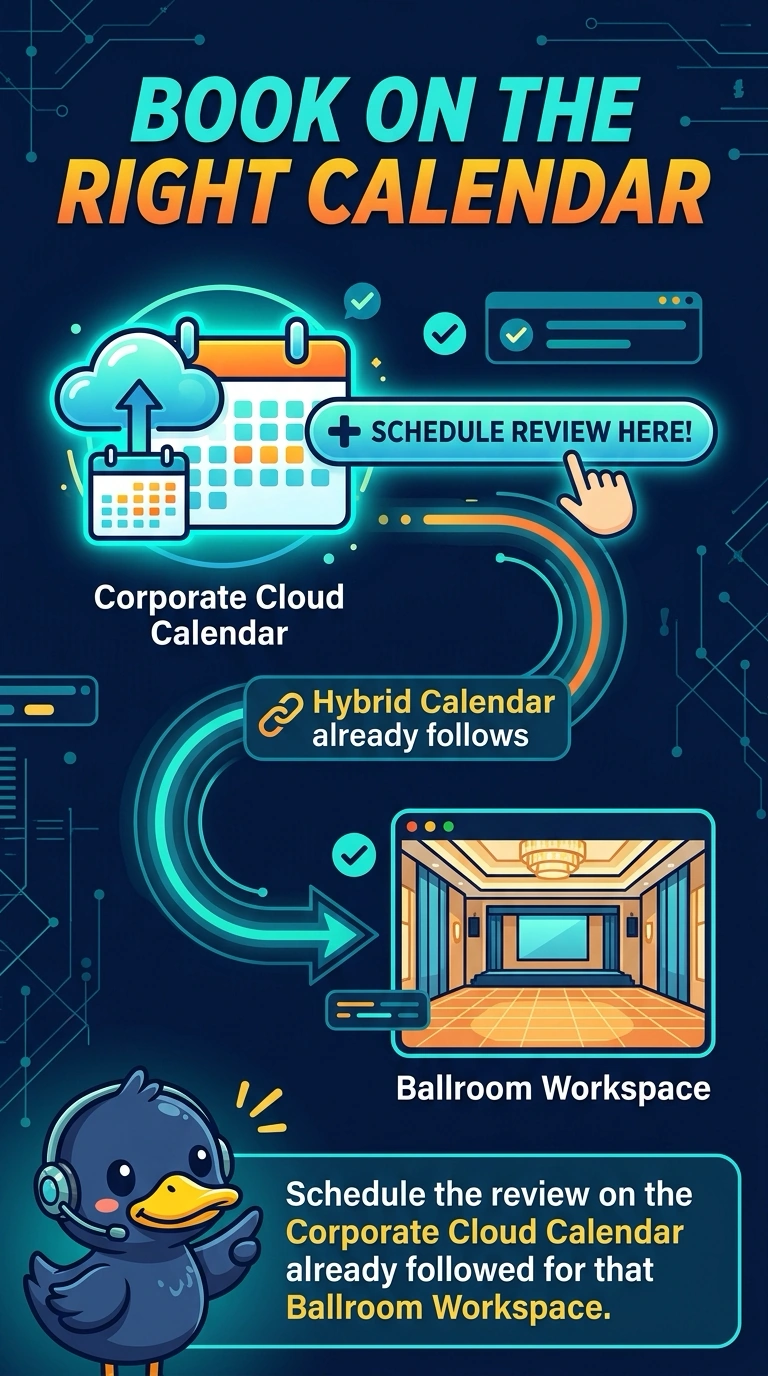
Writing the meeting in a personal notebook does not update the office calendar on the wall. You schedule on the corporate cloud calendar that hybrid calendar already follows for the ballroom. A dial-plan route, hot desking, or Directory Connector will not make the personal Gmail mailbox drive that panel.
Full Explanation
Schedule the review on the corporate cloud calendar that hybrid calendar already follows for that ballroom workspace. Hybrid calendar follows the connected cloud mail service for that workspace, so the booking has to be on the corporate calendar already connected. Add the personal Gmail mailbox as a route pattern in the hotel dial plan so the ballroom panel follows that personal mailbox. A dial plan routes calls, and adding a mailbox as a route does not make hybrid calendar read an unrelated personal calendar. Turn on hot desking and expect the personal Gmail calendar to follow the manager sign-in onto the ballroom panel. Hot desking is a sign-in to a shared Board or Desk device, and it does not switch hybrid calendar over to a personal Gmail mailbox. Rebuild Directory Connector so the personal Gmail mailbox is copied into the ballroom workspace on the next directory sync. Directory Connector syncs Active Directory users, and it does not attach a personal Gmail calendar to the corporate room. Exam caveat: A personal mailbox that is not the connected cloud mail service will not update the room, even when the Webex app on a laptop shows that personal event. Operational check: Book the review on the corporate cloud calendar and confirm the ballroom panel shows join, while the personal Gmail entry stays off that panel.