
A clinic family meeting is on a Microsoft 365 calendar, but the room device never lists it and never offers join. What is missing for that mailbox?
Select an answer to reveal the explanation.
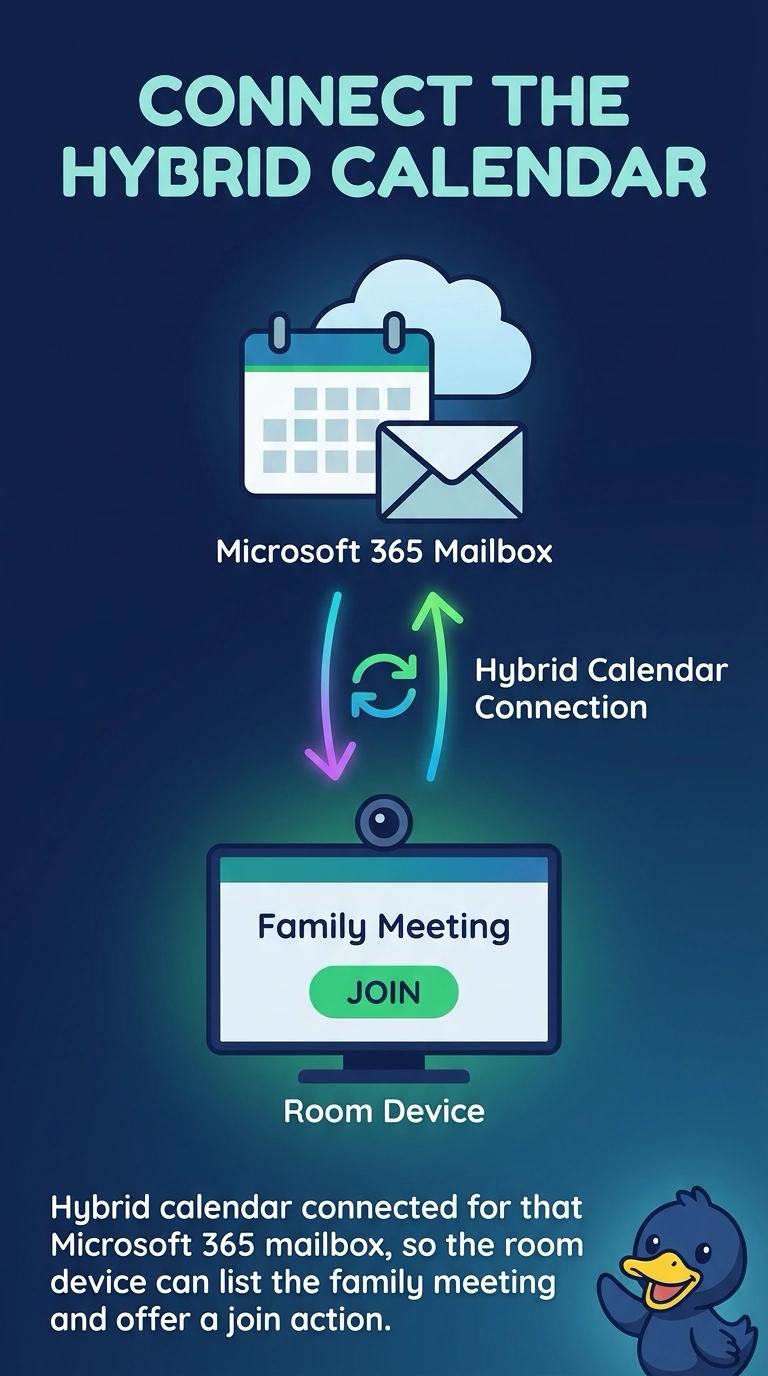
Short Explanation
Think of a conference-room screen that never received the day's appointment card, even though the card is on the nurse's desk calendar. You connect hybrid calendar for that Microsoft 365 mailbox so the room can show the meeting and offer join. The trap is expecting a calling trunk or a digit rewrite to subscribe the device to the mailbox.
Full Explanation
Hybrid calendar connects a cloud mailbox so meetings show on room devices, including a join action. Enable Hybrid Calendar for the workspace resource mailbox and ensure the accepted calendar invitation contains supported meeting join details. A translation pattern only rewrites called digits and cannot copy a calendar entry onto the screen. A local-gateway trunk is the calling path for the location, and assigning that trunk does not subscribe a room device to a Microsoft 365 mailbox. Hot desking is sign-in on a shared Board or Desk device, and a sign-in does not replace a missing calendar connection or display a meeting the mailbox never delivered. The join action is delivered with the calendar entry, and a registered room that has no hybrid calendar still has no meeting to show. Exam caveat: hybrid calendar is not a calling dial plan, so a successful join button still does not fix a PSTN trunk. Operational check: confirm the hybrid calendar service is connected for the mailbox, book a short test meeting in Microsoft 365, and confirm the room device lists it with a join action.