
A warehouse room device shows calendar invites, but calls to the public network fail and the local gateway trunk shows down. A technician reconnects hybrid calendar to fix those calls. What should be repaired instead?
Select an answer to reveal the explanation.
Short Explanation
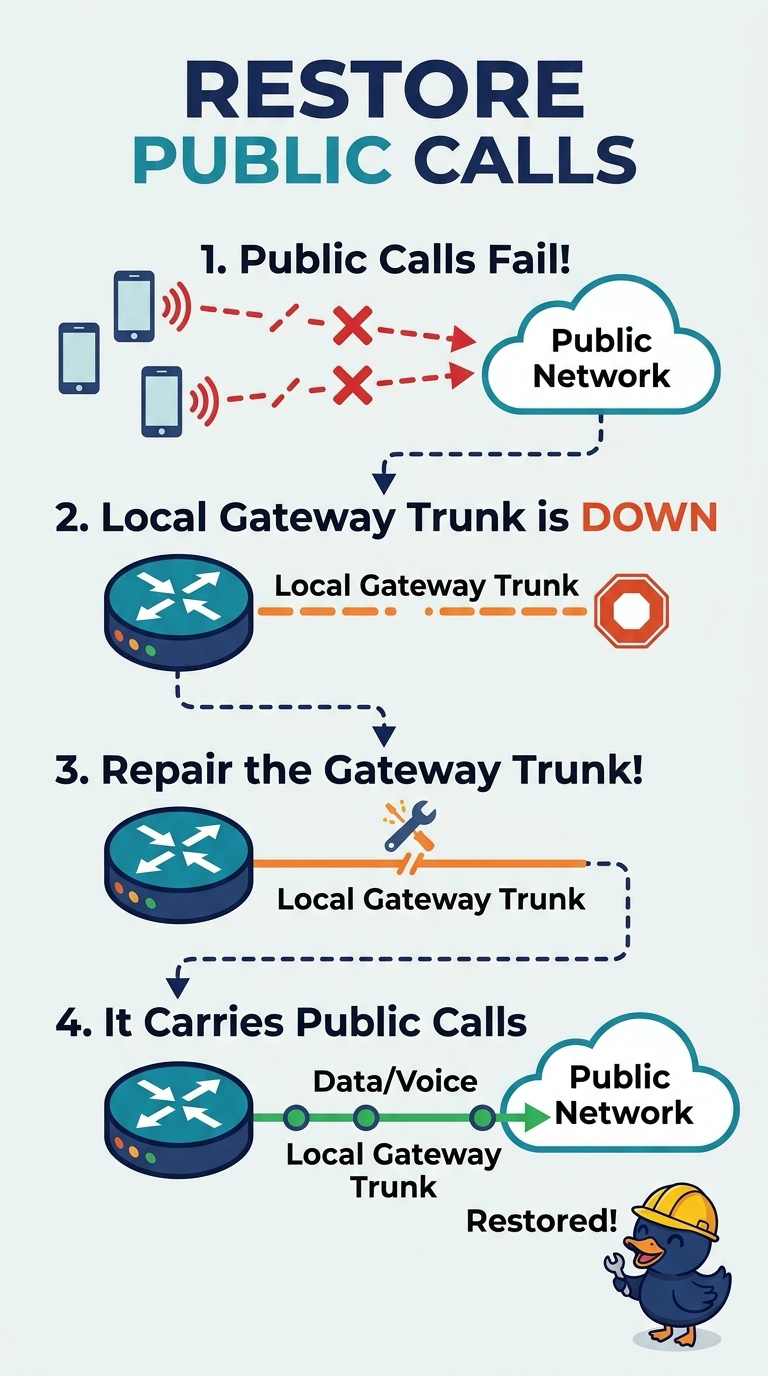
Fixing the wall calendar will not fill a pothole in the road the trucks use. You repair the local gateway trunk that is down, because that is what carries the public-network calls. Reconnecting hybrid calendar, adding a meetings site, or syncing the directory does not bring that trunk up.
Full Explanation
Repair the local gateway trunk that is down, because that trunk is what carries the failed public-network calls. A down local-gateway trunk is a calling path failure, and calendar sync does not choose or restore that trunk. Reconnect hybrid calendar again, on the theory that calendar sync is what selects the outbound trunk for these public calls. Hybrid calendar connects a cloud mailbox so meetings show on the app and on room devices, and it is not a dial plan or a trunk. Add a meetings site for the warehouse, treating the failed public-network calls as a meeting join problem on the wrong site. A meetings site controls meetings features, and a failed public call with a down trunk is not a meeting join failure. Run directory synchronization again, treating the carrier failure as a user account that the directory has not rebuilt yet. Directory synchronization maintains users, and rebuilding accounts does not bring a down trunk back into service. Exam caveat: calendar invites can keep working while the trunk stays down, so reconnecting hybrid calendar, adding a meetings site, or running directory synchronization leaves the public calls broken. Operational check: Restore the local gateway trunk, place a public-network test call, and leave hybrid calendar as it was while the invites still appear.