
A university hot desk shows a booking only on the desk device. Hybrid calendar is disabled for that workspace, so a colleague cannot see the booking in the Webex app. What lets the workspace mailbox hold the booking for remote users?
Select an answer to reveal the explanation.
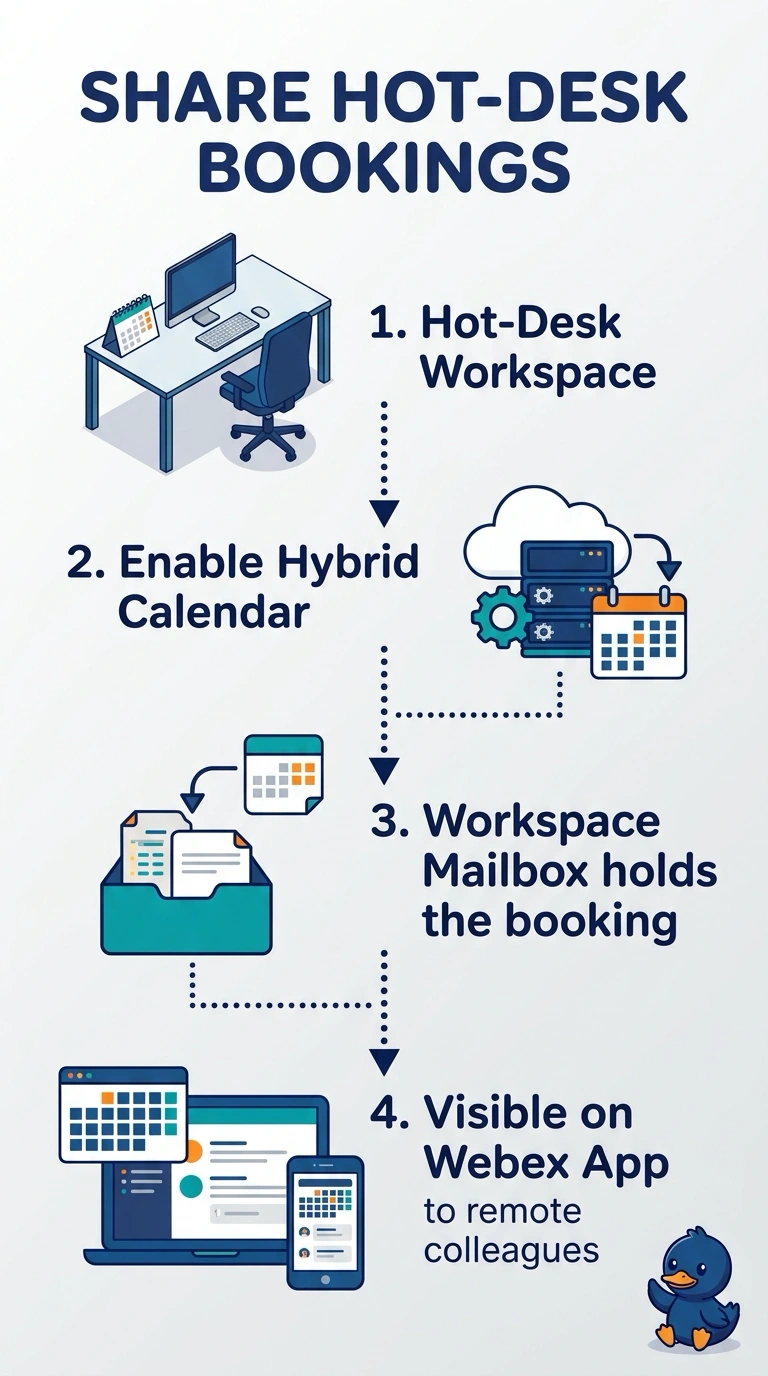
Short Explanation
You can picture the booking as a note on the desk blotter, invisible to anyone who is not there. Enable hybrid calendar for the workspace so its mailbox holds the booking for remote colleagues. A PSTN trunk handles outside calling; it does not switch the calendar on.
Full Explanation
When hybrid calendar is disabled for a hot-desk workspace, bookings stay local to the device, and the workspace mailbox does not hold them for the Webex app. Enabling hybrid calendar connects that mailbox so remote colleagues can see the booking. Turning the hot desk into an auto attendant does not store or publish a hot-desk booking; an auto attendant is a call menu with hours and prompts. Registering a Survivability Gateway provides basic backup calling if the cloud path fails, but backup calling does not copy an on-desk booking into a mailbox. Adding a PSTN trunk to the university location provides the outside-call path; it does not enable hybrid calendar for the workspace. Colleagues away from the desk rely on the workspace mailbox, so a device-only booking does not reach the Webex app until hybrid calendar is enabled. Exam caveat: hot desking means signing in to a shared Board or Desk device, not converting that device into a call menu. Practical check: enable hybrid calendar for the workspace, book the desk from the Webex app, and confirm that the booking appears both on the device and for a colleague away from the desk.