
A hotel disabled an account in Active Directory overnight, and that person still has Webex services the next morning. Which action makes the disable appear in Control Hub?
Select an answer to reveal the explanation.
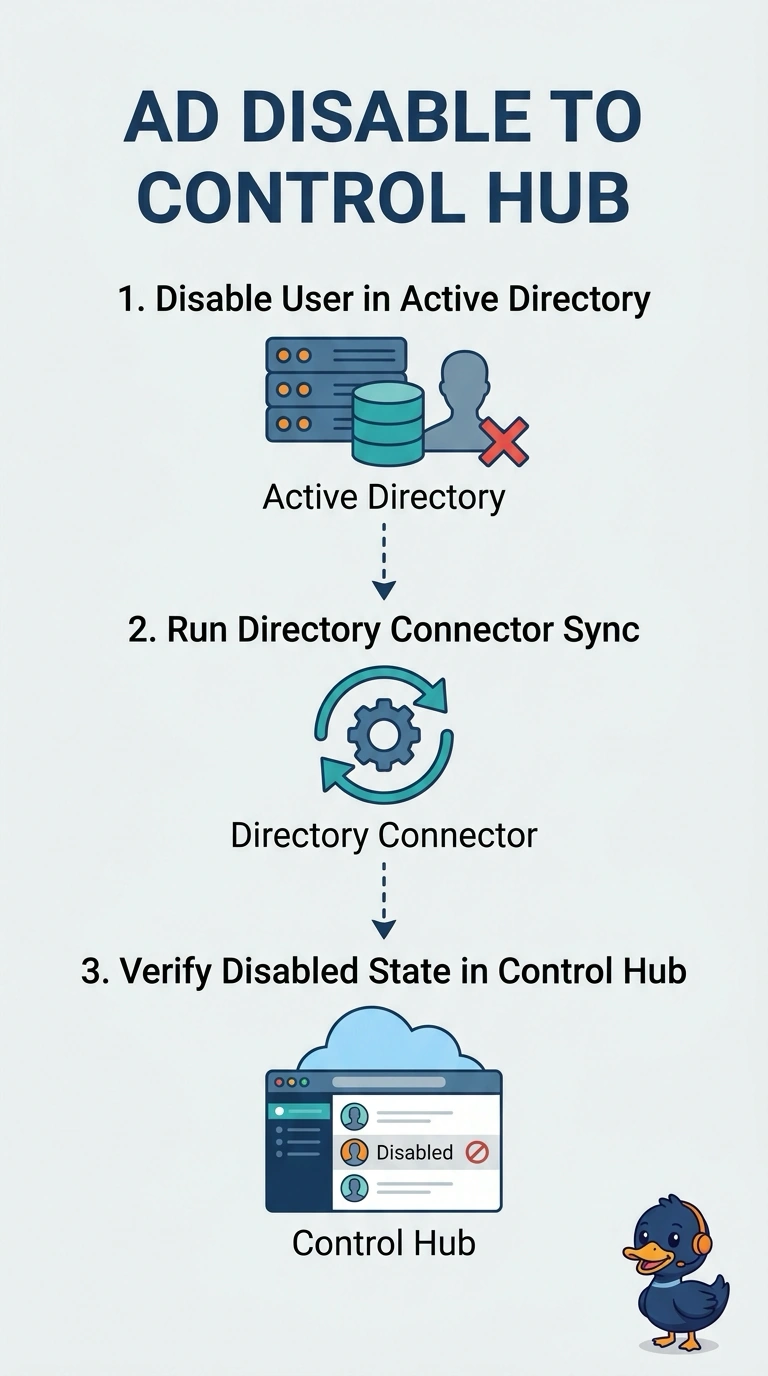
Short Explanation
You can have the hotel account’s disable reach Control Hub by running Directory Connector synchronization, which carries the Active Directory status through to its services. Resetting the voicemail PIN changes a calling secret, not the disabled account’s directory status.
Full Explanation
When Directory Connector manages the directory, Active Directory is the source of truth, and Control Hub reflects its changes when synchronization runs. Run Directory Connector synchronization so the disabled Active Directory account’s state propagates into Control Hub and its services follow that source; this explains why the hotel account can still have Webex services the next morning before synchronization. Resetting the user’s voicemail PIN changes a calling secret and does not read the disabled Active Directory account, so it does not propagate the disable. Adding a second single sign-on certificate changes authentication material for the identity-provider exchange, not the user’s account state. Creating a new calling location for former staff adds a site that owns numbers and a trunk; it does not apply the directory disable. Exam caveat: for a directory-owned user, the change is made in the source directory, and changing a password or PIN does not replace synchronization that carries a disable. Practical check: after disabling the account in Active Directory, run the connector synchronization and confirm that the hotel user’s disabled state appears in Control Hub and that the previous Webex services are no longer available. Also check the connector’s disabled-account scope and the resulting Webex status. Disabling sign-in and removing licenses are separate outcomes.