
Night-shift staff in one utility organizational unit do not appear in Control Hub, and the Directory Connector filter skips that unit. Which change brings those staff into the organization?
Select an answer to reveal the explanation.
Short Explanation
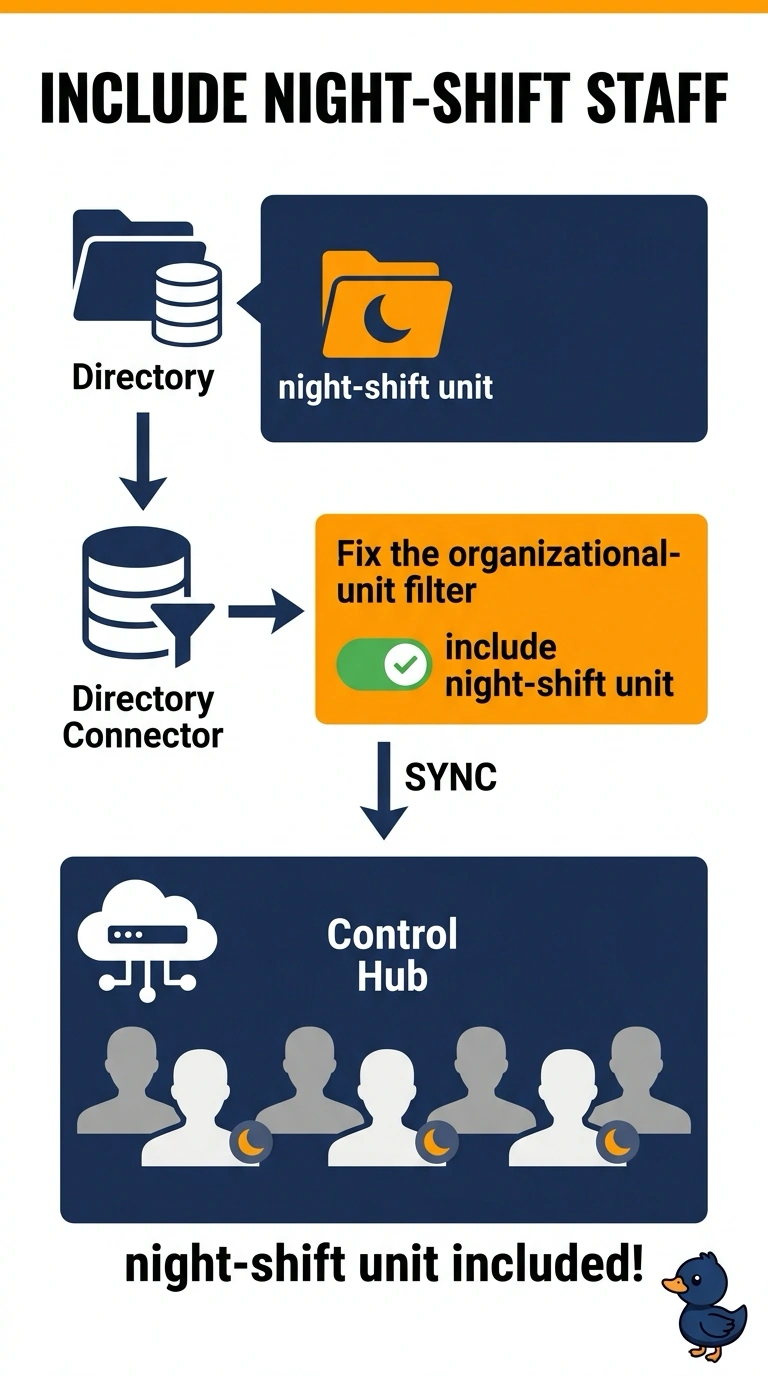
A guest list that skips one table means those people do not get a seat, even though the party is real. You fix the Directory Connector filter so the night-shift organizational unit is included in the sync. Changing call permissions does not add people the filter left out.
Full Explanation
Directory Connector syncs the Active Directory population its filter includes, and Active Directory remains the source of truth. Fix the Directory Connector organizational-unit filter so the night-shift unit is included in the sync, which is why those utility staff are missing and how they enter Control Hub. Change night-shift call permissions to local calls only, which blocks a call type and does not add the staff the filter skipped, and you edit permissions for people who are not in the organization yet. Create an auto attendant named for the night shift, which plays a menu and does not sync the skipped organizational unit, and you add a greeting rather than a directory object. Verify a new email domain for the utility, which affects sign-on and does not include the unit the filter skips, and you prove domain ownership without widening the connector filter. Exam caveat: call permissions allow or block a call type for users who already exist, and they do not create users the directory filter excluded. Operational check: update the organizational-unit filter, run a sync, and confirm the night-shift staff now appear in Control Hub from Active Directory.