
A lab changed a user department in Active Directory, and Control Hub still shows the old department. Directory Connector maps AD department to the relevant Webex user attribute, and the synchronization that includes this change has yet to run. Which action writes the new department into Control Hub?
Select an answer to reveal the explanation.
Short Explanation
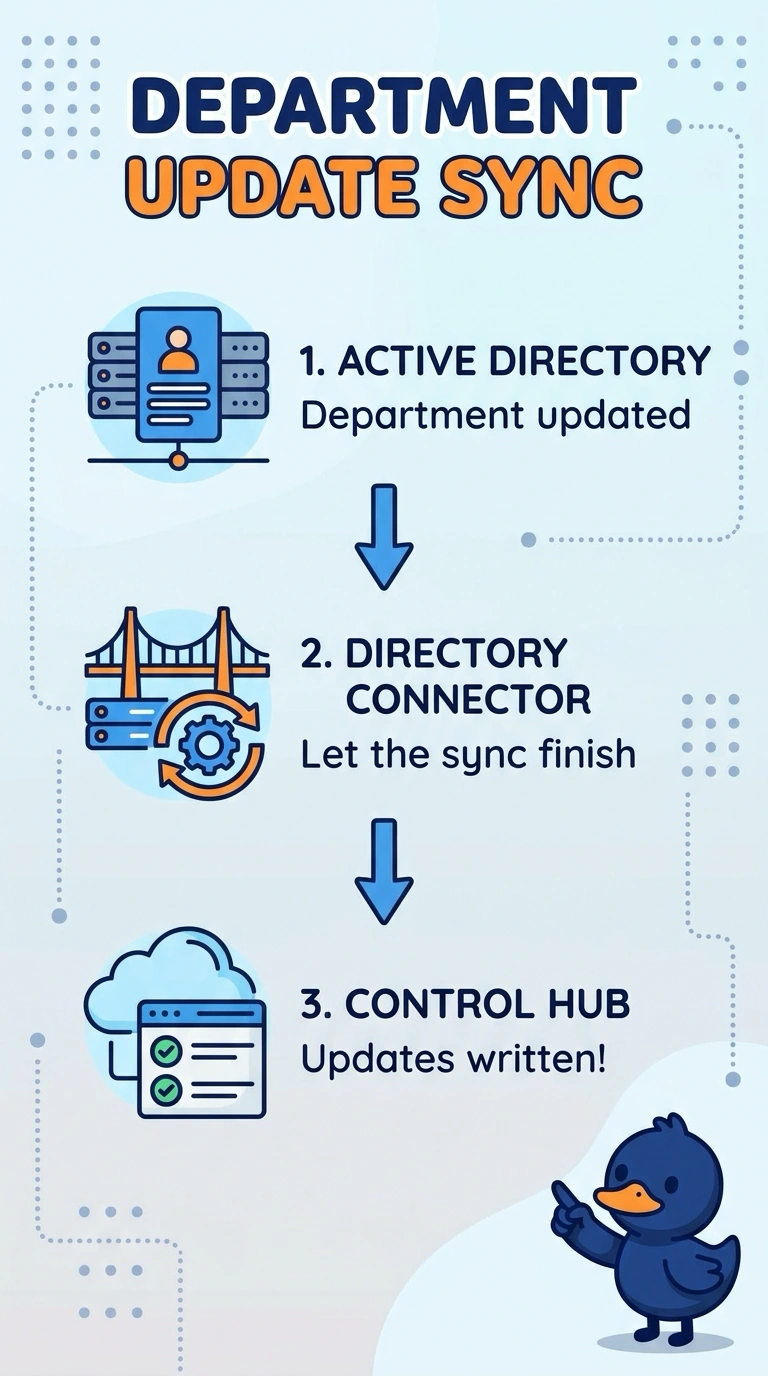
You’re on the right track: let Directory Connector finish a sync so the updated department attribute reaches Control Hub. Building an auto attendant creates a caller menu, changing call permissions does not read Active Directory, and manual entry is not the route for a population owned by Directory Connector.
Full Explanation
Directory Connector syncs user information from Active Directory into Control Hub, so letting the connector finish a sync writes the updated department attribute to the lab user’s Control Hub record. Until that sync completes, Control Hub can continue to show the old department. Building a new auto attendant creates a menu for callers; it does not transfer the department attribute from Active Directory. Changing the user’s call permission from local calls to long distance changes a calling permission, not the department field, and does not read Active Directory. Adding the user by hand in Control Hub is not the appropriate way to update a population still owned by Directory Connector: the connector-managed sync, rather than a manual entry, is responsible for that user’s directory information. Exam caveat: distinguish a directory-attribute update from changes to calling features or caller-facing menus, and remember that connector ownership matters when considering manual user entry. Practical check: run or wait for the Directory Connector sync, then verify that the lab user’s department shown in Control Hub matches the value in Active Directory.