
Directory Connector on an airline Windows server shows its service stopped, so Active Directory updates do not reach Control Hub. Which action restores that sync?
Select an answer to reveal the explanation.
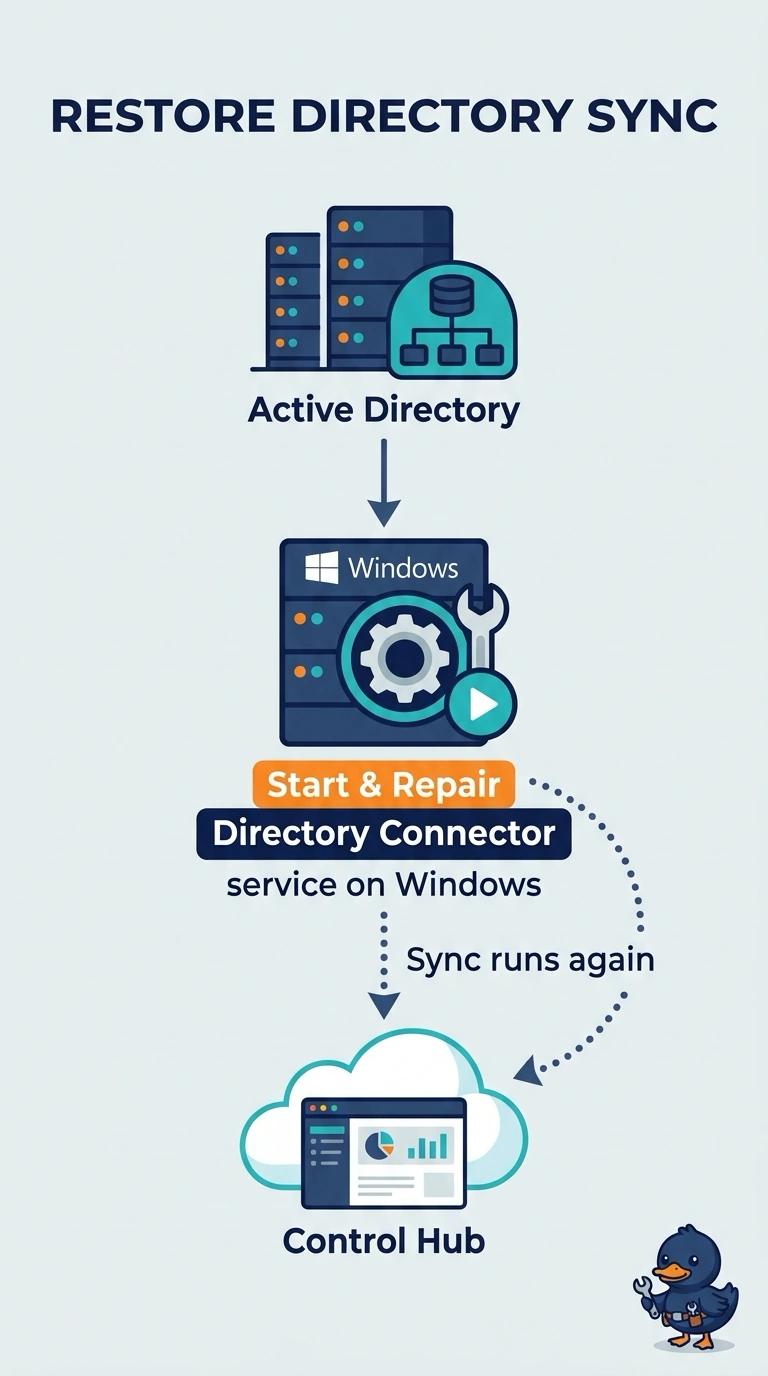
Short Explanation
A delivery van with the engine off will not bring you the directory updates, no matter how fresh the token in your pocket is. You start and repair the Directory Connector service so the Windows sync can run. Rotating a SCIM token does not start that stopped service.
Full Explanation
Directory Connector is the on-premises Windows sync, and a stopped service cannot read Active Directory. Start and repair the Directory Connector service so the Windows sync from Active Directory can run again, which restores the path that writes airline directory updates into Control Hub. Rotate a SCIM token issued for the identity provider, which refreshes a cloud secret and does not start the stopped Windows connector service, and you touch a cloud provisioning credential that does not repair this on-premises connector. Add the missing airline users by hand in Control Hub while Directory Connector still owns that directory and you bypass the source of truth for a population the connector owns. Build a new local-gateway trunk so phone registration is expected to restart the stopped connector service and you add a PSTN trunk, which does not start the Windows service. Exam caveat: a SCIM token rotation does not repair an on-premises Directory Connector, and SCIM and Directory Connector must not both own the same organization. Operational check: confirm the Directory Connector service is running on the airline server, then complete a sync and verify a known Active Directory change appears in Control Hub.