
A hospital security team enables single sign-on in Control Hub, but clinicians on the ward still type a Webex password in the app and do not reach the hospital identity provider. Which condition explains that sign-in behavior?
Select an answer to reveal the explanation.
Short Explanation
A new lock on the front door does nothing if people still slip in through the side door. You are typing a Webex password because the app is not sending you to the hospital identity provider. The trap is treating the single sign-on switch as proof that sign-in left the local password behind.
Full Explanation
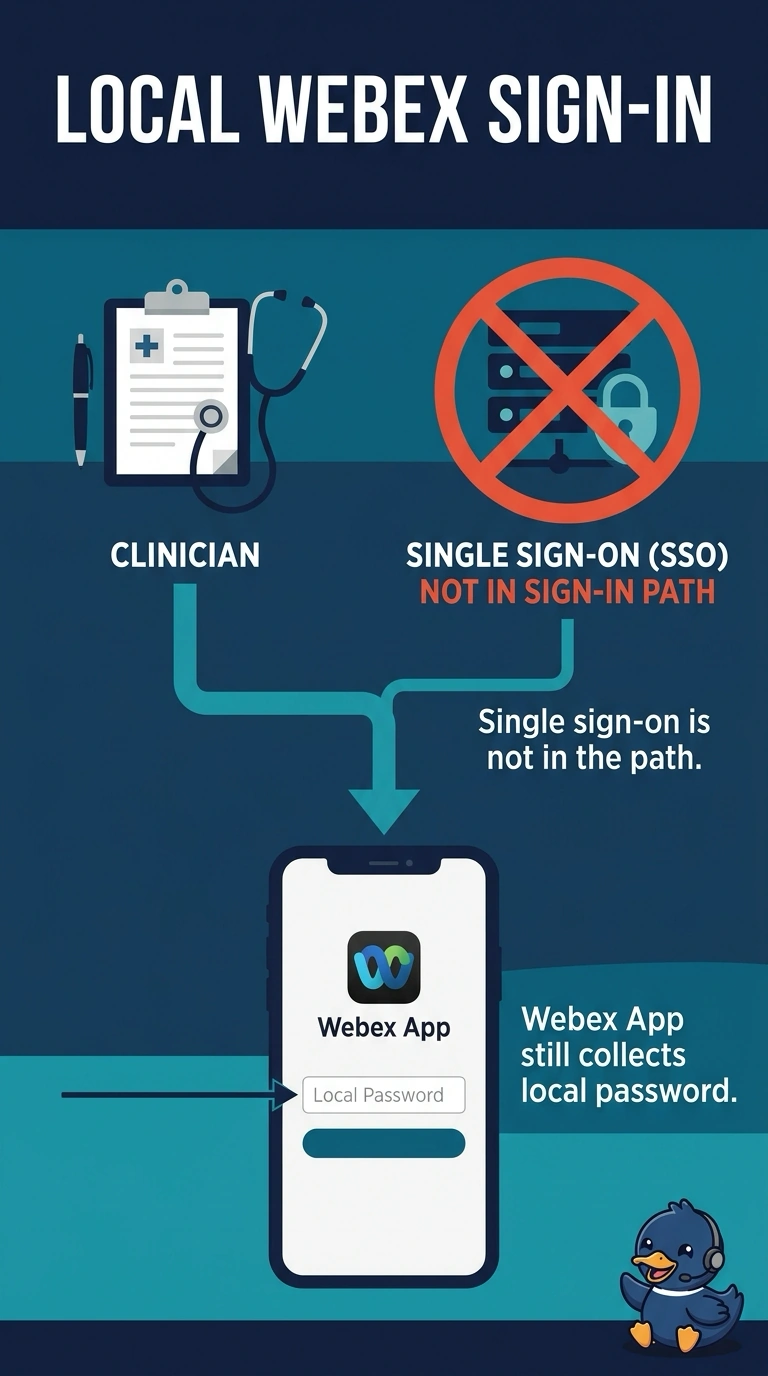
Single sign-on is authentication that sends a person to the enterprise identity provider. When ward clinicians still type a Webex password and do not arrive at that provider, single sign-on is not in the sign-in path, so the app still collects a local Webex password from the clinician. Turning the feature on in the admin console does not prove the application is using the redirect. A directory full sync that has not finished importing the ward clinicians from Active Directory into this hospital organization would explain missing accounts, and it would not replace a redirect with a local password box. A ward calling location that still sends outside calls through the hospital local gateway instead of a cloud calling route chooses how calls leave the site and does not choose the sign-in page. Hybrid calendar disabled on the shared desk devices, so ward bookings stay on the device and do not offer a join action, explains a missing join button on a workspace rather than a password prompt in the app. On the exam, a local Webex password after single sign-on was enabled means the redirect is not actually in use. In operations, start a sign-in as a clinician and confirm the session reaches the hospital identity provider before any Webex password field is shown.