
A regional electric utility finished Migrate Features from Unified CM. The imported phones and lines appear in Webex Calling, and the team expects Unity Connection voicemail audio to have moved with them. What is true of that migration tool?
Select an answer to reveal the explanation.
Short Explanation
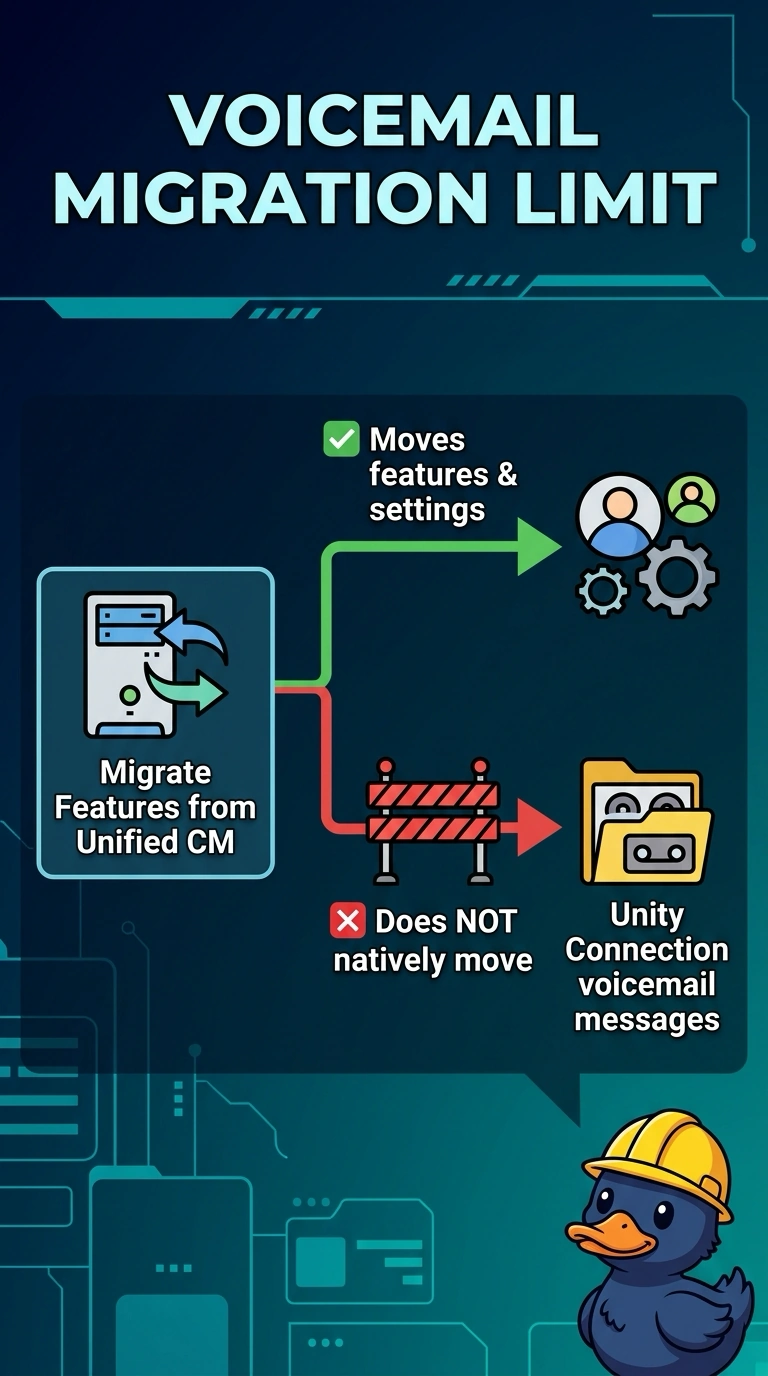
Crating the desk sets does not crate the recording library in the back room. You do not get Unity Connection voicemail messages from this migration tool, even though the phones arrived. The trap is rerunning the import, or asking Directory Connector or Cloud-Connected UC to turn those recordings into calling objects.
Full Explanation
Migrate Features from Unified CM maps devices, lines, auto attendants, call queues, hunt groups, call park, and user calling data from a Bulk Administration Tool export into Webex Calling. Seeing the phones and lines in Webex Calling means that part of the import worked. The tool does not natively move Unity Connection voicemail messages, so the audio staying behind is the expected limit of the tool. Accept that Migrate Features from Unified CM does not natively move Unity Connection voicemail messages. Expect the Unity Connection voicemail recordings to import beside the devices, and rerun the migration if those recordings are missing, repeats a step that cannot carry those messages. Another pass of the same tool still does not natively move the voicemail audio. Ask Directory Connector to play the old voicemail audio after the device and line import has finished asks a directory sync to be a voicemail player. Directory Connector synchronizes directory users. It does not store or play Unity Connection messages. Ask Cloud-Connected UC to convert each voicemail recording into a Webex Calling translation pattern mixes analytics and directory connectivity with digit rewriting. Cloud-Connected UC does not turn voicemail audio into a translation pattern, and a translation pattern only rewrites digits. Exam caveat: a successful device import is not evidence that voicemail messages moved. Operational check: confirm the imported phones and lines in Webex Calling.