
An insurance team plans to delete the Unified CM cluster tonight, before the migration tool has imported the auto attendants from that cluster. What should happen to the source cluster?
Select an answer to reveal the explanation.
Short Explanation
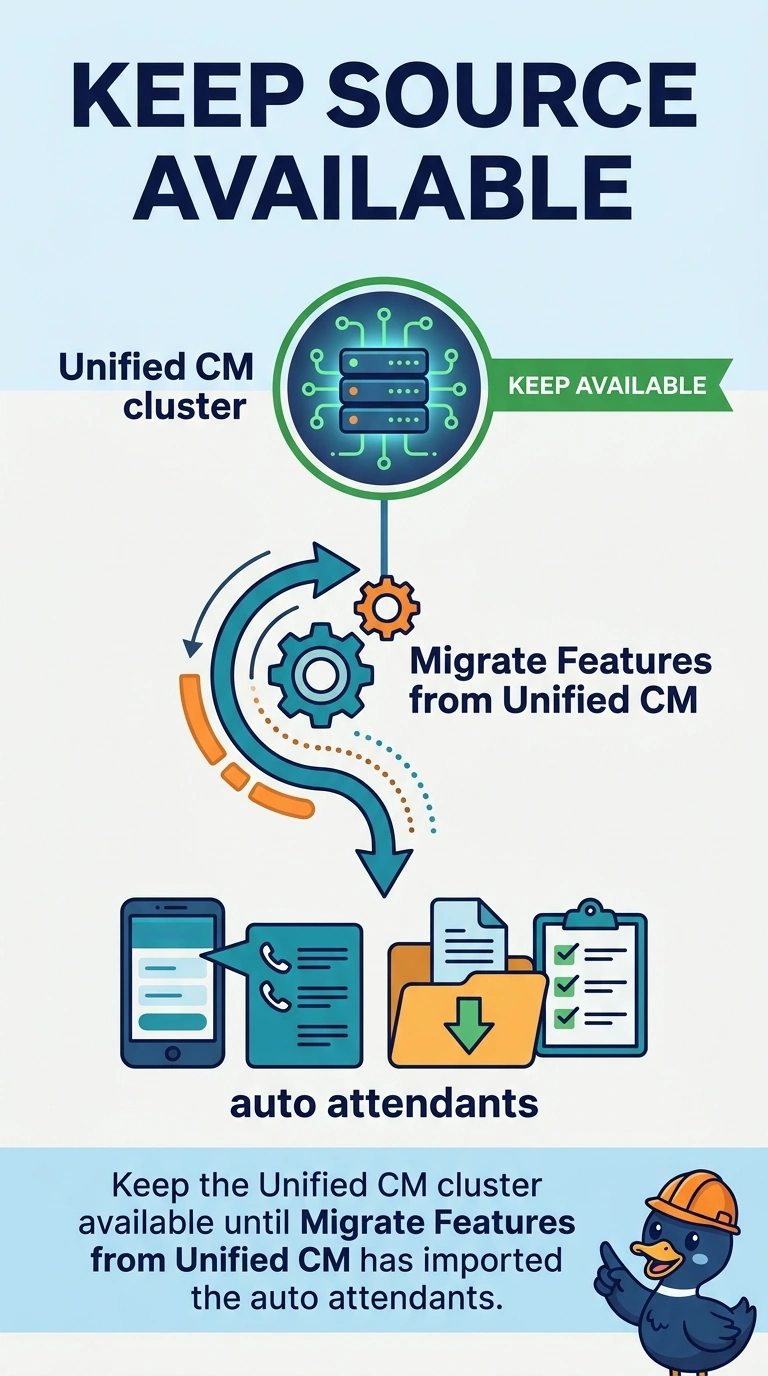
You are about to burn the blueprint while the copy machine is still warming up. Keep the Unified CM cluster until Migrate Features from Unified CM has imported the auto attendants. The trap is deleting the source first and hoping the tool can invent those attendants.
Full Explanation
Migrate Features from Unified CM maps auto attendants, along with devices, lines, queues, hunt groups, call park, and user calling data, from the Unified CM source into Webex Calling. Retain the source and its supported exports until the migrated auto attendants have been provisioned and verified. The migration tool reads the uploaded export files. Deleting the Unified CM cluster first removes the source before the import, and the tool does not create the auto attendants without reading the source. Directory Connector synchronizes directory users and does not import the auto attendants, so running it and deleting the cluster the same night skips the migration tool. Cloud-Connected UC connects on-premises Unified CM to Control Hub for cloud-connected operations, and its analytics view is not the attendant import. On exam day, Cloud-Connected UC analytics is not the attendant import, and Directory Connector does not stand in for Migrate Features from Unified CM. After the change, confirm the auto attendants exist in Webex Calling before anyone removes the source cluster.